No Syntax Highlighting
Publisher: Ryan OlsonThemes in package: 15
A collection of themes with no to little syntax highlighting
A collection of themes with no to little syntax highlighting
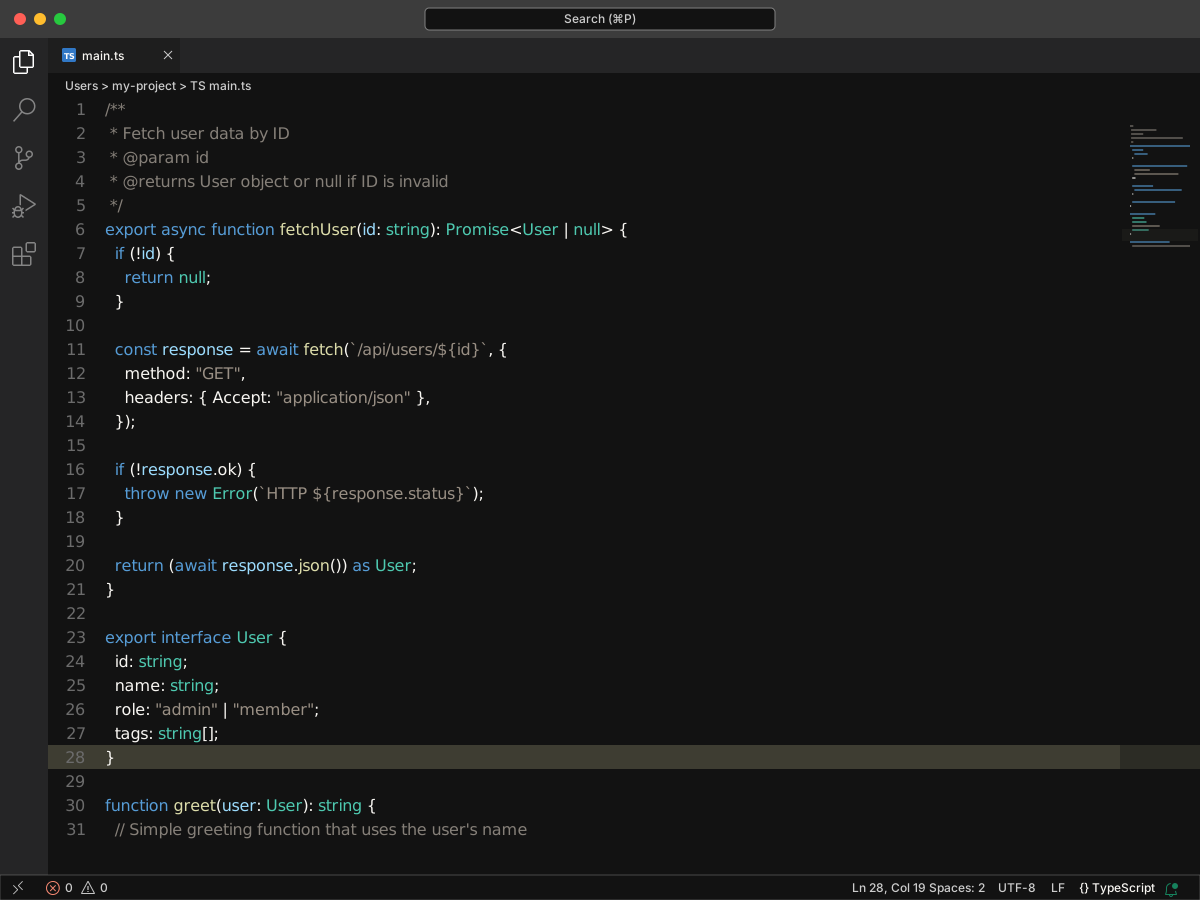
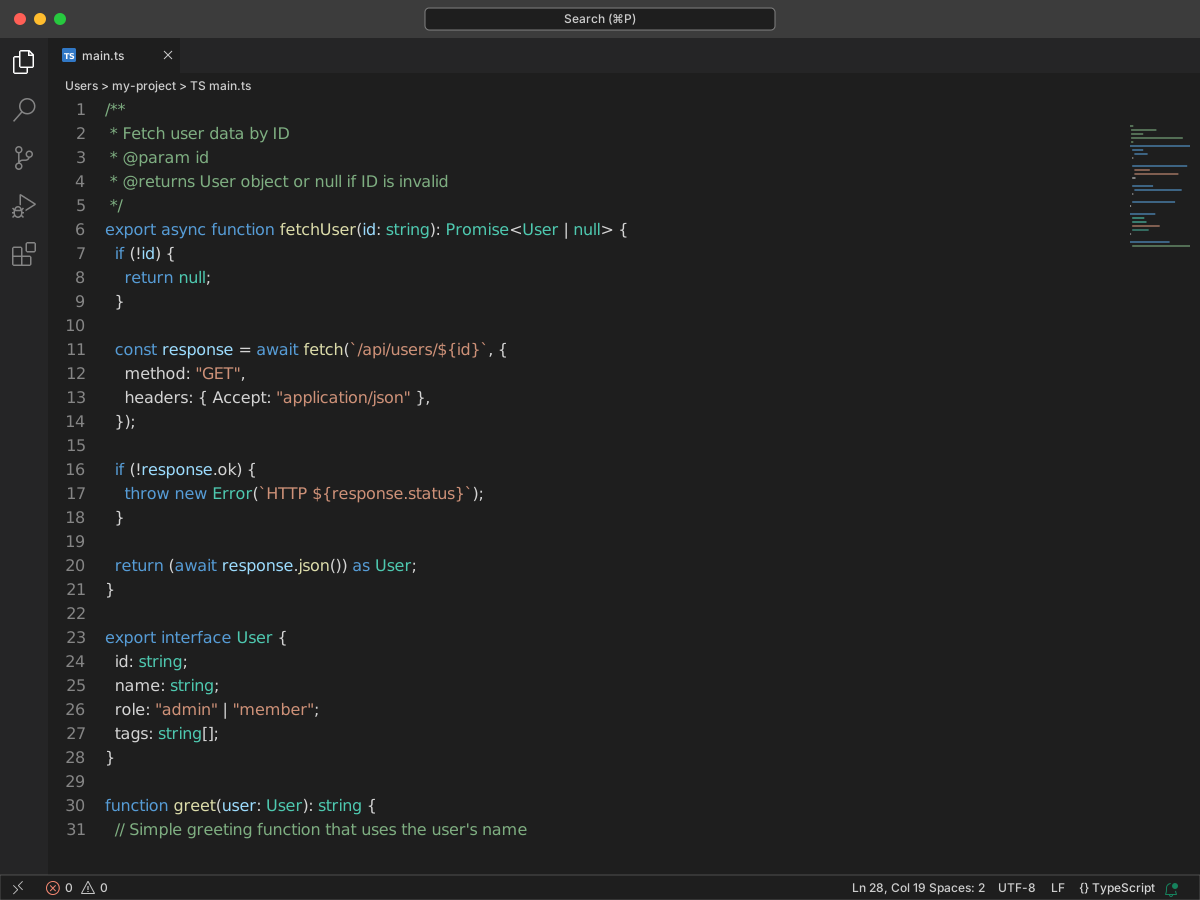
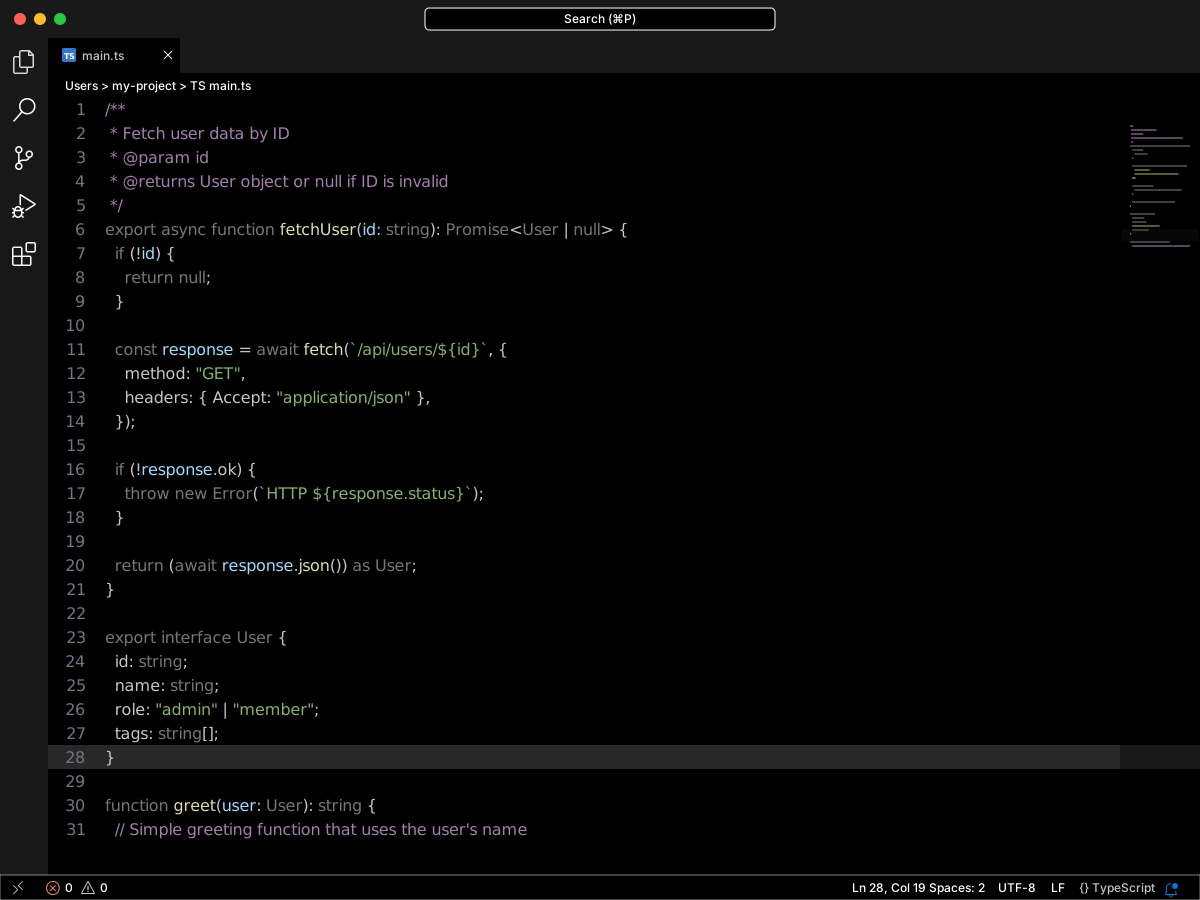
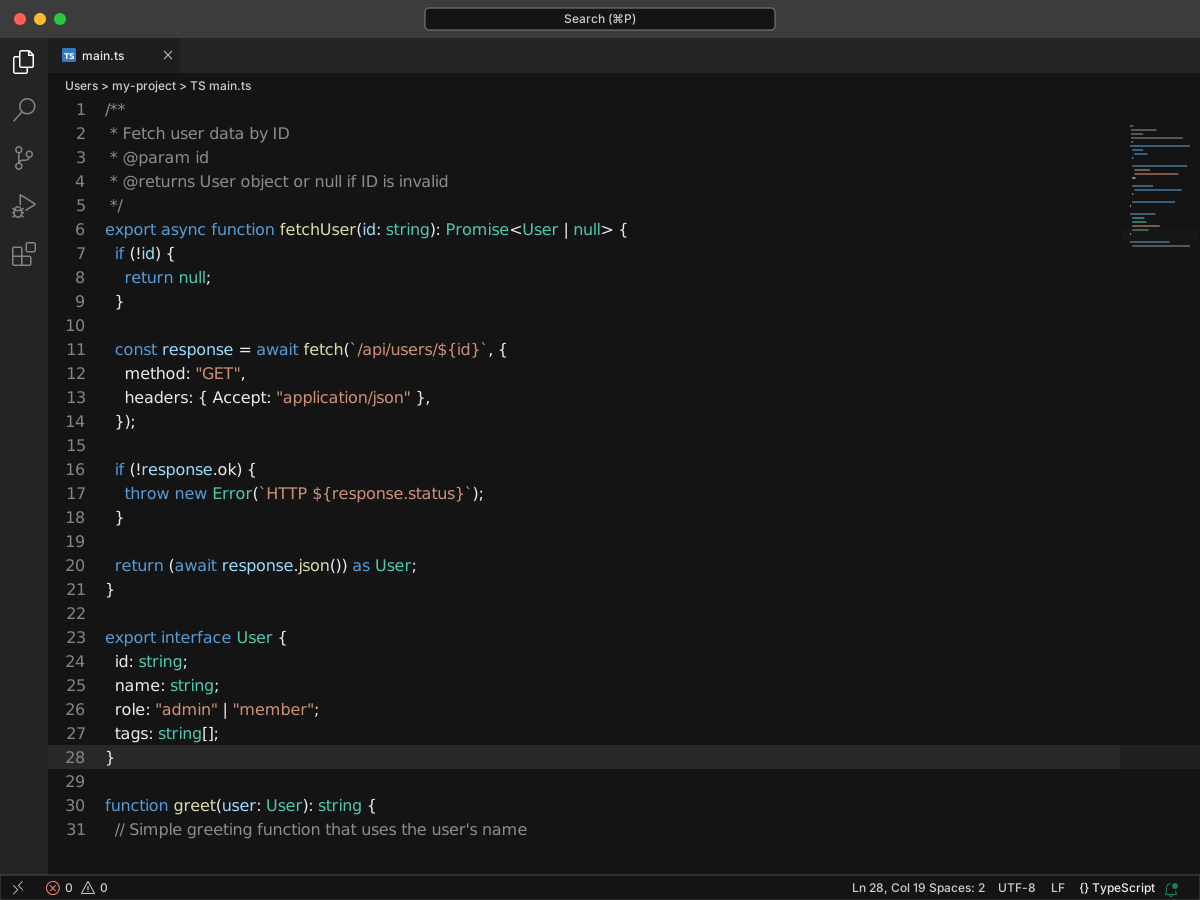
Full workbench mockup using this variant's colors and tokenColors.
Loading...
Workbench UI color keys from the theme JSON colors map.
TextMate scopes and font styles (syntax highlighting rules).
| scope | foreground | fontStyle |
|---|---|---|
| comment, punctuation.definition.comment | #6B6B6B | — |
| invalid | #FF0000 | — |
| heading.1.markdown, heading.2.markdown, heading.3.markdown, heading.4.markdown | — | bold |
| markup.fenced_code.block | #6B6B6B | — |
| comment, comment.block.documentation | #857F78 | — |
| string | #998F84 | bold |
| punctuation.terminator.statement.js | #121212 | — |
| token.info-token | #6796E6 | — |
| token.warn-token | #CD9731 | — |
| token.error-token | #F44747 | — |
| token.debug-token | #B267E6 | — |
export interface User {
  id: string;
  name: string;
  role: "admin" | "member";
  tags: string[];
}

/**
 * Fetch user data by ID
 * @param id
 * @returns User object or null if ID is invalid
 */
export async function fetchUser(id: string): Promise<User | null> {
  if (!id) {
    return null;
  }

  const response = await fetch(`/api/users/${id}`, {
    method: "GET",
    headers: { Accept: "application/json" },
  });

  if (!response.ok) {
    throw new Error(`HTTP ${response.status}`);
  }

  return (await response.json()) as User;
}

function greet(user: User): string {
  // Simple greeting function that uses the user's name
  return `Hello, ${user.name}!`;
}