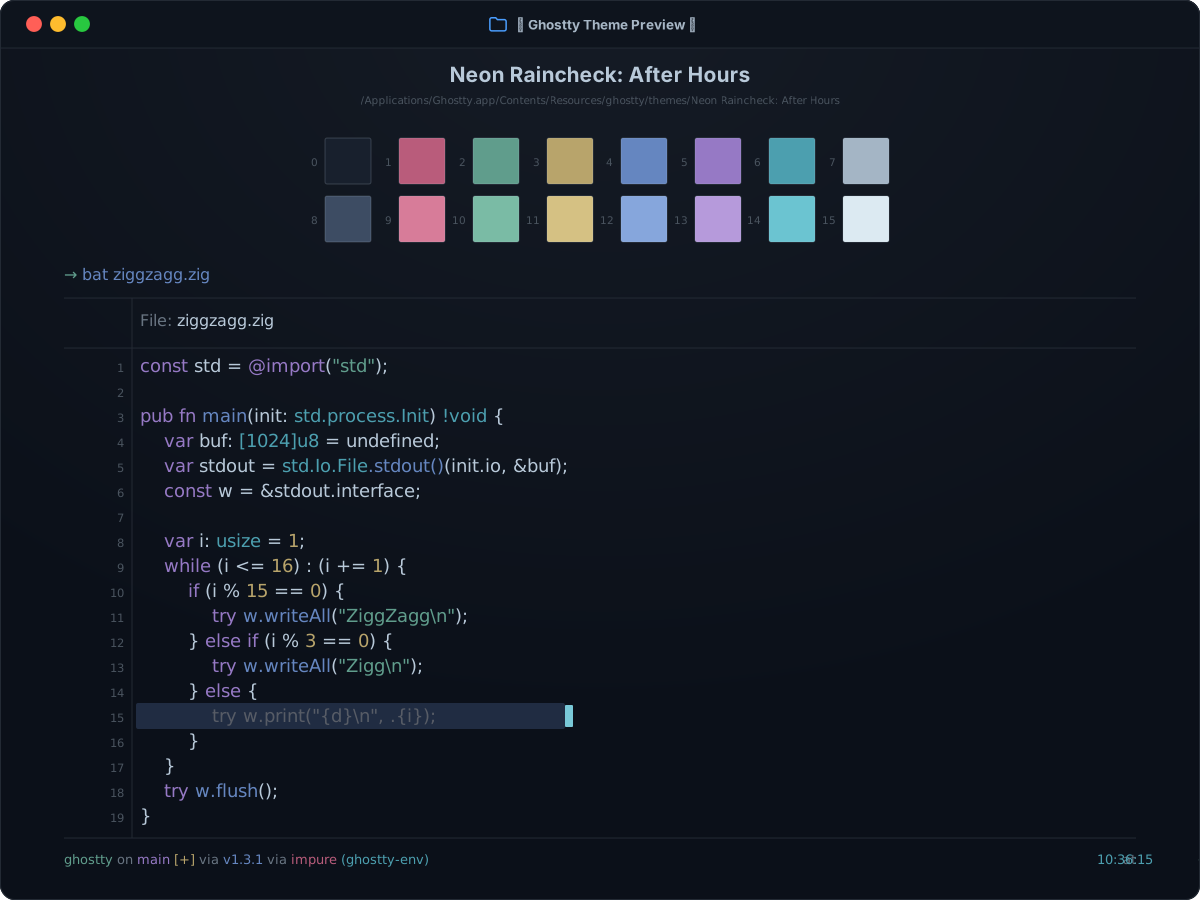
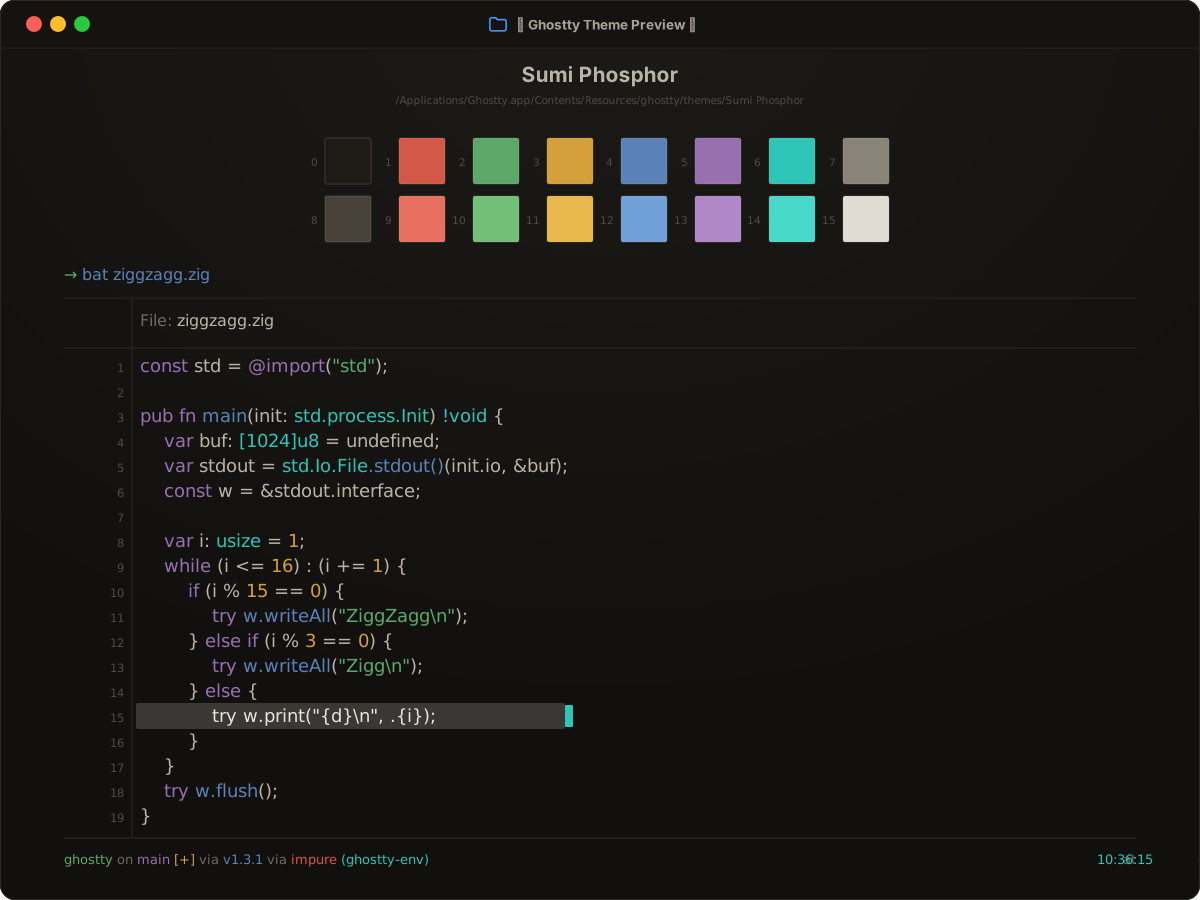
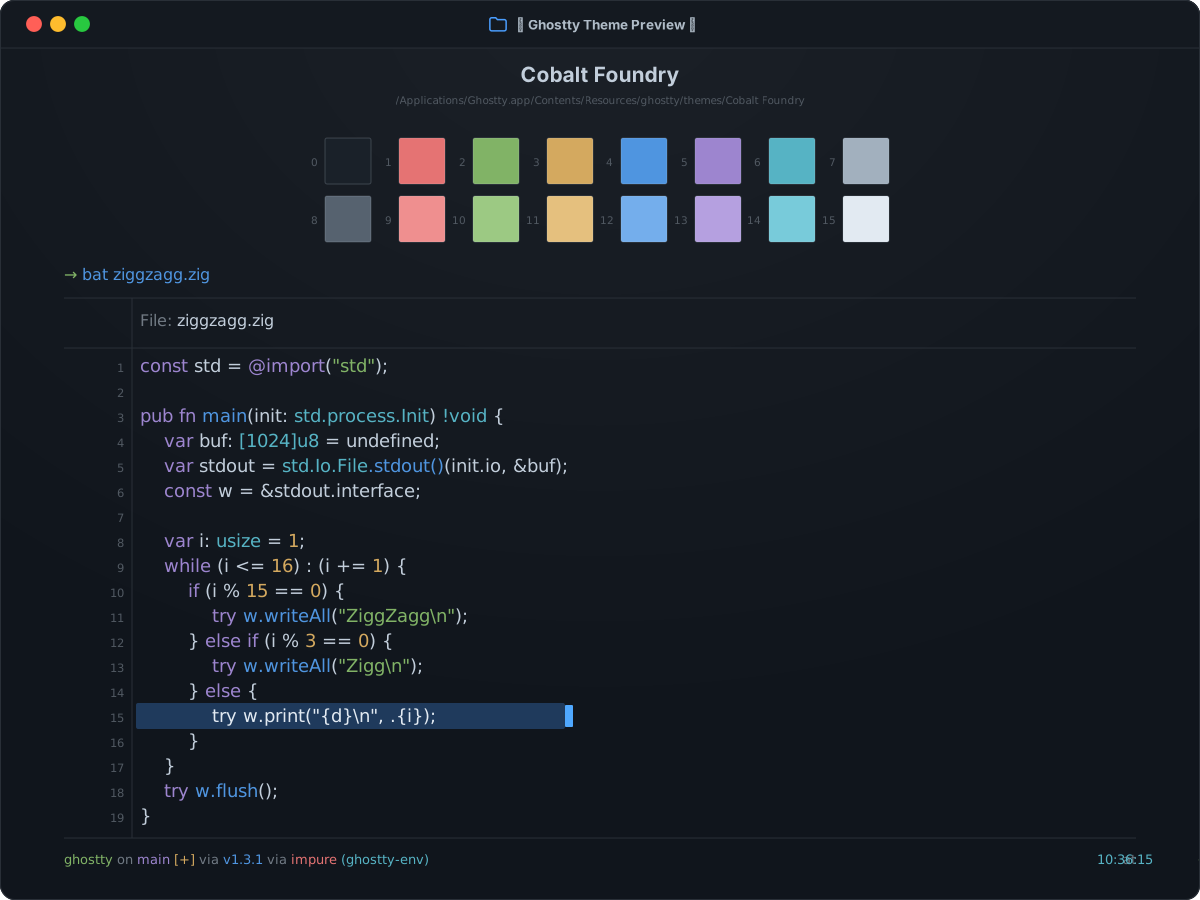
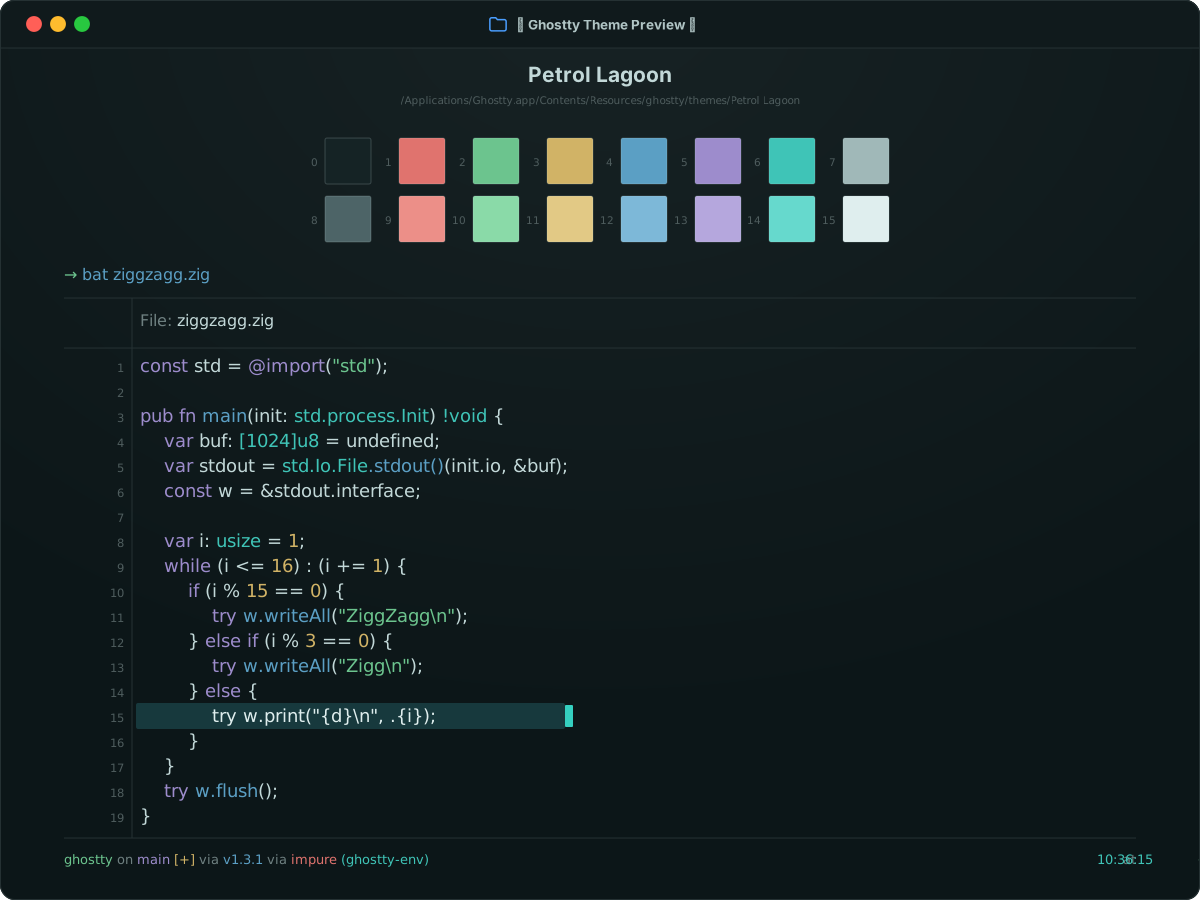
darkSynced16 ANSI colors
Aardvark Ink for Ghostty
Aardvark Ink is a dark Ghostty theme. Set theme = Aardvark Ink in your Ghostty config to use its 16 ANSI colors, #0f141f background, and #b4bcca text.
Preview
Terminal preview
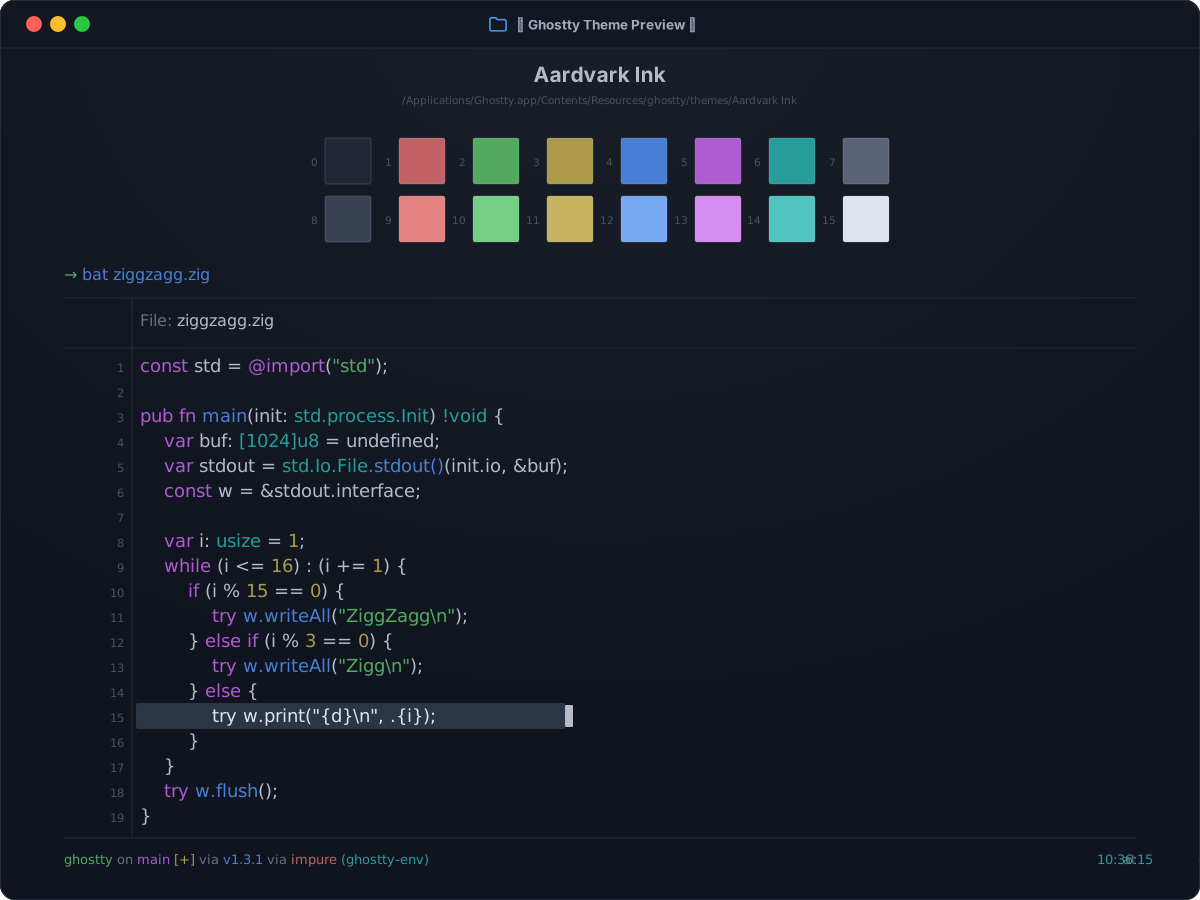
Install
Install in Ghostty
~/.config/ghostty/config.ghostty
theme = Aardvark Ink
Save the file, then reload with Cmd+Shift+, on macOS or Ctrl+Shift+, on Linux.
Colors
Palette
Every color from the bundled theme file.
ANSI palette
0
Black#222734
1
Red#c26265
2
Green#52aa60
3
Yellow#ad9b49
4
Blue#487fd4
5
Magenta#af5bd1
6
Cyan#269d9a
7
White#5a6377
8
Bright Black#3a4152
9
Bright Red#e48383
10
Bright Green#75cf84
11
Bright Yellow#c7b461
12
Bright Blue#76a8f2
13
Bright Magenta#d58bf0
14
Bright Cyan#52c4c0
15
Bright White#dfe5ee
Terminal UI
Background#0f141f
Foreground#b4bcca
Cursor#b4bcca
Cursor text#0f141f
Selection#2a3645
Selection text#dfe5ee