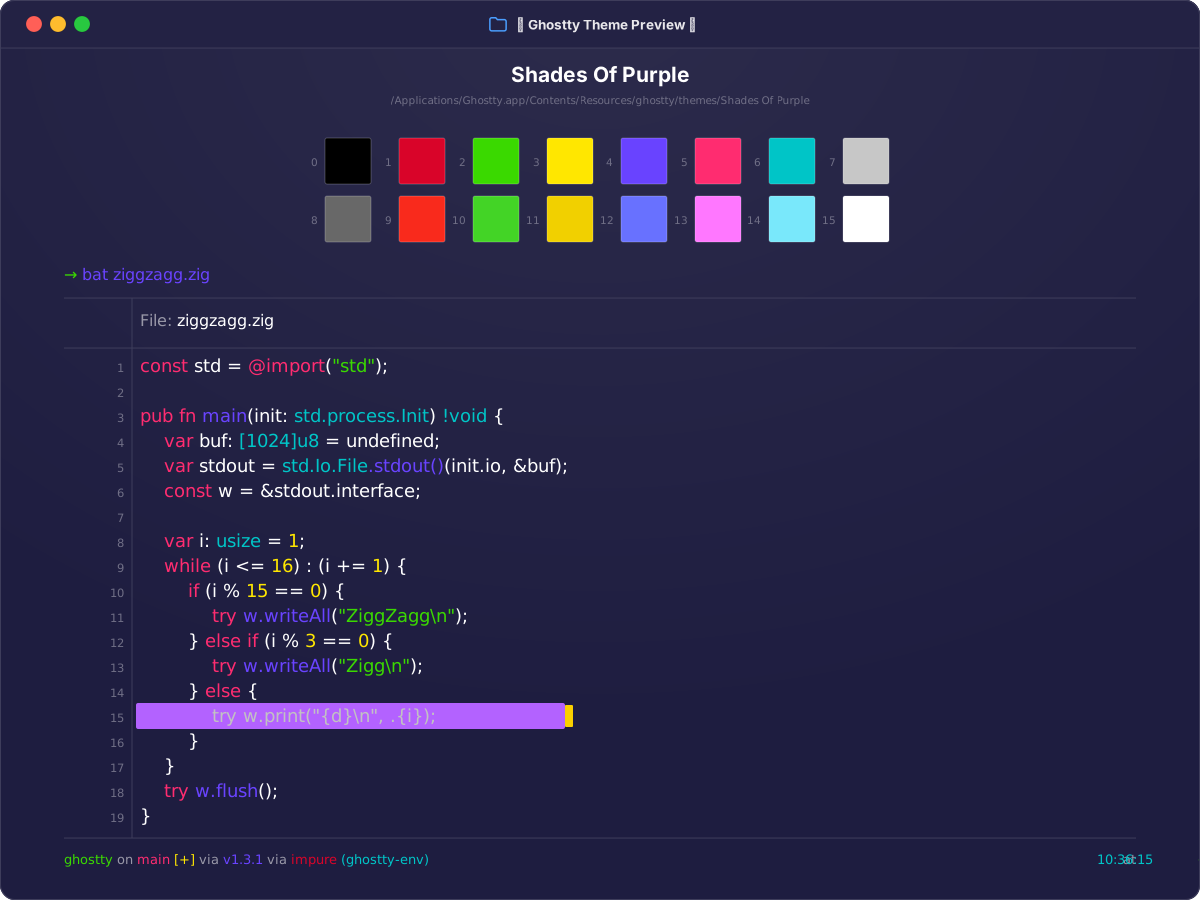
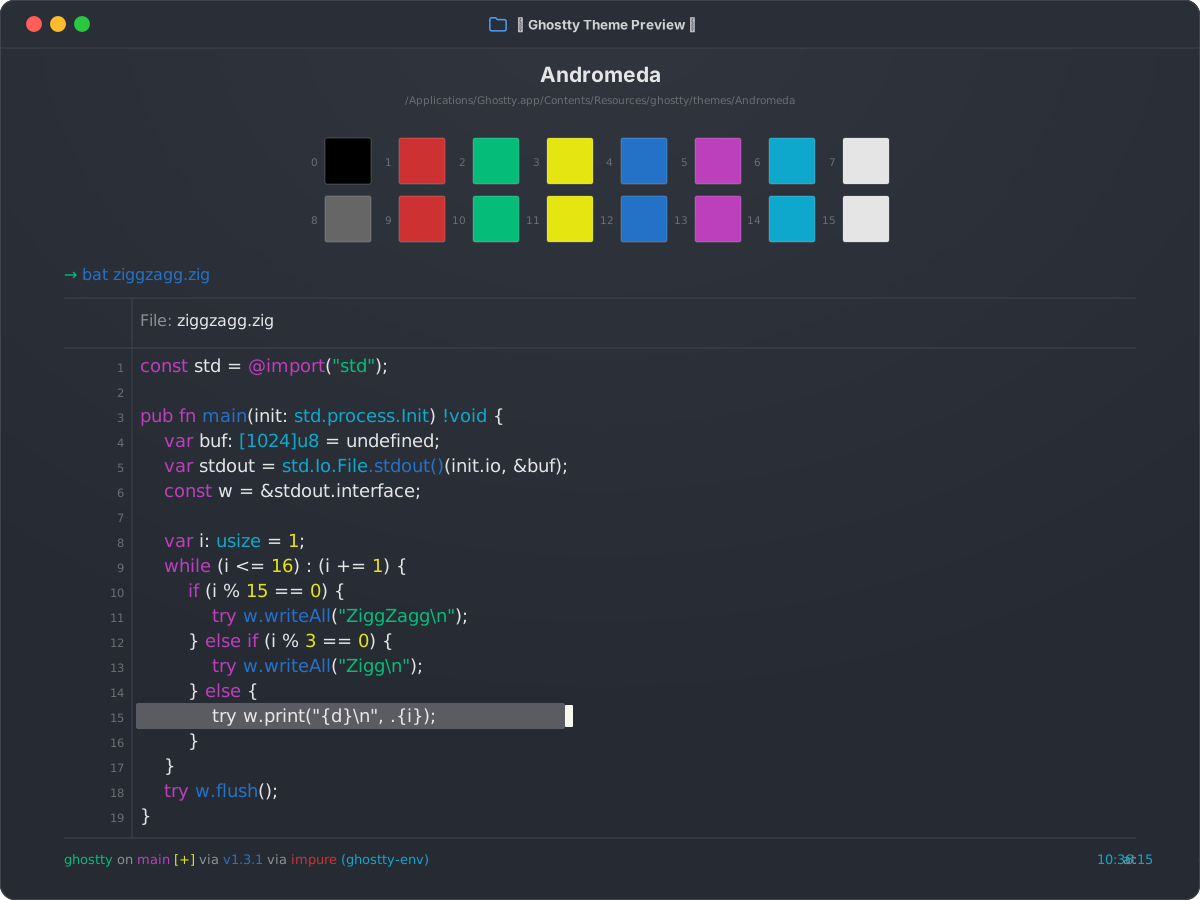
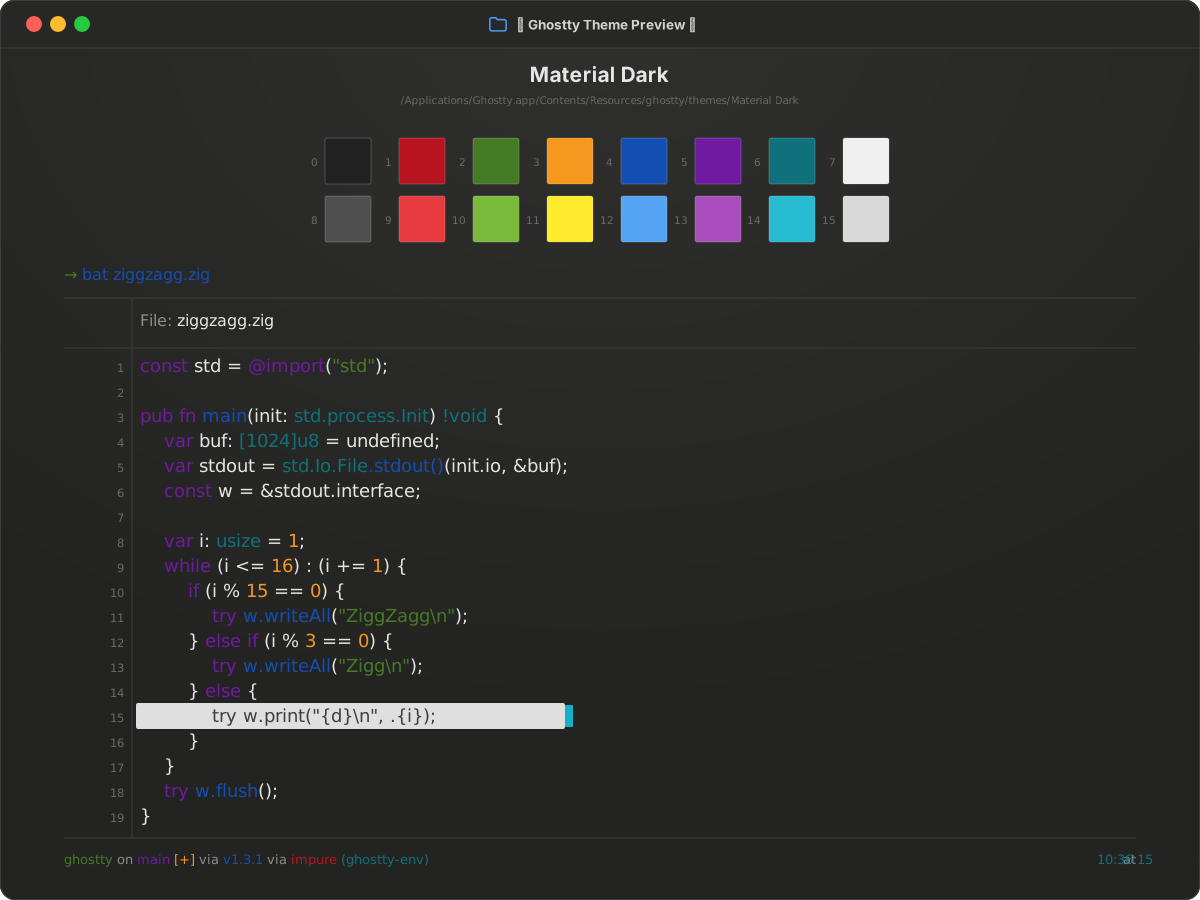
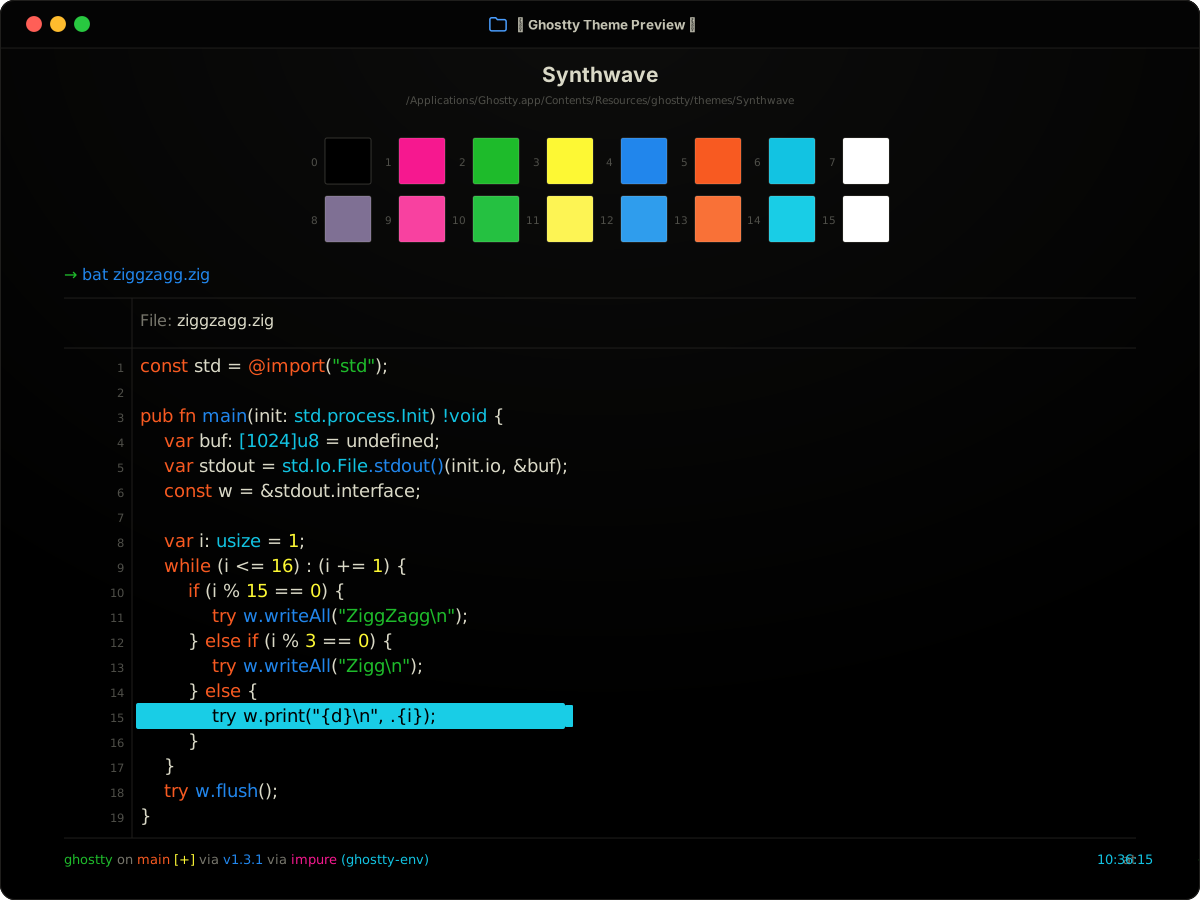
darkBuilt-in16 ANSI colors
Cobalt2 for Ghostty
Cobalt2 pairs a deep navy (#132738) with pure white text and a set of very saturated ANSI colors. It is a high-energy palette: pure red (#ff0000), bright green (#38de21), and yellow (#ffe50a) are unmistakable in build output. The built-in name is Cobalt2; Cobalt Neon and Cobalt Next are different themes.
Preview
Terminal preview
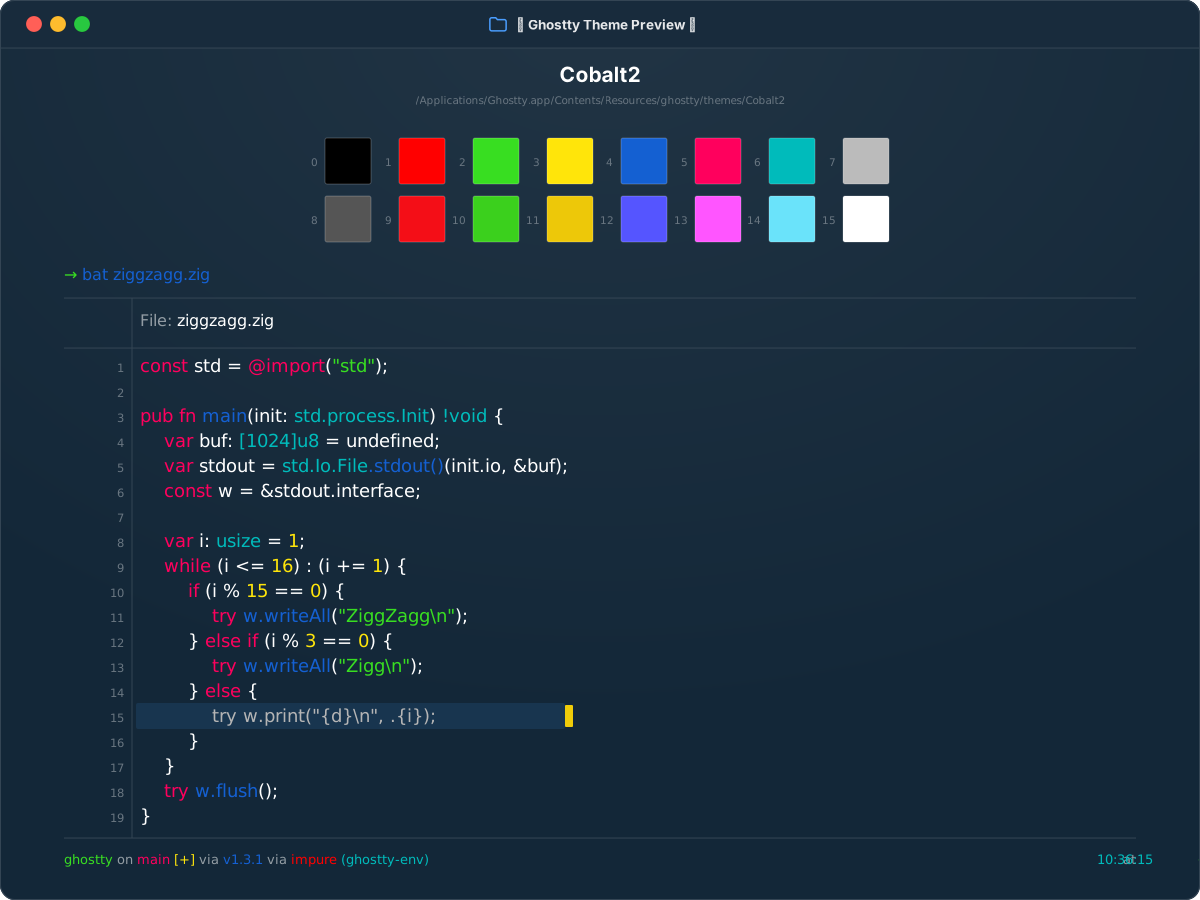
Install
Install in Ghostty
~/.config/ghostty/config.ghostty
theme = Cobalt2
Save the file, then reload with Cmd+Shift+, on macOS or Ctrl+Shift+, on Linux.
Colors
Palette
Every color from the bundled theme file.
ANSI palette
0
Black#000000
1
Red#ff0000
2
Green#38de21
3
Yellow#ffe50a
4
Blue#1460d2
5
Magenta#ff005d
6
Cyan#00bbbb
7
White#bbbbbb
8
Bright Black#555555
9
Bright Red#f40e17
10
Bright Green#3bd01d
11
Bright Yellow#edc809
12
Bright Blue#5555ff
13
Bright Magenta#ff55ff
14
Bright Cyan#6ae3fa
15
Bright White#ffffff
Terminal UI
Background#132738
Foreground#ffffff
Cursor#f0cc09
Cursor text#98998c
Selection#18354f
Selection text#b5b5b5