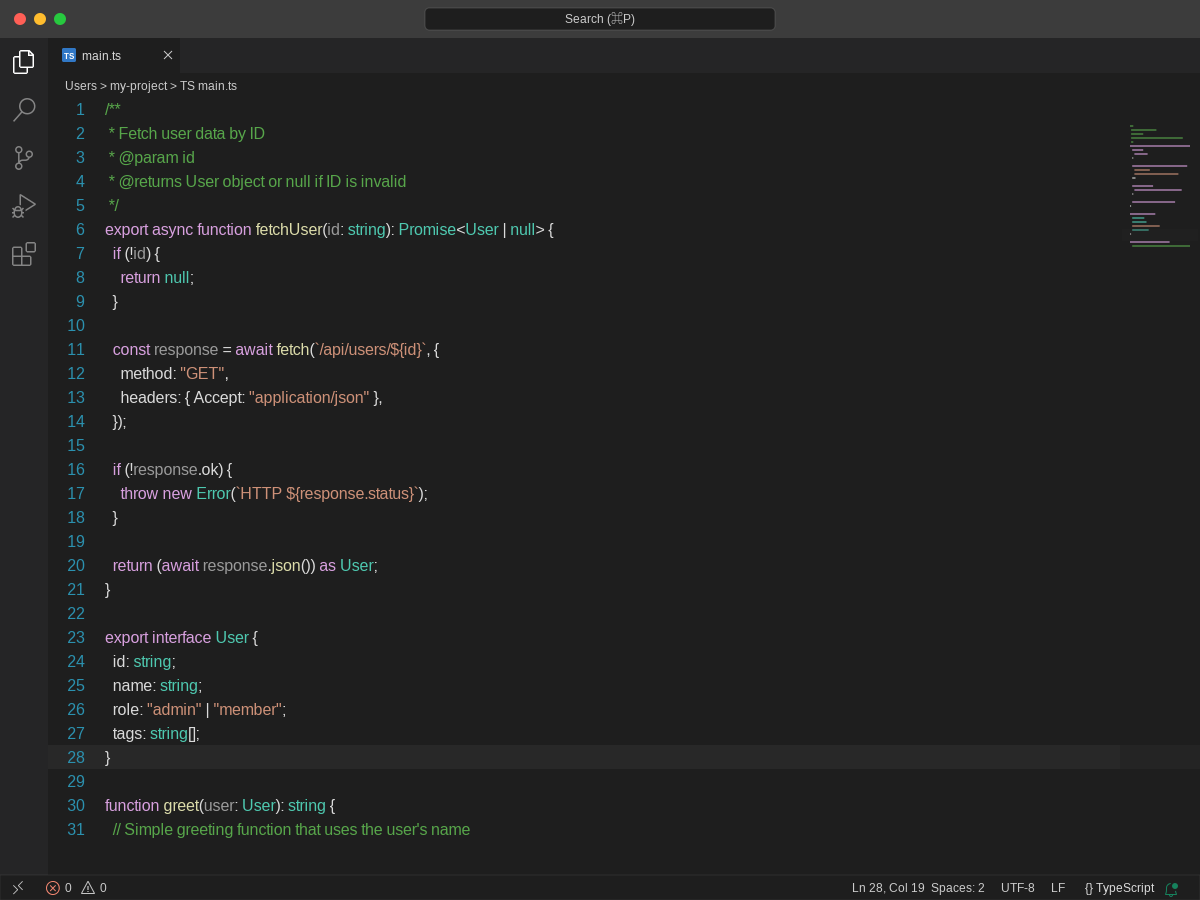
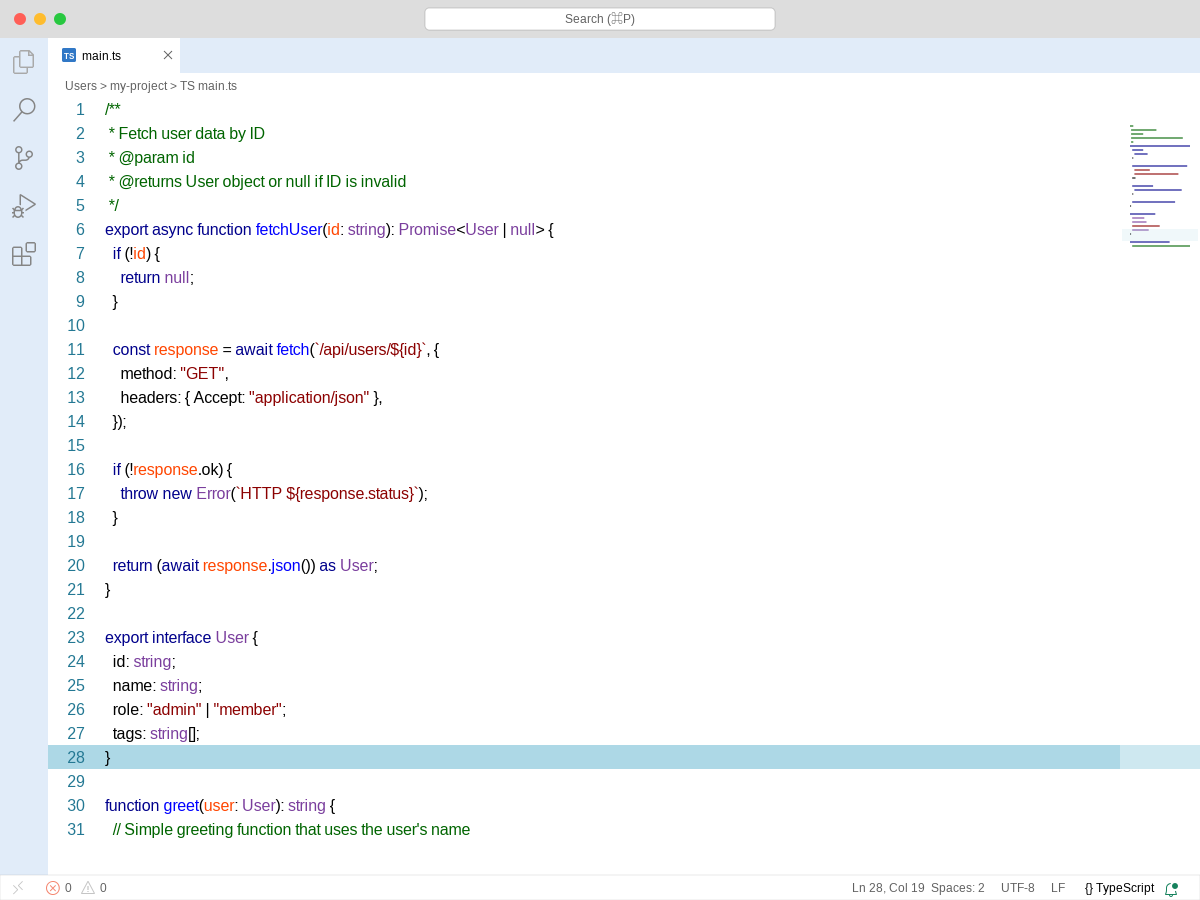
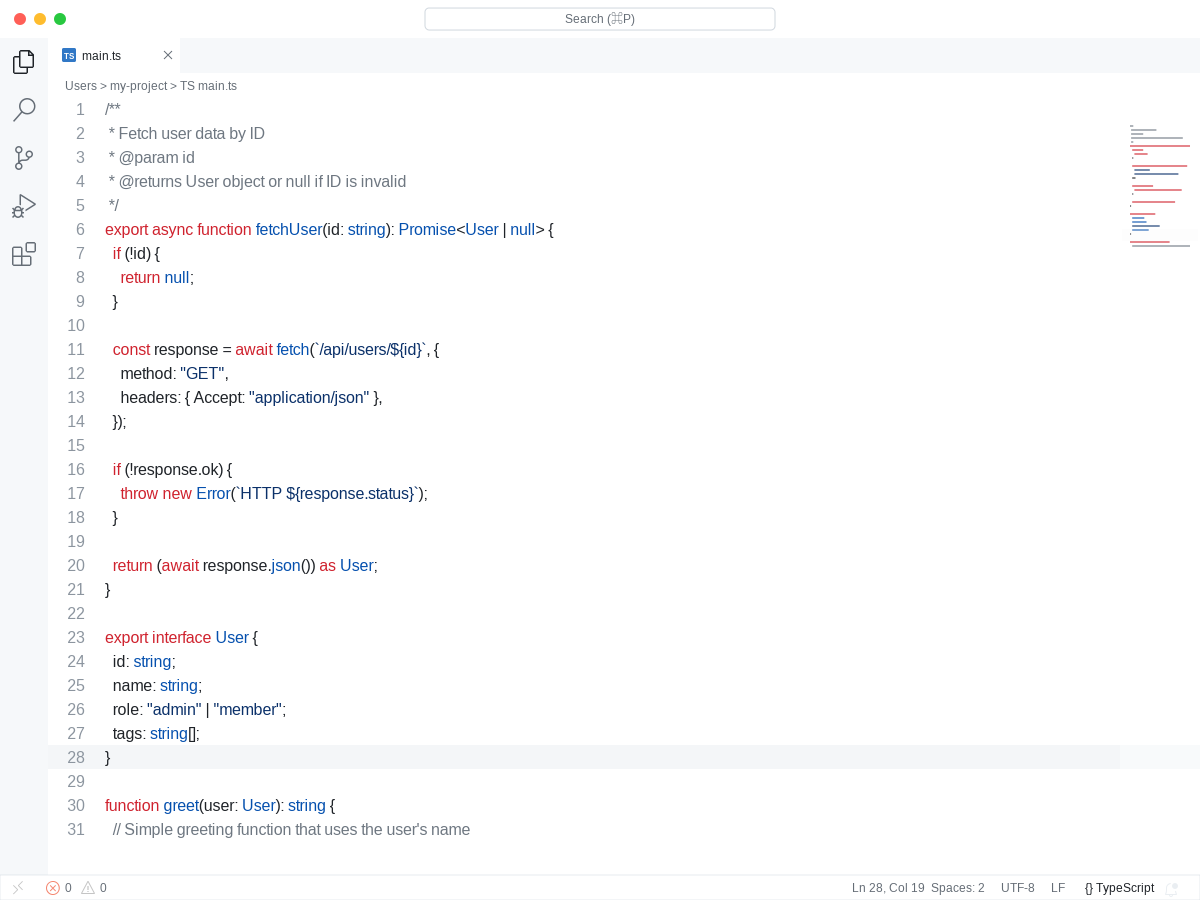
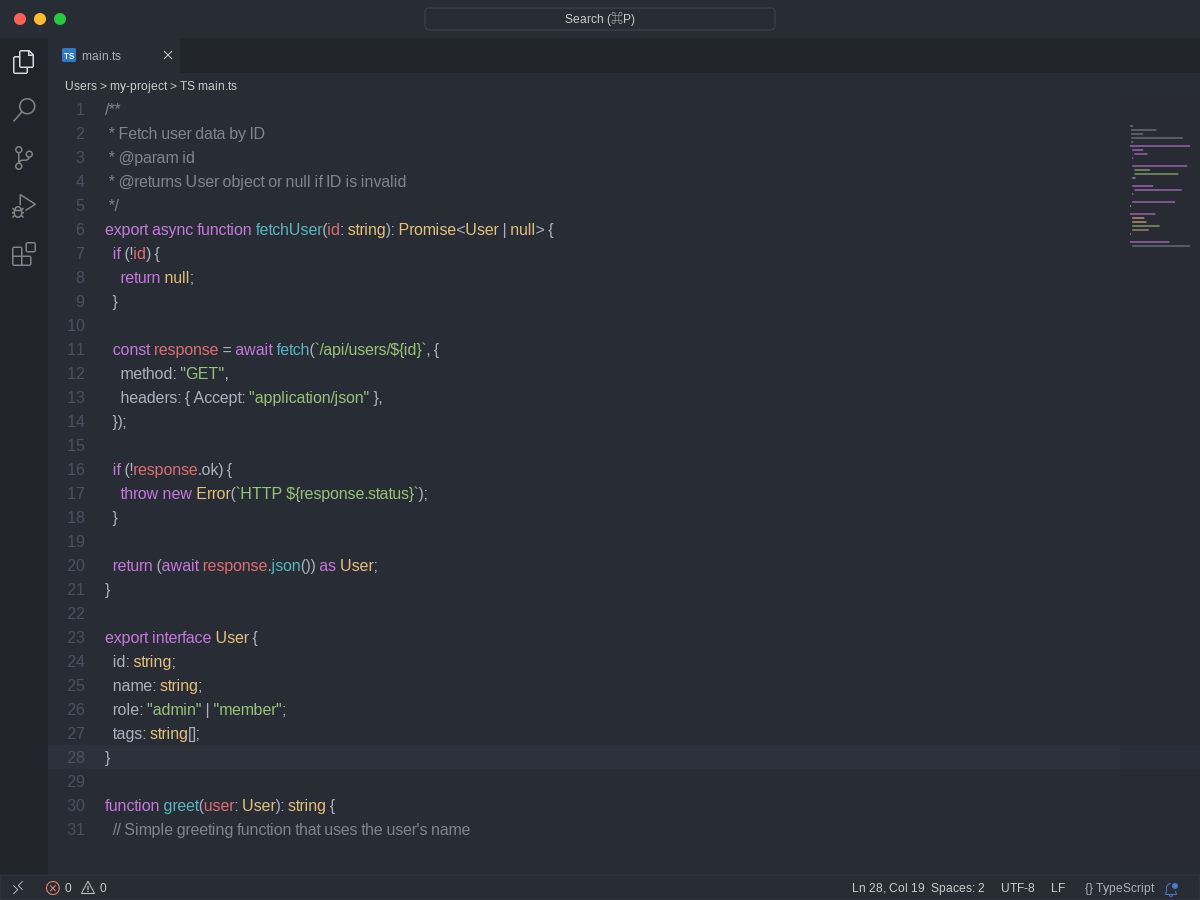
Full workbench mockup using this variant's colors and tokenColors.
fetchUser.ts
index.ts
README.md
src
components
fetchUser.ts
User
tags
1
2
3
4
5
6
7
8
9
10
11
12
13
14
15
16
17
18
19
20
21
22
23
24
25
26
27
28
29
30
31
32
33
34
export interface User { id: string; name: string; role: "admin" | "member"; tags: string[];}/** * Fetch user data by ID * @param id * @returns User object or null if ID is invalid */export async function fetchUser(id: string): Promise<User | null> { if (!id) { return null; } const response = await fetch(`/api/users/${id}`, { method: "GET", headers: { Accept: "application/json" }, }); if (!response.ok) { throw new Error(`HTTP ${response.status}`); } return (await response.json()) as User;}function greet(user: User): string { // Simple greeting function that uses the user's name return `Hello, ${user.name}!`;}
Problems1
Output
Debug Console
Terminal
Ports
~/my-project % pnpm lint
~/my-project % pnpm test
✓fetchUser.test.ts (12 passed)▲warning
✗profile.test.ts (2 failed) 412ms
❯src/lib/profile.test.ts:18:11
GEThttp://localhost:3000200OK
~/my-project %
WSL
1 1
main*
Copilot
Ln 5, Col 12
Spaces: 2
UTF-8
LF
TypeScript
CodeRunner 2 Theme
Contrast
A cool, balanced dark palette anchored on #222731, pairing foreground text (#C0C5CE) at 8.64:1 (AAA). 2 of 4 graded roles clear WCAG AA (4.5:1+); Comment (#667593, 3.23:1) and String (#C9538C, 3.63:1) sit below 4.5:1 for softer contrast.
Background
#222731
ForegroundThe editor text sits on this background.
Comment// a note written in the margin
String"strings keep their own ink"
Keywordreturn function if else
Appearance
Dark
Temperature
Cool
Saturation
Balanced
34.5721
Foreground
#C0C5CE
8.64:1AAA
Comment
#667593
3.23:1Fail
String
#C9538C
3.63:1Fail
Keyword
#5196C6
4.65:1AA
AA is 4.5:1 for normal text, 3:1 only for large text (at least 24px, or 18.7px bold). AAA is 7:1 (4.5:1 for large text). Code and terminal text are normal text, so anything under 4.5:1 fails.
Editor text only: editor background and foreground plus the comment, string, and keyword colors this theme sets. Workbench UI colors are not graded.
colors
Showing 24 of 43 keys
Workbench UI color keys from the theme JSON colors map.
colors
key
HEX
RGB
activityBar.background
activityBarBadge.background
editor.background
editor.foreground
editorGroupHeader.tabsBackground
editorLineNumber.foreground
list.activeSelectionBackground
list.hoverBackground
list.inactiveSelectionBackground
panel.background
panel.border
panelTitle.activeBorder
panelTitle.inactiveForeground
sideBar.background
sideBarSectionHeader.background
statusBar.background
tab.border
tab.inactiveBackground
titleBar.activeBackground
activityBar.dropBackground
debugToolBar.background
dropdown.background
editor.lineHighlightBorder
editor.rangeHighlightBackground
tokenColors
Showing 24 of 101 scopes
Foregrounds this theme assigns to the token scope catalog. A rule with only a font style is skipped, and a longer matching scope wins. Italic and bold rules are not listed — the preview above shows them in the code.