grayscale
Publisher: roshalThemes in package: 1
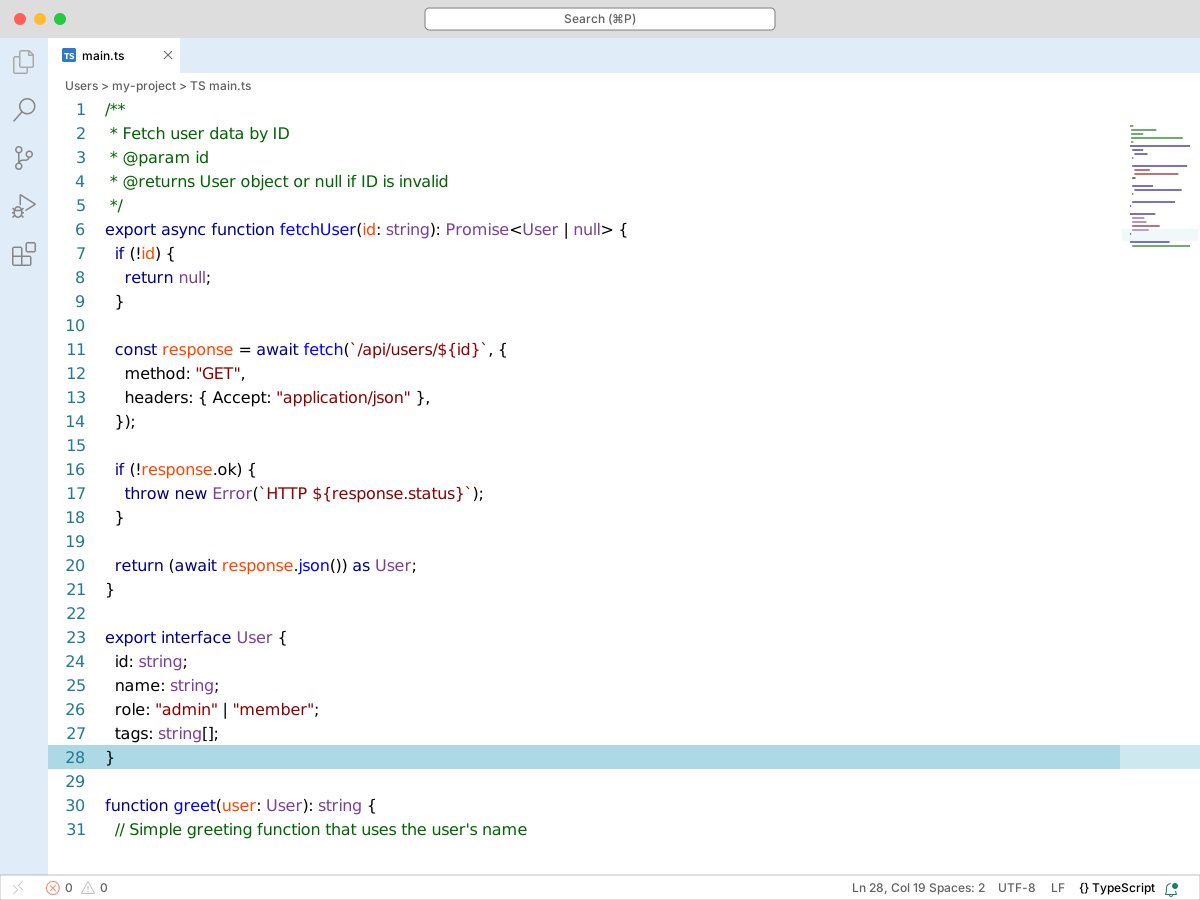
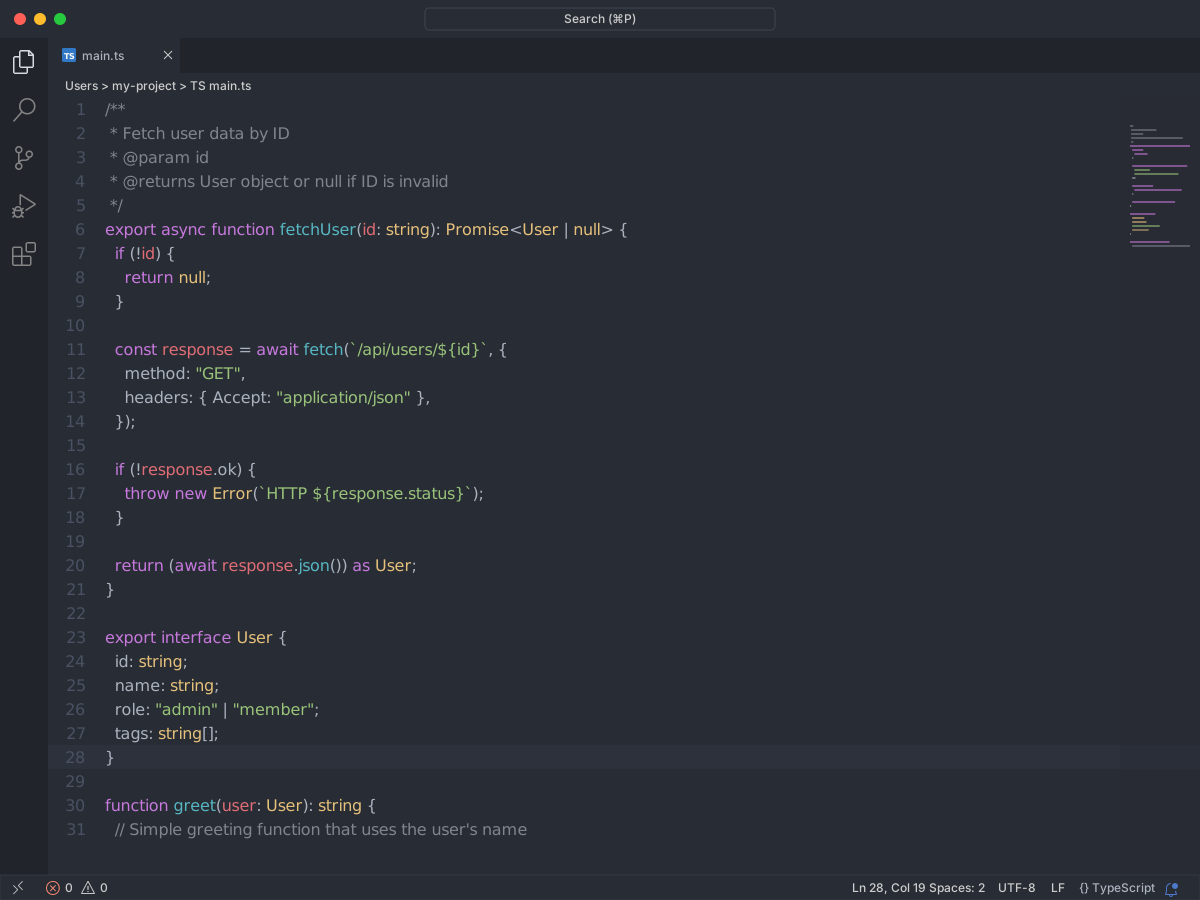
Full workbench mockup using this variant's colors and tokenColors.
export interface User {
  id: string;
  name: string;
  role: "admin" | "member";
  tags: string[];
}

/**
 * Fetch user data by ID
 * @param id
 * @returns User object or null if ID is invalid
 */
export async function fetchUser(id: string): Promise<User | null> {
  if (!id) {
    return null;
  }

  const response = await fetch(`/api/users/${id}`, {
    method: "GET",
    headers: { Accept: "application/json" },
  });

  if (!response.ok) {
    throw new Error(`HTTP ${response.status}`);
  }

  return (await response.json()) as User;
}

function greet(user: User): string {
  // Simple greeting function that uses the user's name
  return `Hello, ${user.name}!`;
}
Workbench UI color keys from the theme JSON colors map.
| key | HEX | RGB | RGBA |
|---|---|---|---|
activityBar.background | |||
activityBarBadge.background | |||
descriptionForeground | |||
editor.background | |||
editor.foreground | |||
editorIndentGuide.background | |||
editorRuler.foreground | |||
errorForeground | |||
focusBorder | |||
foreground | |||
icon.foreground | |||
scrollbar.shadow | |||
selection.background | |||
sideBarTitle.foreground | |||
statusBar.background | |||
textBlockQuote.background | |||
textBlockQuote.border | |||
textCodeBlock.background | |||
textLink.activeForeground | |||
textLink.foreground | |||
textPreformat.foreground | |||
textSeparator.foreground | |||
widget.shadow | |||
window.activeBorder | |||
window.inactiveBorder |
Foregrounds this theme assigns to the token scope catalog. A rule with only a font style is skipped, and a longer matching scope wins. Italic and bold rules are not listed — the preview above shows them in the code.
This theme does not set foregrounds for these scopes.