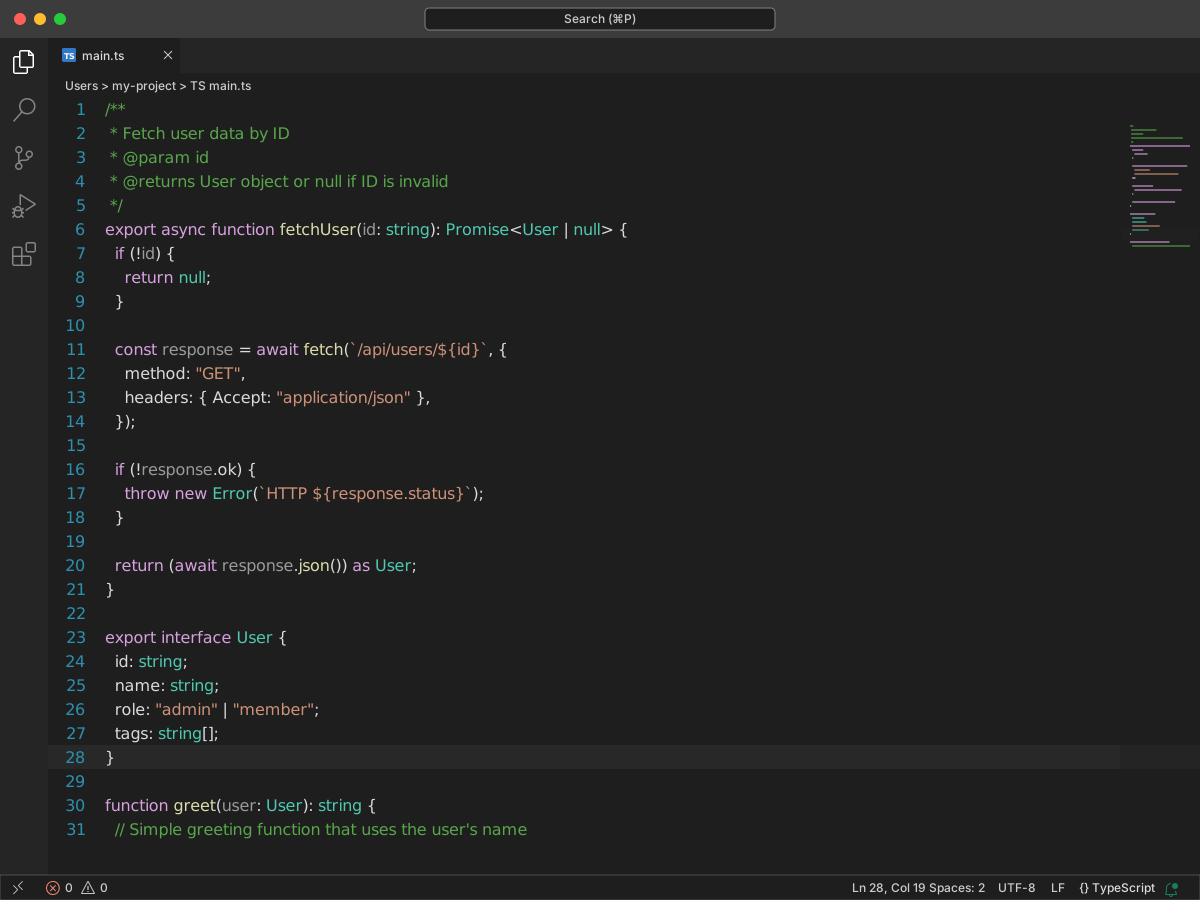
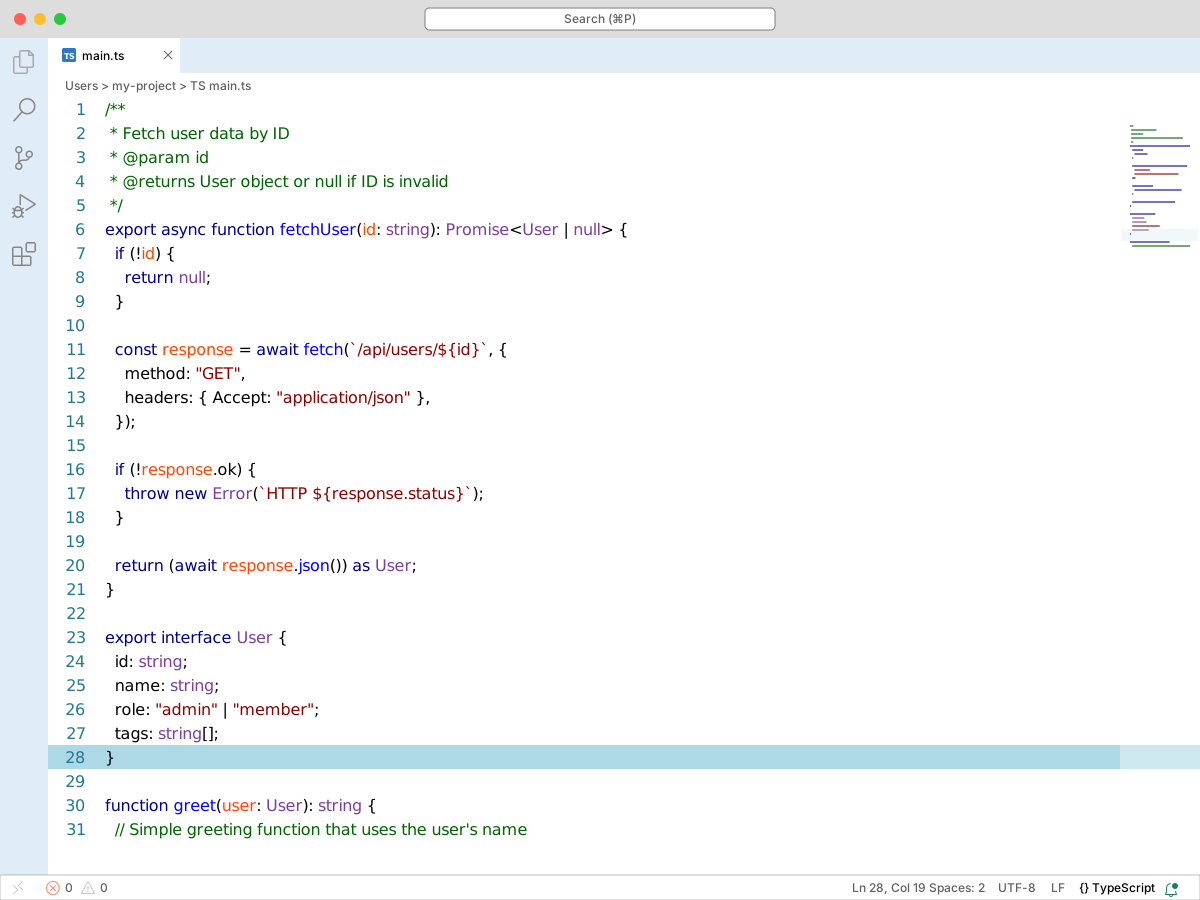
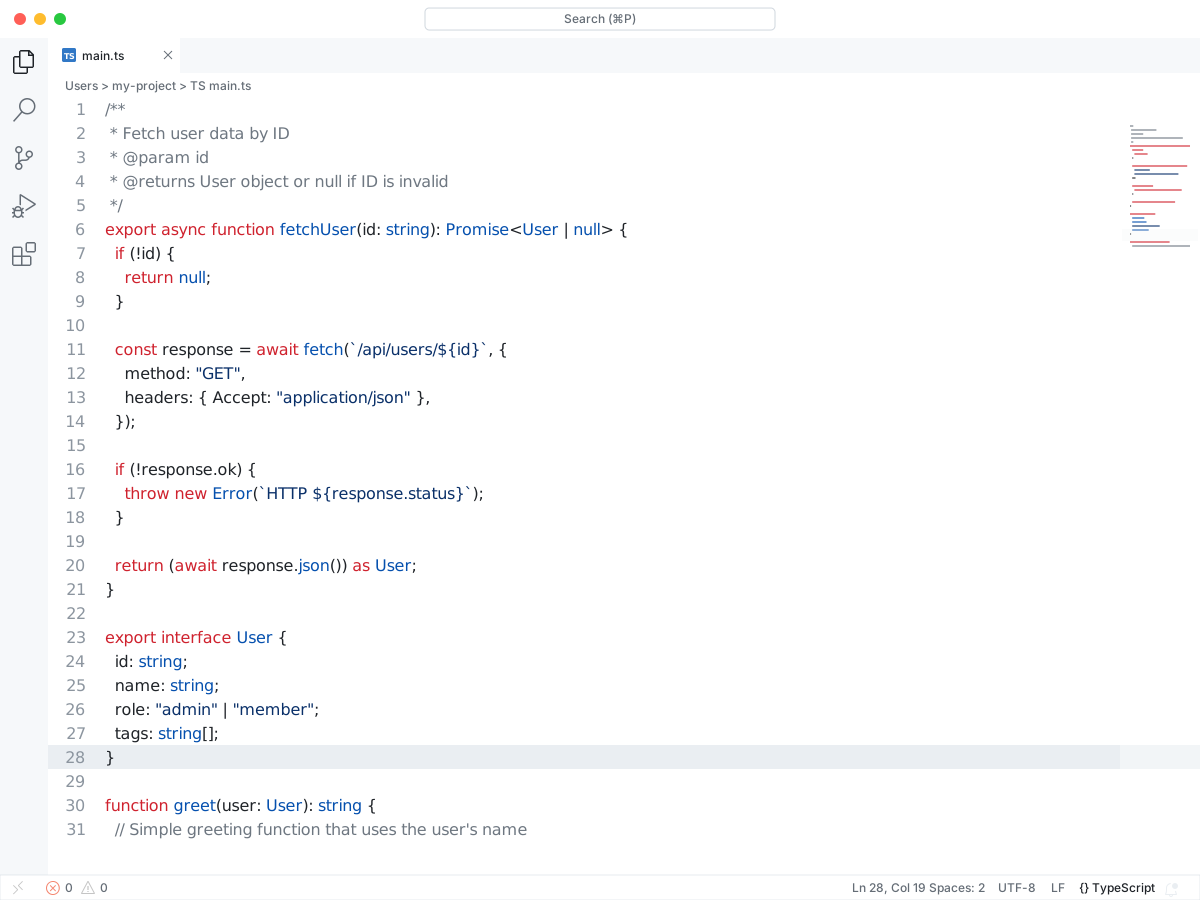
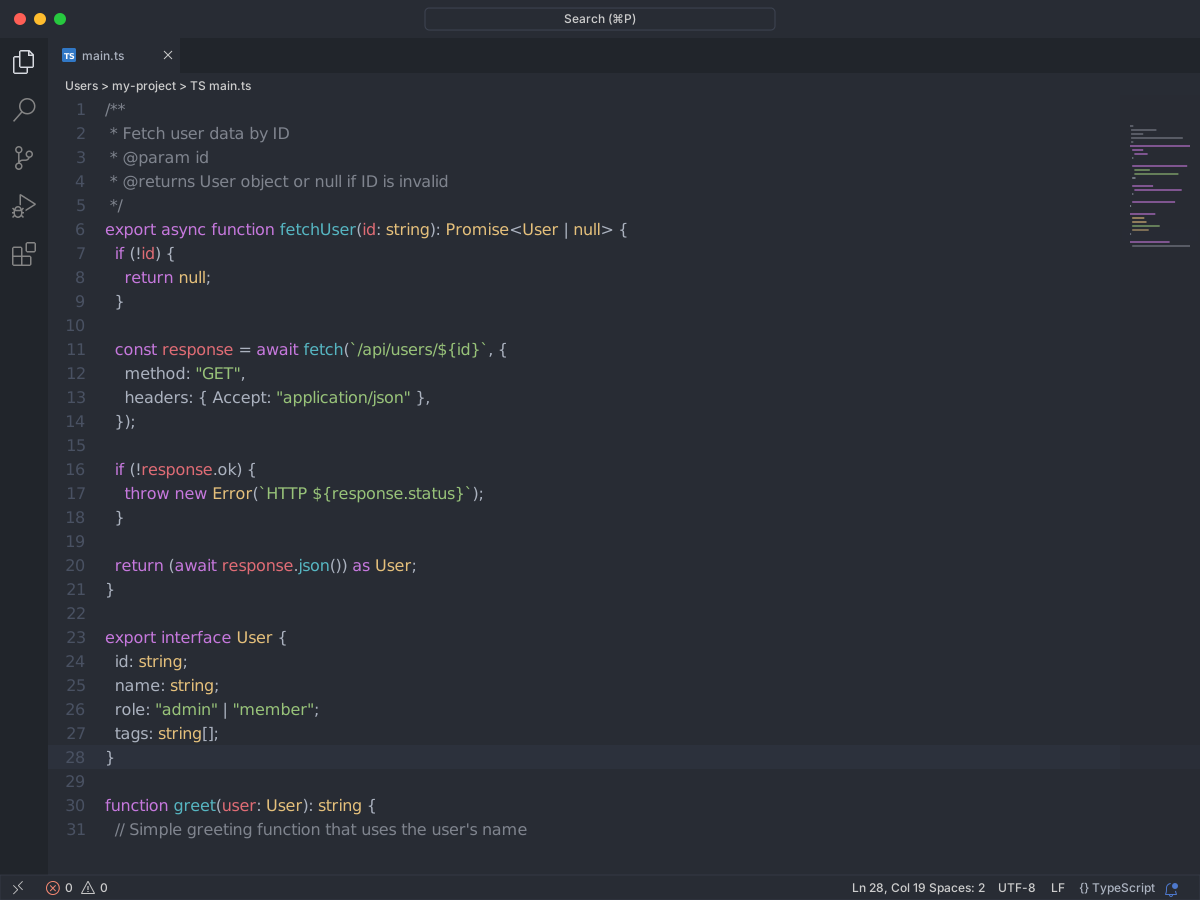
This is a dark, green and flat theme, focused primarily on web development. The main idea of this theme is to reduce the visibility of all the least important elements of the vs code interface so that it would be easier for you to focus on the code.
Full workbench mockup using this variant's colors and tokenColors.
Loading...
colors
Workbench UI color keys from the theme JSON colors map.
key
HEX
RGB
RGBA
activityBar.activeBorder
activityBar.background
activityBar.foreground
activityBarBadge.background
activityBarBadge.foreground
badge.background
badge.foreground
button.background
dropdown.background
dropdown.listBackground
editor.background
editor.findMatchBackground
editor.findMatchHighlightBackground
editor.findRangeHighlightBackground
editor.foreground
editor.lineHighlightBackground
editor.rangeHighlightBackground
editor.selectionBackground
editor.selectionHighlightBackground
editor.wordHighlightBackground
editorBracketMatch.background
editorBracketMatch.border
editorCodeLens.foreground
editorCursor.foreground
editorError.foreground
editorGroup.border
editorGroupHeader.tabsBackground
editorGutter.addedBackground
editorGutter.background
editorGutter.deletedBackground
editorGutter.modifiedBackground
editorHint.foreground
editorHoverWidget.background
editorHoverWidget.border
editorIndentGuide.background
editorInfo.foreground
editorLineNumber.activeForeground
editorLineNumber.foreground
editorSuggestWidget.background
editorSuggestWidget.border
editorSuggestWidget.selectedBackground
editorWarning.foreground
editorWhitespace.foreground
editorWidget.background
extensionBadge.remoteBackground
extensionBadge.remoteForeground
focusBorder
foreground
gitDecoration.conflictingResourceForeground
gitDecoration.deletedResourceForeground
gitDecoration.ignoredResourceForeground
gitDecoration.modifiedResourceForeground
gitDecoration.untrackedResourceForeground
input.background
input.border
input.foreground
inputOption.activeBorder
list.activeSelectionBackground
list.activeSelectionForeground
list.focusBackground
list.focusForeground
list.highlightForeground
list.hoverBackground
list.hoverForeground
list.inactiveSelectionBackground
merge.border
panel.border
panelTitle.activeBorder
pickerGroup.foreground
scrollbar.shadow
sideBar.background
sideBar.border
sideBarSectionHeader.background
sideBarTitle.foreground
sideBySideEditor.horizontalBorder
sideBySideEditor.verticalBorder
statusBar.background
statusBar.border
statusBar.debuggingBackground
statusBar.debuggingForeground
statusBar.foreground
statusBar.noFolderBackground
statusBarItem.prominentBackground
statusBarItem.remoteBackground
tab.activeBackground
tab.border
tab.inactiveBackground
terminal.ansiBlack
terminal.ansiBlue
terminal.ansiBrightBlack
terminal.ansiBrightBlue
terminal.ansiBrightCyan
terminal.ansiBrightGreen
terminal.ansiBrightMagenta
terminal.ansiBrightRed
terminal.ansiBrightWhite
terminal.ansiBrightYellow
terminal.ansiCyan
terminal.ansiGreen
terminal.ansiMagenta
terminal.ansiRed
terminal.ansiWhite
terminal.ansiYellow
terminal.background
textLink.foreground
titleBar.activeBackground
titleBar.border
titleBar.inactiveBackground
tree.indentGuidesStroke
widget.shadow
tokenColors
Foregrounds this theme assigns to the token scope catalog. A rule with only a font style is skipped, and a longer matching scope wins. Italic and bold rules are not listed — the preview above shows them in the code.
export interface User { id: string; name: string; role: "admin" | "member"; tags: string[];}/** * Fetch user data by ID * @param id * @returns User object or null if ID is invalid */export async function fetchUser(id: string): Promise<User | null> { if (!id) { return null; } const response = await fetch(`/api/users/${id}`, { method: "GET", headers: { Accept: "application/json" }, }); if (!response.ok) { throw new Error(`HTTP ${response.status}`); } return (await response.json()) as User;}function greet(user: User): string { // Simple greeting function that uses the user's name return `Hello, ${user.name}!`;}