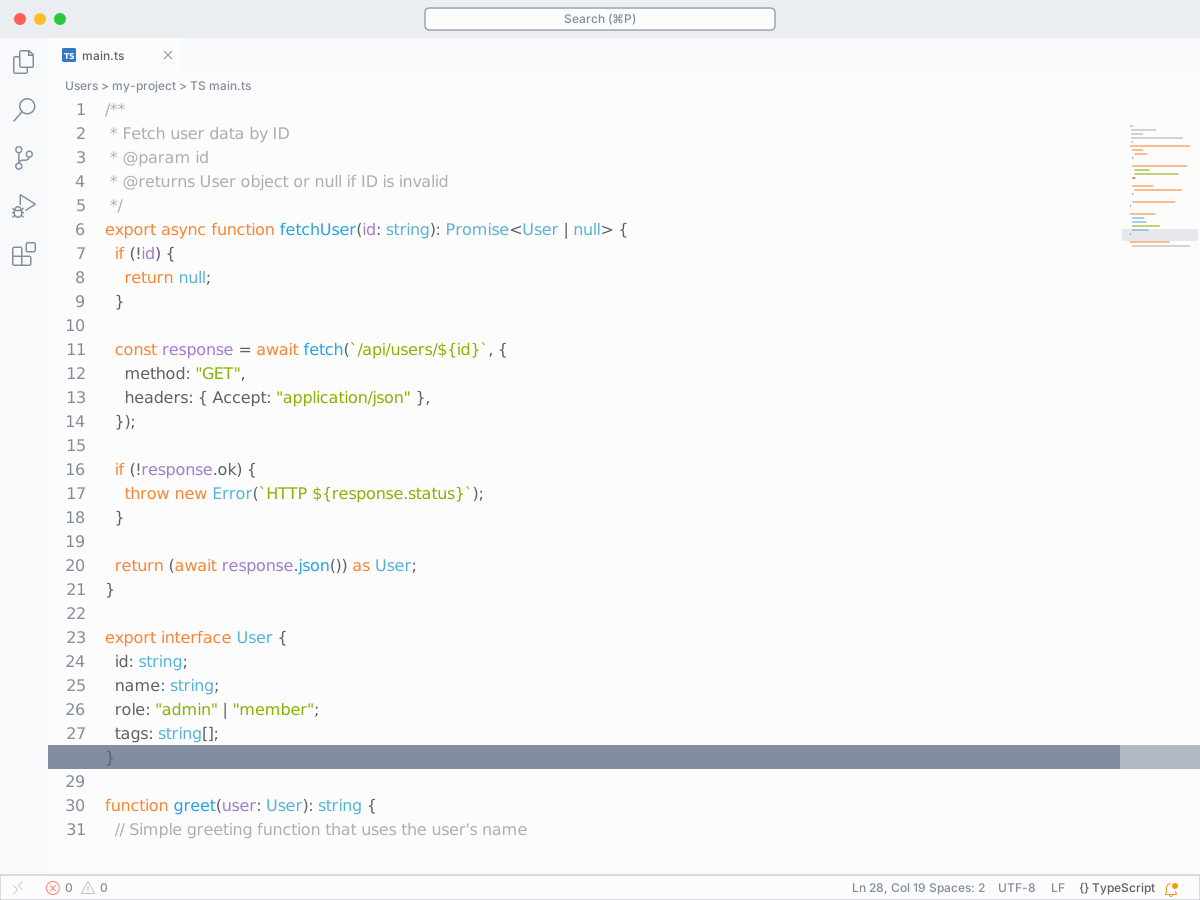
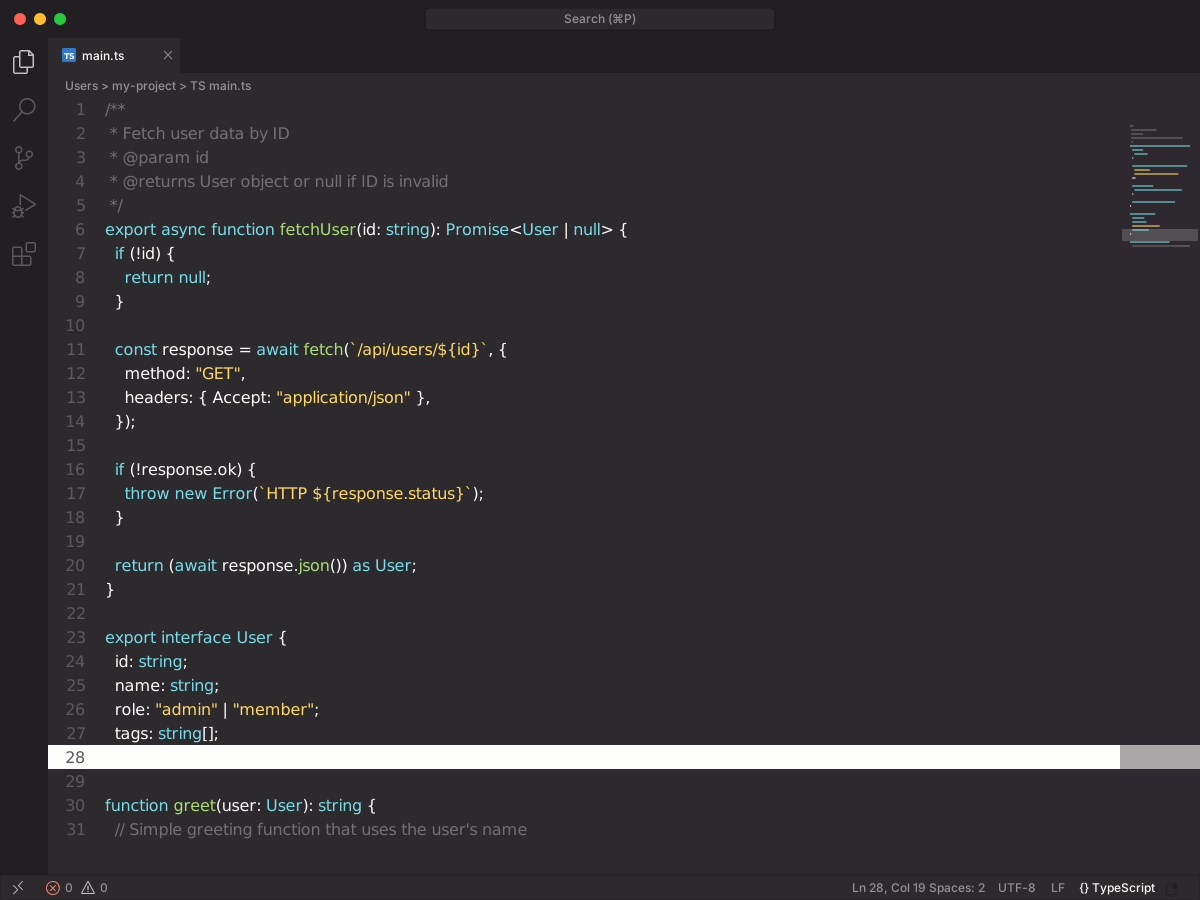
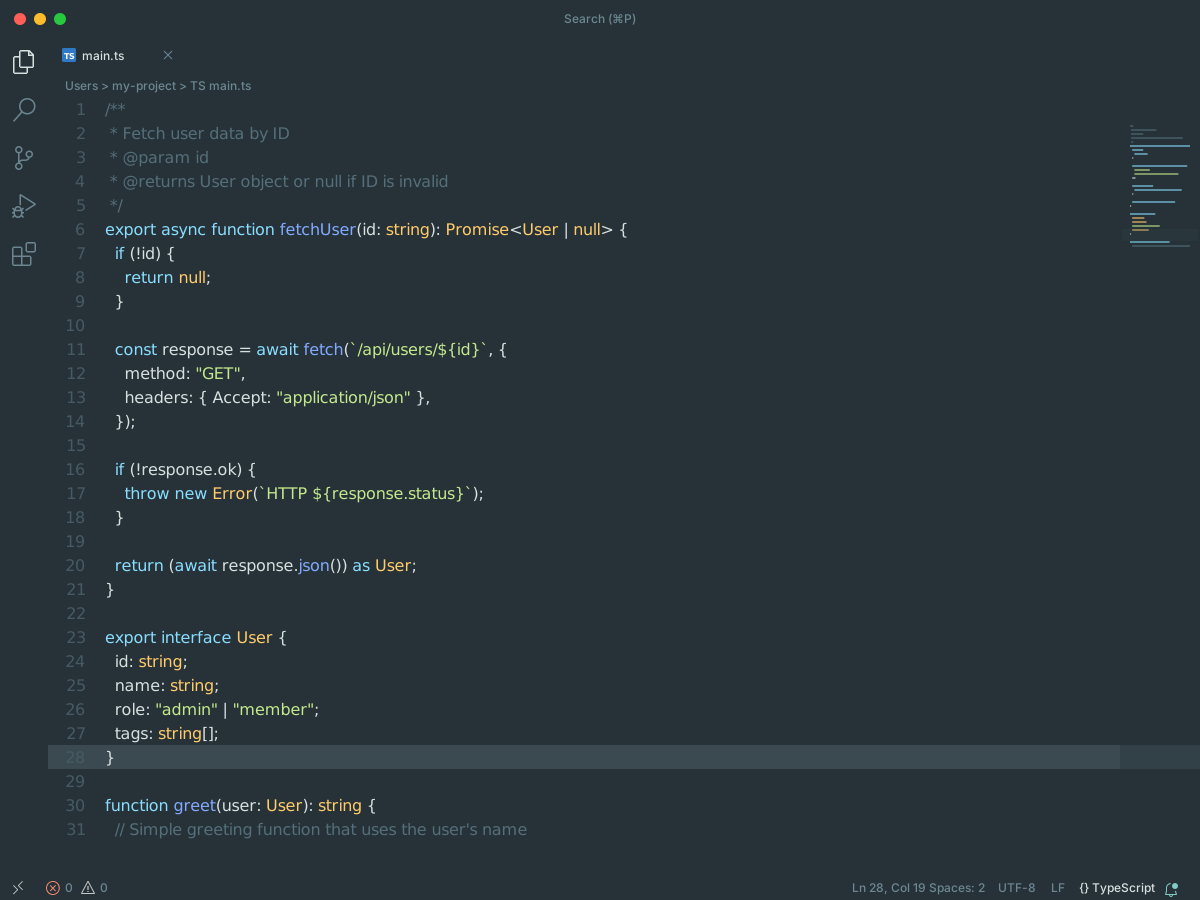
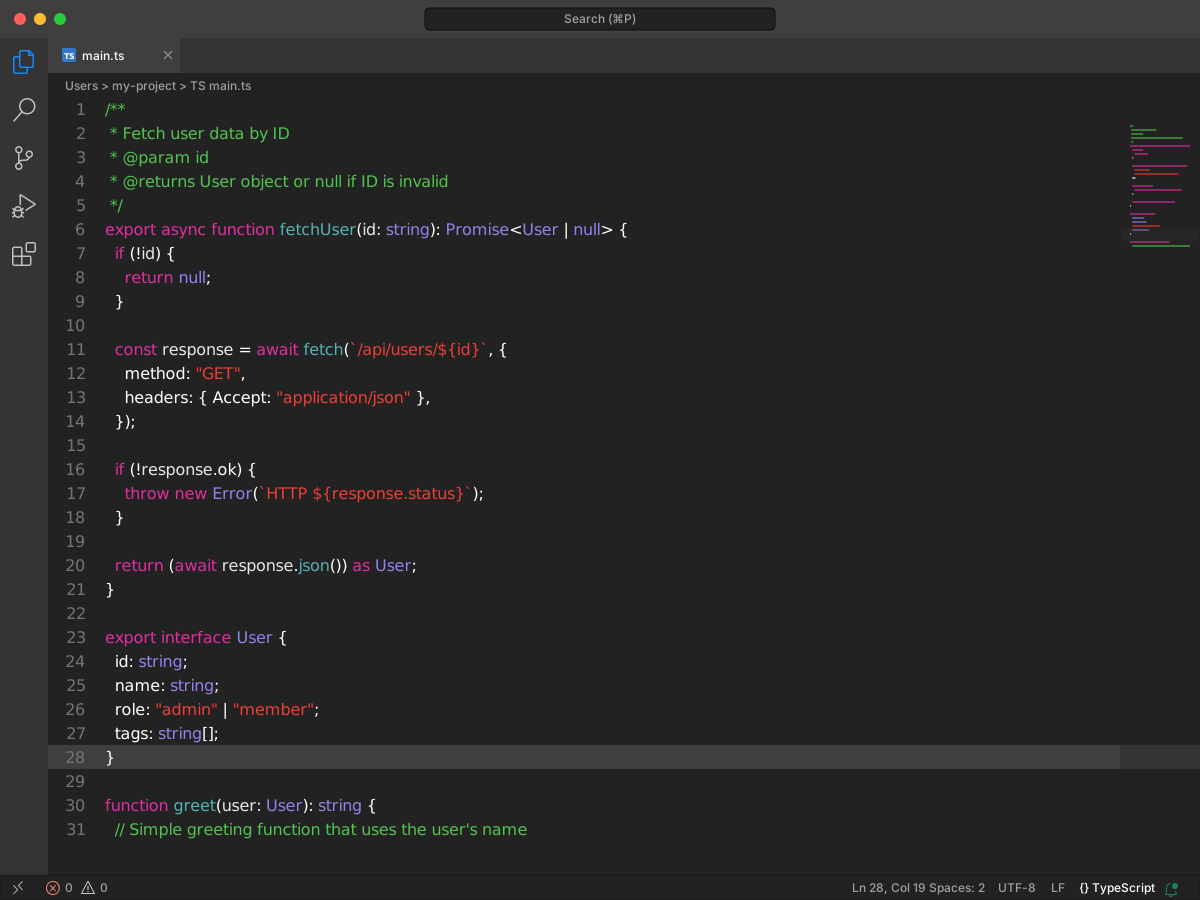
Full workbench mockup using this variant's colors and tokenColors.
Loading...
colors
Workbench UI color keys from the theme JSON colors map.
key
HEX
RGB
RGBA
activityBar.background
activityBar.foreground
activityBar.inactiveForeground
activityBarBadge.background
activityBarBadge.foreground
button.background
button.foreground
button.hoverBackground
button.secondaryBackground
button.secondaryForeground
editor.background
editor.foreground
editor.selectionBackground
editorLineNumber.activeForeground
editorLineNumber.foreground
focusBorder
icon.foreground
input.border
input.foreground
list.activeSelectionForeground
list.hoverForeground
panelTitle.activeBorder
panelTitle.activeForeground
panelTitle.inactiveForeground
scrollbarSlider.activeBackground
scrollbarSlider.background
scrollbarSlider.hoverBackground
sideBar.background
sideBarSectionHeader.foreground
sideBarTitle.foreground
statusBar.background
statusBar.foreground
tab.activeBorderTop
tab.activeForeground
tab.inactiveForeground
terminal.ansiBlack
terminal.ansiBlue
terminal.ansiCyan
terminal.ansiGreen
terminal.ansiMagenta
terminal.ansiRed
terminal.ansiWhite
terminal.ansiYellow
terminal.foreground
terminalCursor.foreground
tokenColors
Foregrounds this theme assigns to the token scope catalog. A rule with only a font style is skipped, and a longer matching scope wins. Italic and bold rules are not listed — the preview above shows them in the code.
export interface User { id: string; name: string; role: "admin" | "member"; tags: string[];}/** * Fetch user data by ID * @param id * @returns User object or null if ID is invalid */export async function fetchUser(id: string): Promise<User | null> { if (!id) { return null; } const response = await fetch(`/api/users/${id}`, { method: "GET", headers: { Accept: "application/json" }, }); if (!response.ok) { throw new Error(`HTTP ${response.status}`); } return (await response.json()) as User;}function greet(user: User): string { // Simple greeting function that uses the user's name return `Hello, ${user.name}!`;}