Mystic Breeze - A Coding Odyssey
Publisher: cdromaThemes in package: 1
Embrace the essence of coding with a theme that lets you taste the clouds and smell the wind in every line of your code
Embrace the essence of coding with a theme that lets you taste the clouds and smell the wind in every line of your code
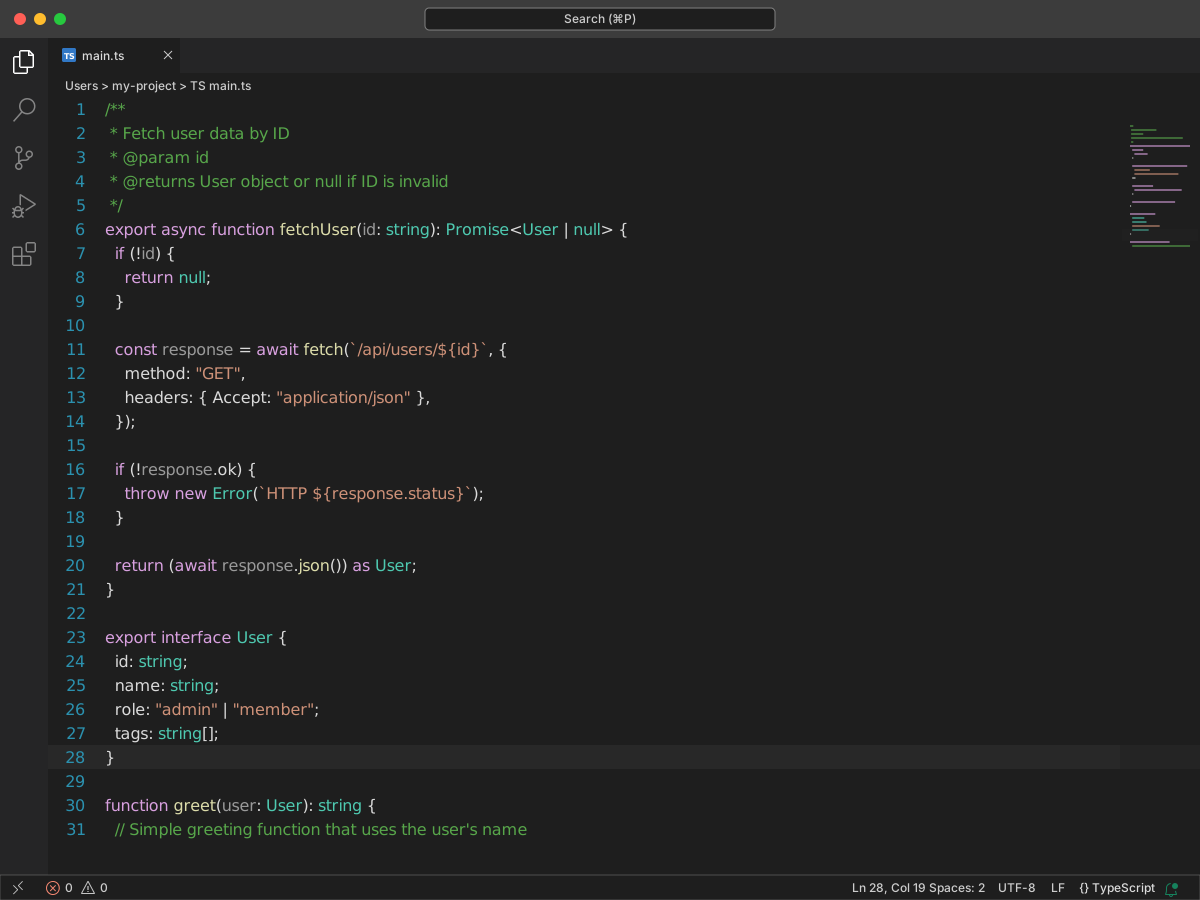
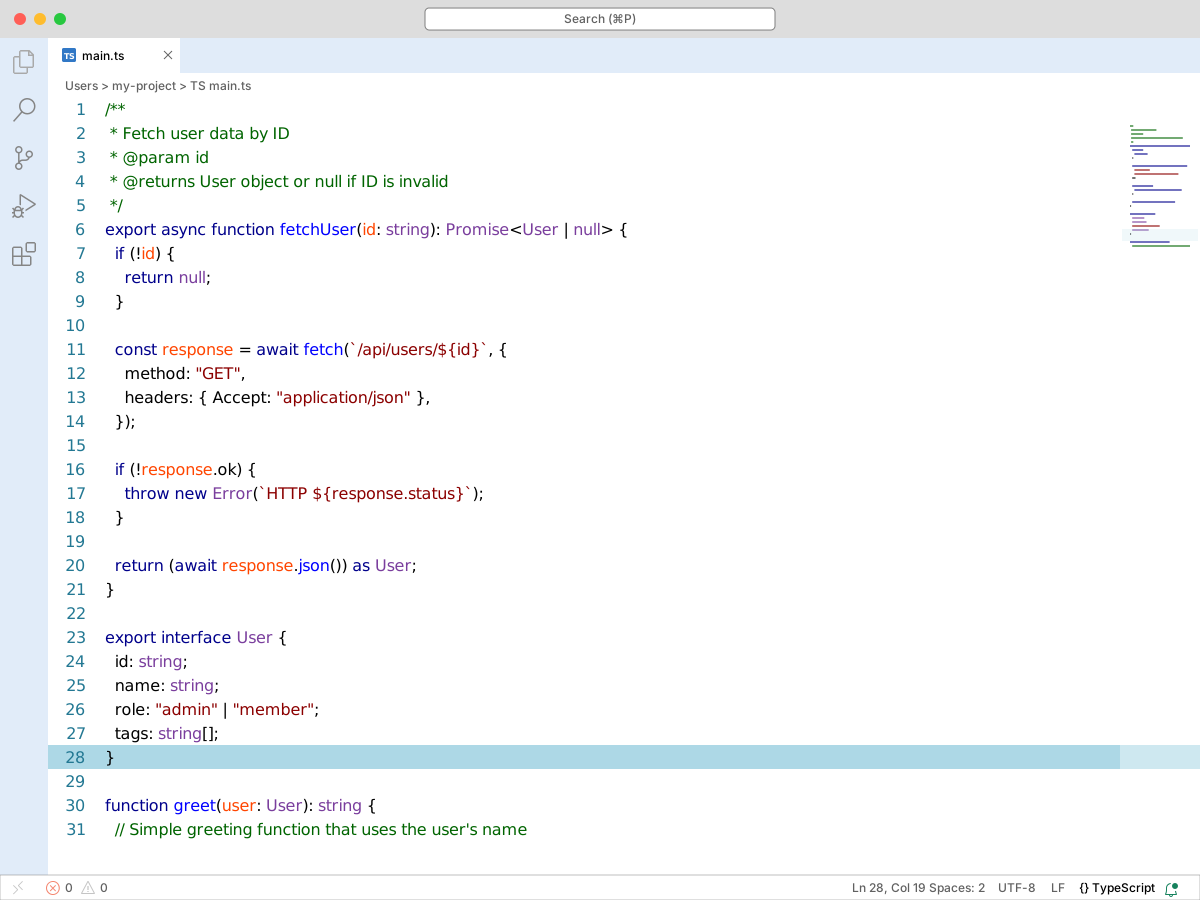
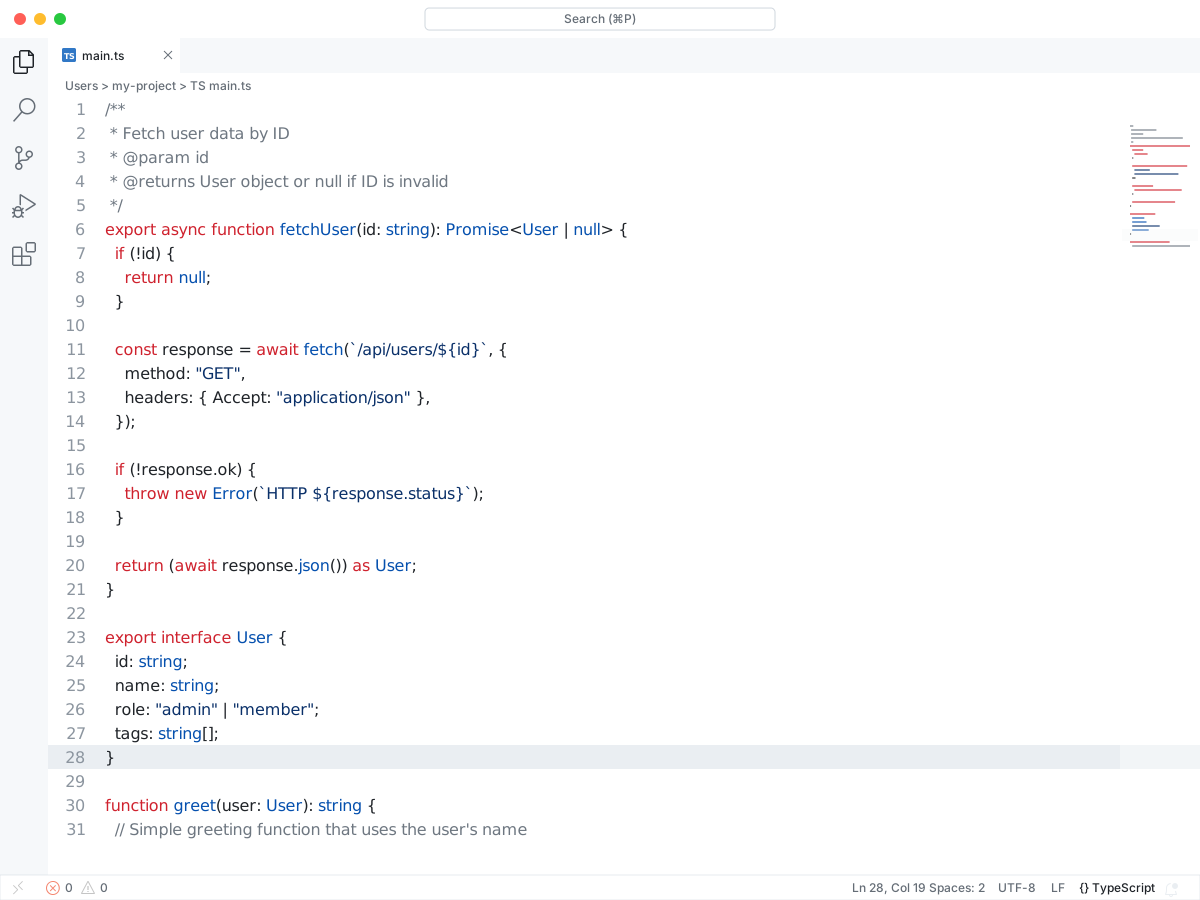
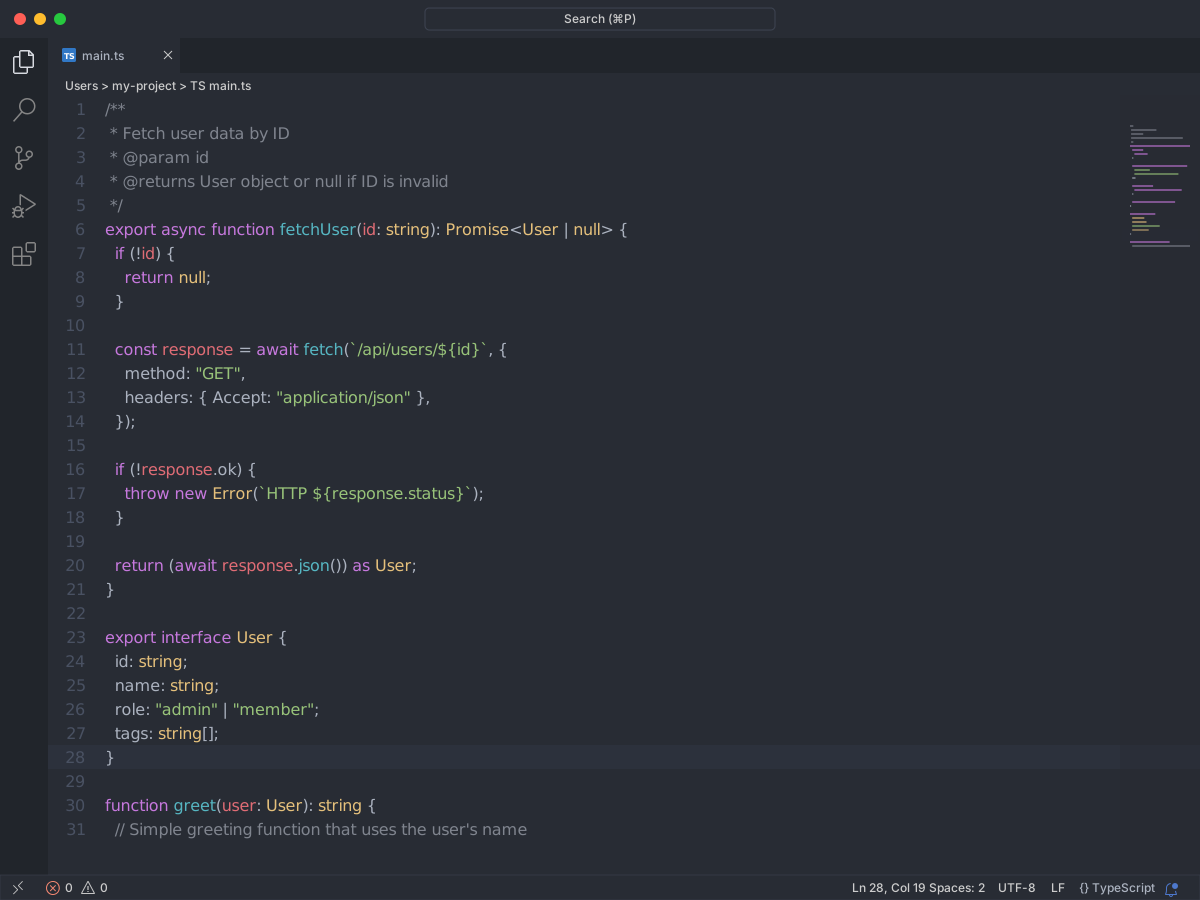
Full workbench mockup using this variant's colors and tokenColors.
Loading...
Workbench UI color keys from the theme JSON colors map.
| key | HEX | RGB | RGBA |
|---|---|---|---|
activityBar.background | |||
activityBar.foreground | |||
activityBar.inactiveForeground | |||
editor.background | |||
editor.foreground | |||
editor.lineHighlightBackground | |||
editor.wordHighlightBackground | |||
editorGroupHeader.tabsBackground | |||
editorHoverWidget.background | |||
input.background | |||
list.activeSelectionBackground | |||
list.hoverBackground | |||
list.inactiveSelectionBackground | |||
minimap.background | |||
minimap.selectionHighlight | |||
minimap.selectionOccurrenceHighlight | |||
sideBar.background | |||
sideBarSectionHeader.background | |||
statusBar.background | |||
statusBar.foreground | |||
statusBarItem.prominentBackground | |||
tab.activeBackground | |||
tab.activeForeground | |||
tab.inactiveBackground | |||
tab.inactiveForeground | |||
titleBar.activeBackground |
Foregrounds this theme assigns to the token scope catalog. A rule with only a font style is skipped, and a longer matching scope wins. Italic and bold rules are not listed — the preview above shows them in the code.
| scope | HEX | RGB | RGBA |
|---|---|---|---|
comment | |||
comment.block | |||
comment.block.documentation | |||
comment.line | |||
constant | |||
constant.numeric | |||
constant.numeric.integer | |||
constant.numeric.float | |||
constant.numeric.hex | |||
constant.numeric.octal | |||
entity | |||
entity.name | |||
entity.name.function | |||
entity.name.tag | |||
string | |||
string.interpolated | |||
string.other | |||
string.quoted | |||
string.quoted.double | |||
string.quoted.other | |||
string.quoted.single | |||
string.quoted.triple | |||
string.regexp | |||
string.template | |||
string.unquoted | |||
variable | |||
variable.function | |||
variable.language | |||
variable.name | |||
variable.other | |||
variable.other.constant | |||
variable.other.property | |||
variable.other.readwrite | |||
variable.parameter |
export interface User {
  id: string;
  name: string;
  role: "admin" | "member";
  tags: string[];
}

/**
 * Fetch user data by ID
 * @param id
 * @returns User object or null if ID is invalid
 */
export async function fetchUser(id: string): Promise<User | null> {
  if (!id) {
    return null;
  }

  const response = await fetch(`/api/users/${id}`, {
    method: "GET",
    headers: { Accept: "application/json" },
  });

  if (!response.ok) {
    throw new Error(`HTTP ${response.status}`);
  }

  return (await response.json()) as User;
}

function greet(user: User): string {
  // Simple greeting function that uses the user's name
  return `Hello, ${user.name}!`;
}