Neon Abyss
Publisher: ZentrekkerThemes in package: 1
A cutting-edge dark theme with neon accents for any IDE.
A cutting-edge dark theme with neon accents for any IDE.
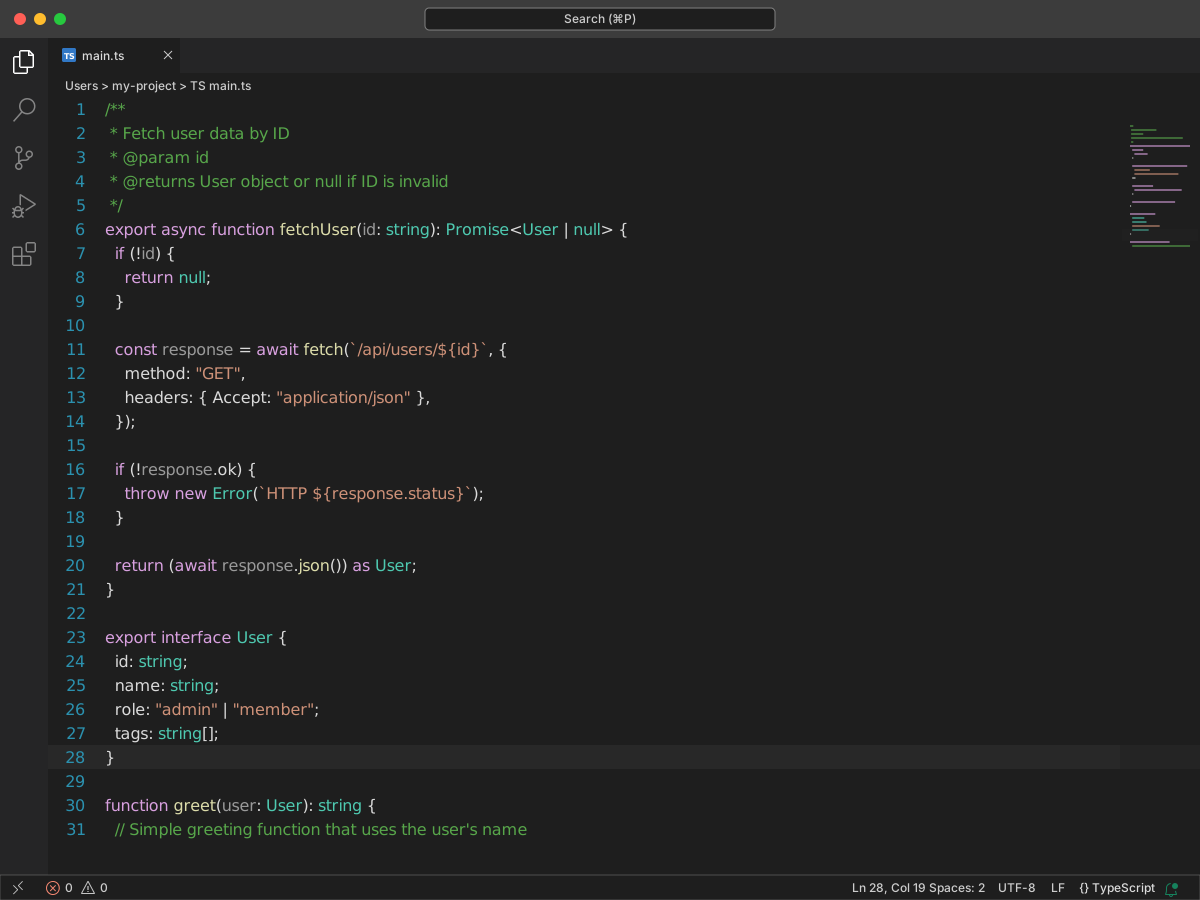
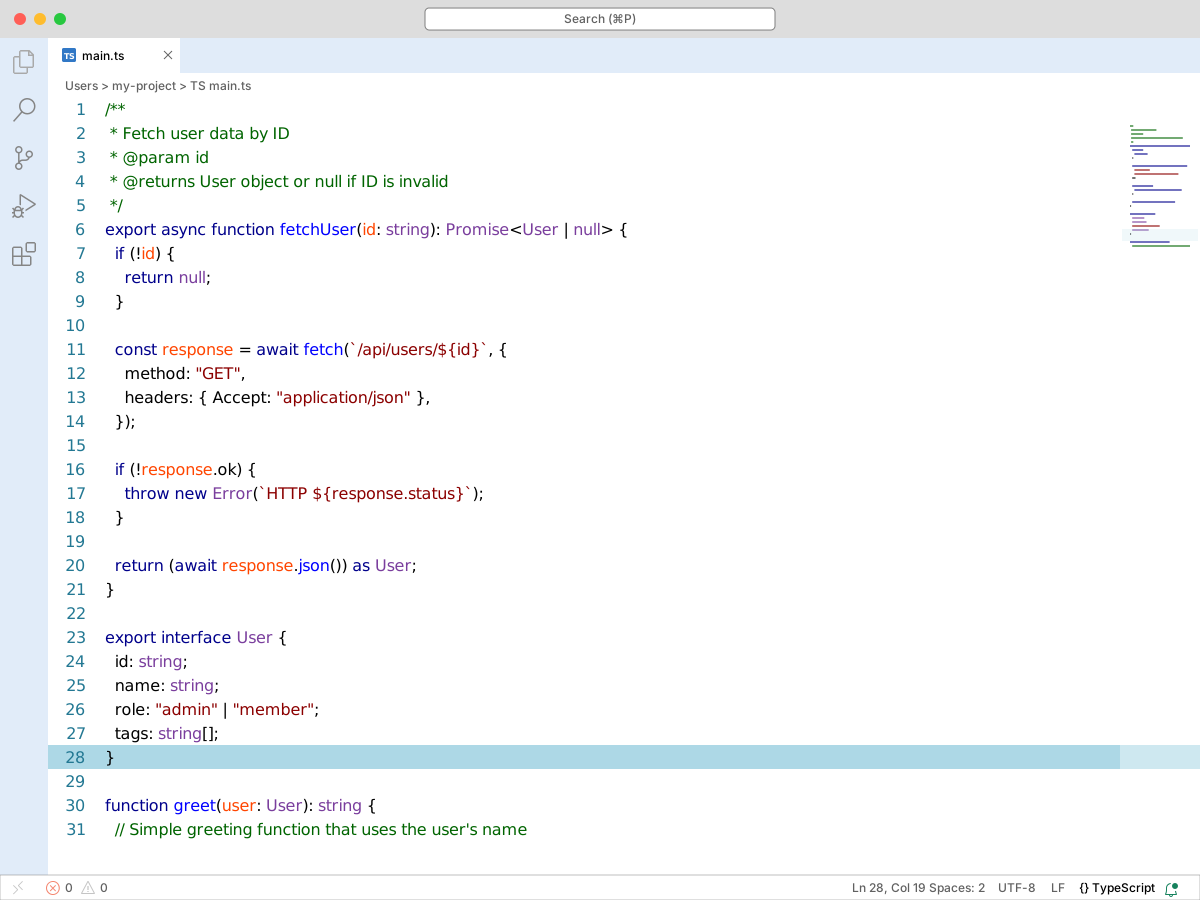
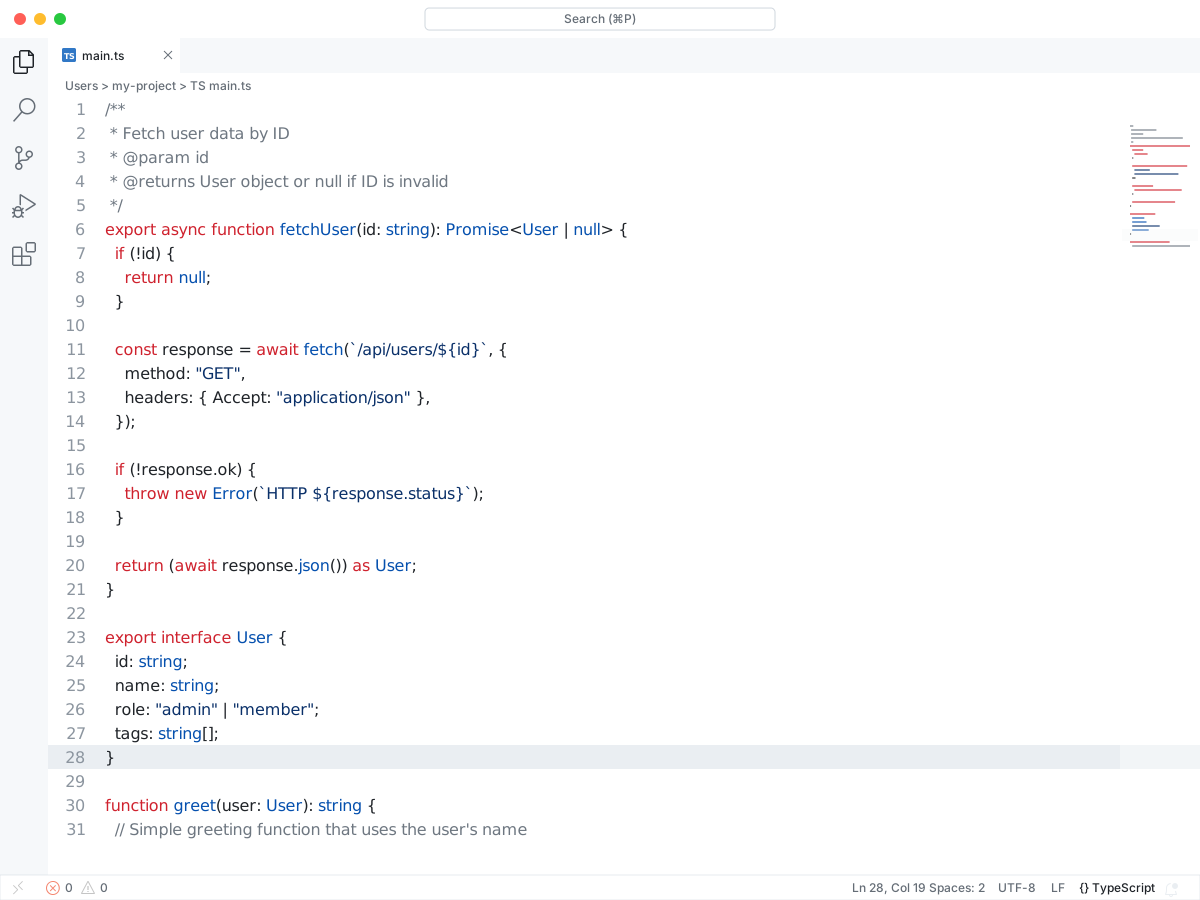
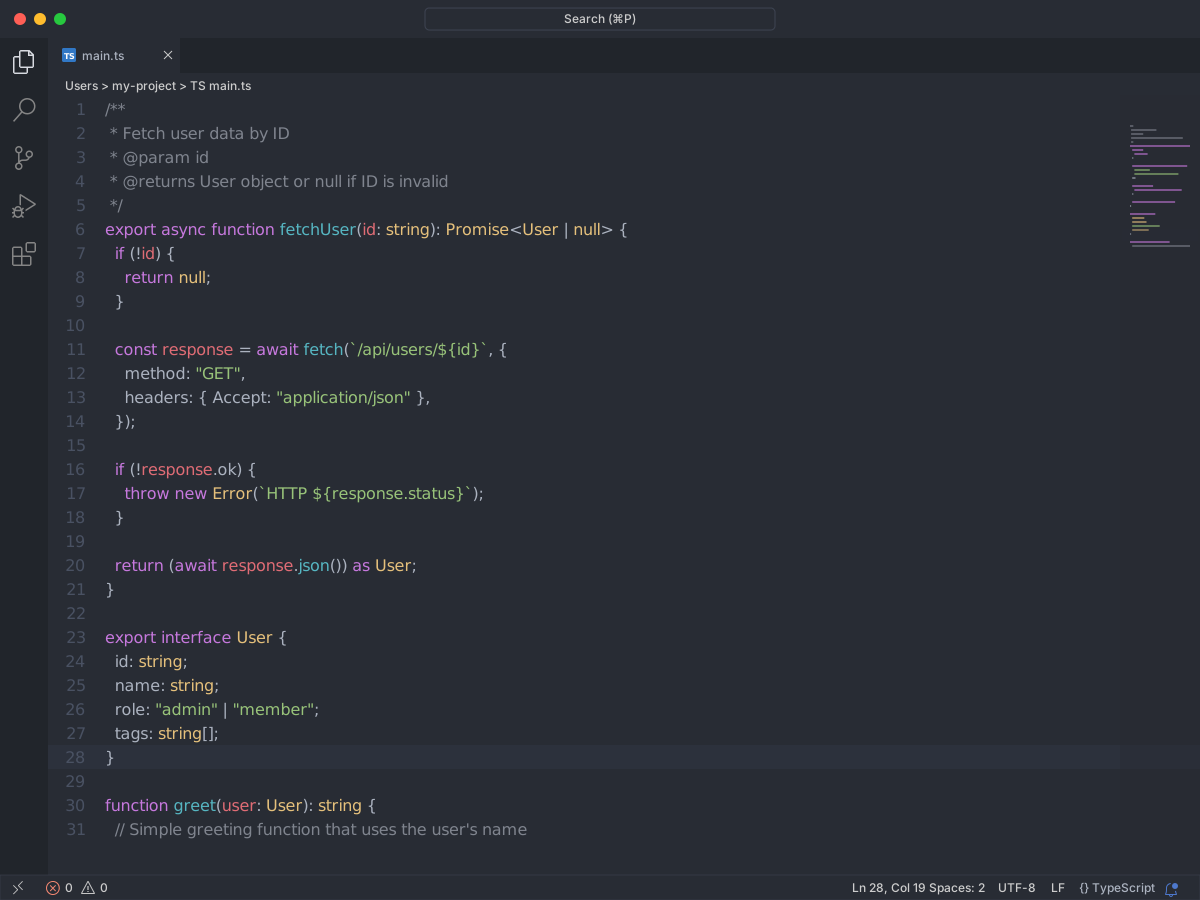
Full workbench mockup using this variant's colors and tokenColors.
Loading...
Workbench UI color keys from the theme JSON colors map.
| key | HEX | RGB | RGBA |
|---|---|---|---|
activityBar.background | |||
activityBar.foreground | |||
button.background | |||
button.foreground | |||
dropdown.background | |||
dropdown.foreground | |||
editor.background | |||
editor.foreground | |||
editor.lineHighlightBackground | |||
editor.selectionBackground | |||
editorCursor.foreground | |||
editorGroupHeader.tabsBackground | |||
input.background | |||
input.foreground | |||
sidebar.background | |||
sidebar.foreground | |||
statusBar.background | |||
statusBar.foreground | |||
tab.activeBackground | |||
tab.activeForeground | |||
tab.inactiveBackground | |||
terminal.background | |||
terminal.foreground |
Foregrounds this theme assigns to the token scope catalog. A rule with only a font style is skipped, and a longer matching scope wins. Italic and bold rules are not listed — the preview above shows them in the code.
| scope | HEX | RGB | RGBA |
|---|---|---|---|
comment | |||
comment.block | |||
comment.block.documentation | |||
comment.line | |||
constant | |||
constant.numeric | |||
constant.numeric.integer | |||
constant.numeric.float | |||
constant.numeric.hex | |||
constant.numeric.octal | |||
entity | |||
entity.name | |||
entity.name.function | |||
entity.name.type | |||
entity.name.type.enum | |||
entity.name.type.interface | |||
entity.name.type.struct | |||
keyword | |||
keyword.control | |||
keyword.control.flow | |||
keyword.operator | |||
keyword.operator.new | |||
keyword.operator.assignment | |||
keyword.operator.arithmetic | |||
keyword.operator.logical | |||
keyword.other | |||
storage | |||
storage.modifier | |||
storage.type | |||
string | |||
string.interpolated | |||
string.other | |||
string.quoted | |||
string.quoted.double | |||
string.quoted.other | |||
string.quoted.single | |||
string.quoted.triple | |||
string.regexp | |||
string.template | |||
string.unquoted | |||
support | |||
support.function | |||
support.type | |||
support.type.primitive | |||
support.type.property-name | |||
variable | |||
variable.function | |||
variable.language | |||
variable.name | |||
variable.other | |||
variable.other.constant | |||
variable.other.property | |||
variable.other.readwrite | |||
variable.parameter |
export interface User {
  id: string;
  name: string;
  role: "admin" | "member";
  tags: string[];
}

/**
 * Fetch user data by ID
 * @param id
 * @returns User object or null if ID is invalid
 */
export async function fetchUser(id: string): Promise<User | null> {
  if (!id) {
    return null;
  }

  const response = await fetch(`/api/users/${id}`, {
    method: "GET",
    headers: { Accept: "application/json" },
  });

  if (!response.ok) {
    throw new Error(`HTTP ${response.status}`);
  }

  return (await response.json()) as User;
}

function greet(user: User): string {
  // Simple greeting function that uses the user's name
  return `Hello, ${user.name}!`;
}