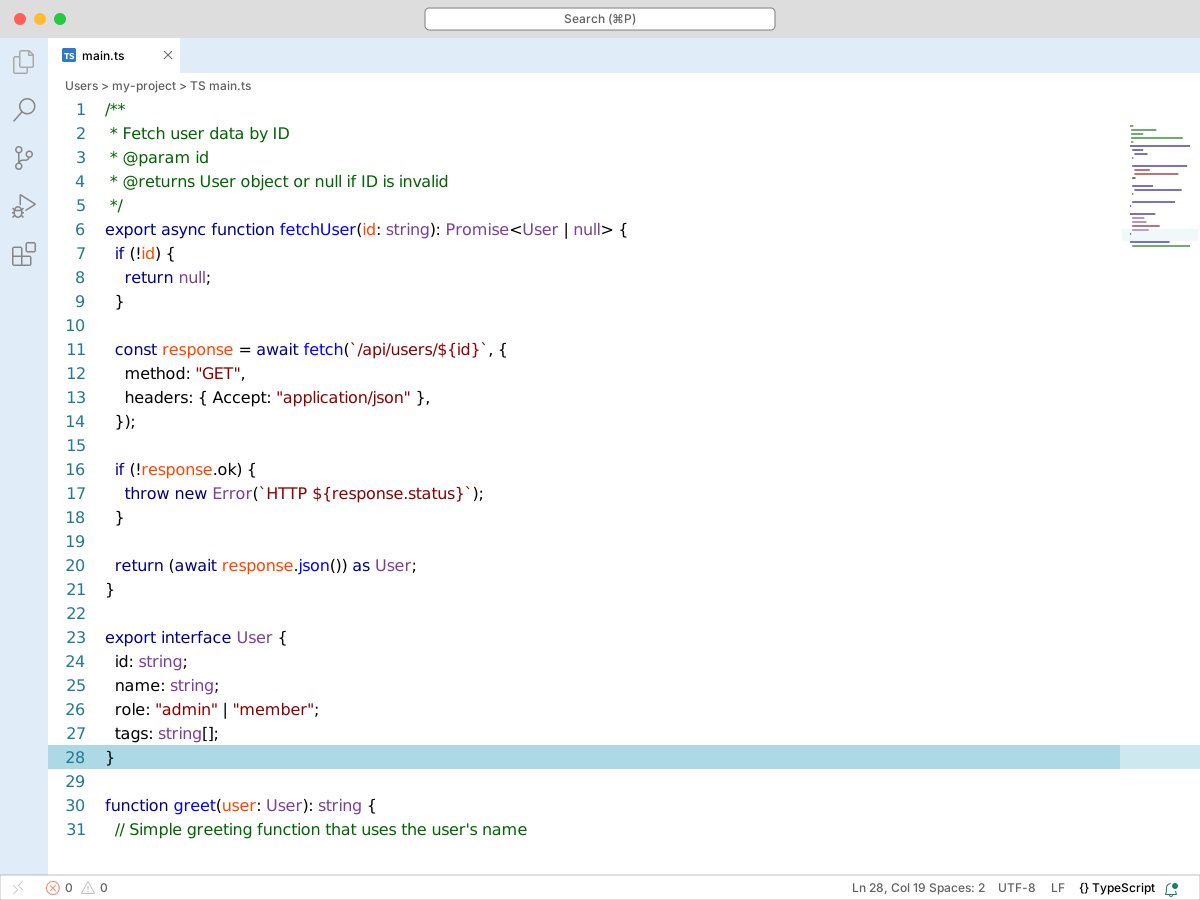
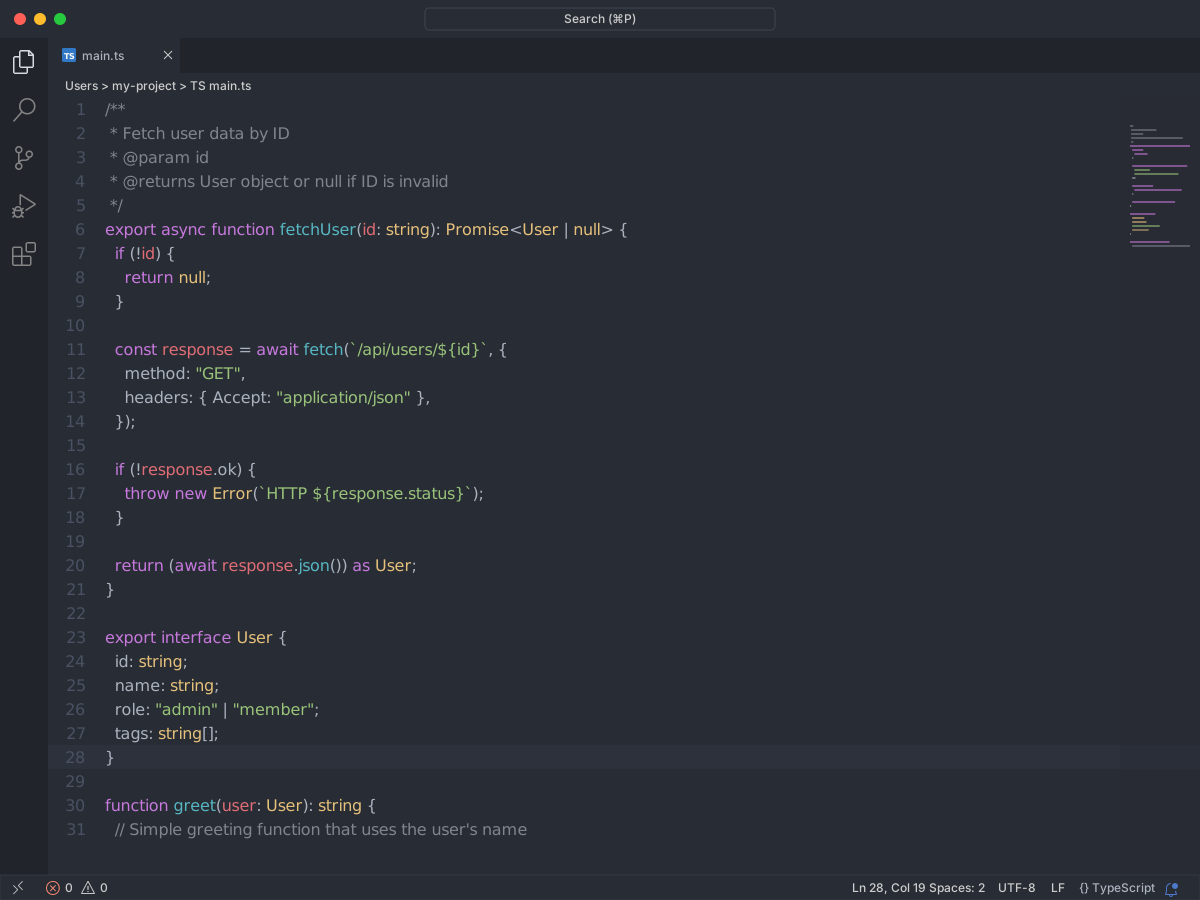
VS Code preview Full workbench mockup using this variant's colors and tokenColors.
fetchUser.tssrc/components index.ts README.md
src
components fetchUser.ts Button.tsx Modal.tsx legacy.tsx fetch Config.tsindex.ts renamed.ts staged.ts removed.ts
vendor package.json broken.ts slow.ts tsconfig.json README.md package-lock.json 1
2
3
4
5
6
7
8
9
10
11
12
13
14
15
16
17
18
19
20
21
22
23
24
25
26
27
28
29
30
31
32
33
34
export interface User { id: string; name: string; role: " admin " | " member " ; tags: string[]; } /** * Fetch user data by ID * @param id * @returns User object or null if ID is invalid */ export async function fetchUser( id : string): Promise<User | null> { if (!id) { return null ; } const response = await fetch( ` /api/users/ ${ id } ` , { method: " GET " , headers: { Accept: " application/json " }, }); if (!response.ok) { throw new Error( ` HTTP ${ response.status } ` ); } return ( await response.json()) as User; } function greet( user : User): string { // Simple greeting function that uses the user's name return ` Hello, ${ user.name } ! ` ; }
Problems1
Output
Debug Console
Ports
✓ fetchUser passed 12 blk
✗ Cannot find name 'user'. error ▲ warning 412 ready localhost
Ln 5, Col 12
Spaces: 2
UTF-8
LF
TypeScript
Spaz's Basic Dark
colors Workbench UI color keys from the theme JSON colors map.
key HEX RGB RGBA activityBar.activeBackground
#000000 RGB(0, 0, 0) RGBA(0, 0, 0, 1) activityBar.activeBorder
#4488FF RGB(68, 136, 255) RGBA(68, 136, 255, 1) editor.background
#000000 RGB(0, 0, 0) RGBA(0, 0, 0, 1) editor.findMatchBackground
#FFFF0088 RGB(255, 255, 0) RGBA(255, 255, 0, 0.533) editor.findMatchBorder
#FFFF00 RGB(255, 255, 0) RGBA(255, 255, 0, 1) editor.findMatchHighlightBackground
#00000000 RGB(0, 0, 0) RGBA(0, 0, 0, 0) editor.findMatchHighlightBorder
#FFFF00 RGB(255, 255, 0) RGBA(255, 255, 0, 1) editor.foreground
#FFFFFF RGB(255, 255, 255) RGBA(255, 255, 255, 1) editor.inactiveSelectionBackground
#0044FF88 RGB(0, 68, 255) RGBA(0, 68, 255, 0.533) editor.lineHighlightBackground
#330033 RGB(51, 0, 51) RGBA(51, 0, 51, 1) editor.selectionBackground
#0000FFCC RGB(0, 0, 255) RGBA(0, 0, 255, 0.8) editor.wordHighlightBackground
#FF000066 RGB(255, 0, 0) RGBA(255, 0, 0, 0.4) editor.wordHighlightStrongBackground
#FF000066 RGB(255, 0, 0) RGBA(255, 0, 0, 0.4) editor.wordHighlightStrongBorder
#FFFF00 RGB(255, 255, 0) RGBA(255, 255, 0, 1) editorBracketHighlight.foreground1
#88FFFF RGB(136, 255, 255) RGBA(136, 255, 255, 1) editorBracketHighlight.foreground2
#8888FF RGB(136, 136, 255) RGBA(136, 136, 255, 1) editorBracketHighlight.foreground3
#FFFF88 RGB(255, 255, 136) RGBA(255, 255, 136, 1) editorBracketHighlight.foreground4
#FF8888 RGB(255, 136, 136) RGBA(255, 136, 136, 1) editorBracketHighlight.foreground5
#88FF88 RGB(136, 255, 136) RGBA(136, 255, 136, 1) editorBracketHighlight.foreground6
#FF88FF RGB(255, 136, 255) RGBA(255, 136, 255, 1) editorBracketHighlight.unexpectedBracket.foreground
#FF4400 RGB(255, 68, 0) RGBA(255, 68, 0, 1) editorCodeLens.foreground
#444444 RGB(68, 68, 68) RGBA(68, 68, 68, 1) editorCursor.foreground
#FF0000 RGB(255, 0, 0) RGBA(255, 0, 0, 1) editorLineNumber.activeForeground
#888888 RGB(136, 136, 136) RGBA(136, 136, 136, 1) editorLineNumber.foreground
#444444 RGB(68, 68, 68) RGBA(68, 68, 68, 1) editorStickyScroll.background
#222244 RGB(34, 34, 68) RGBA(34, 34, 68, 1) editorStickyScrollHover.background
#222288 RGB(34, 34, 136) RGBA(34, 34, 136, 1) tab.activeBackground
#220022 RGB(34, 0, 34) RGBA(34, 0, 34, 1)
tokenColors Foregrounds this theme assigns to the token scope catalog. A rule with only a font style is skipped, and a longer matching scope wins. Italic and bold rules are not listed — the preview above shows them in the code.
scope HEX RGB RGBA comment
#D69D85 RGB(214, 157, 133) RGBA(214, 157, 133, 1) comment.block
#D69D85 RGB(214, 157, 133) RGBA(214, 157, 133, 1) comment.block.documentation
#D69D85 RGB(214, 157, 133) RGBA(214, 157, 133, 1) comment.line
#D69D85 RGB(214, 157, 133) RGBA(214, 157, 133, 1) constant
#88FF88 RGB(136, 255, 136) RGBA(136, 255, 136, 1) constant.numeric
#88FF88 RGB(136, 255, 136) RGBA(136, 255, 136, 1) constant.numeric.integer
#88FF88 RGB(136, 255, 136) RGBA(136, 255, 136, 1) constant.numeric.float
#88FF88 RGB(136, 255, 136) RGBA(136, 255, 136, 1) constant.numeric.hex
#88FF88 RGB(136, 255, 136) RGBA(136, 255, 136, 1) constant.numeric.octal
#88FF88 RGB(136, 255, 136) RGBA(136, 255, 136, 1) entity
#FFCCFF RGB(255, 204, 255) RGBA(255, 204, 255, 1) entity.name
#FFCCFF RGB(255, 204, 255) RGBA(255, 204, 255, 1) entity.name.tag
#88FFFF RGB(136, 255, 255) RGBA(136, 255, 255, 1) keyword
#FFFFFF RGB(255, 255, 255) RGBA(255, 255, 255, 1) keyword.control
#A0A0A0 RGB(160, 160, 160) RGBA(160, 160, 160, 1) keyword.control.flow
#A0A0A0 RGB(160, 160, 160) RGBA(160, 160, 160, 1) keyword.operator
#FFFFFF RGB(255, 255, 255) RGBA(255, 255, 255, 1) keyword.operator.new
#FFFFFF RGB(255, 255, 255) RGBA(255, 255, 255, 1) keyword.operator.assignment
#FFFFFF RGB(255, 255, 255) RGBA(255, 255, 255, 1) keyword.operator.arithmetic
#FFFFFF RGB(255, 255, 255) RGBA(255, 255, 255, 1) keyword.operator.logical
#FFFFFF RGB(255, 255, 255) RGBA(255, 255, 255, 1) meta
#FFCCFF RGB(255, 204, 255) RGBA(255, 204, 255, 1) punctuation.definition.comment
#D69D85 RGB(214, 157, 133) RGBA(214, 157, 133, 1) storage
#A0A0A0 RGB(160, 160, 160) RGBA(160, 160, 160, 1) storage.modifier
#A0A0A0 RGB(160, 160, 160) RGBA(160, 160, 160, 1) storage.type
#A0A0A0 RGB(160, 160, 160) RGBA(160, 160, 160, 1) string
#88FF88 RGB(136, 255, 136) RGBA(136, 255, 136, 1) string.interpolated
#88FF88 RGB(136, 255, 136) RGBA(136, 255, 136, 1) string.other
#88FF88 RGB(136, 255, 136) RGBA(136, 255, 136, 1) string.quoted
#88FF88 RGB(136, 255, 136) RGBA(136, 255, 136, 1) string.quoted.double
#88FF88 RGB(136, 255, 136) RGBA(136, 255, 136, 1) string.quoted.other
#88FF88 RGB(136, 255, 136) RGBA(136, 255, 136, 1) string.quoted.single
#88FF88 RGB(136, 255, 136) RGBA(136, 255, 136, 1) string.quoted.triple
#88FF88 RGB(136, 255, 136) RGBA(136, 255, 136, 1) string.regexp
#88FF88 RGB(136, 255, 136) RGBA(136, 255, 136, 1) string.template
#88FF88 RGB(136, 255, 136) RGBA(136, 255, 136, 1) string.unquoted
#88FF88 RGB(136, 255, 136) RGBA(136, 255, 136, 1) support
#FFFFFF RGB(255, 255, 255) RGBA(255, 255, 255, 1) support.type
#FFFFFF RGB(255, 255, 255) RGBA(255, 255, 255, 1) support.type.property-name
#FFFFFF RGB(255, 255, 255) RGBA(255, 255, 255, 1) variable
#FFCCFF RGB(255, 204, 255) RGBA(255, 204, 255, 1) variable.parameter
#FFCCFF RGB(255, 204, 255) RGBA(255, 204, 255, 1)