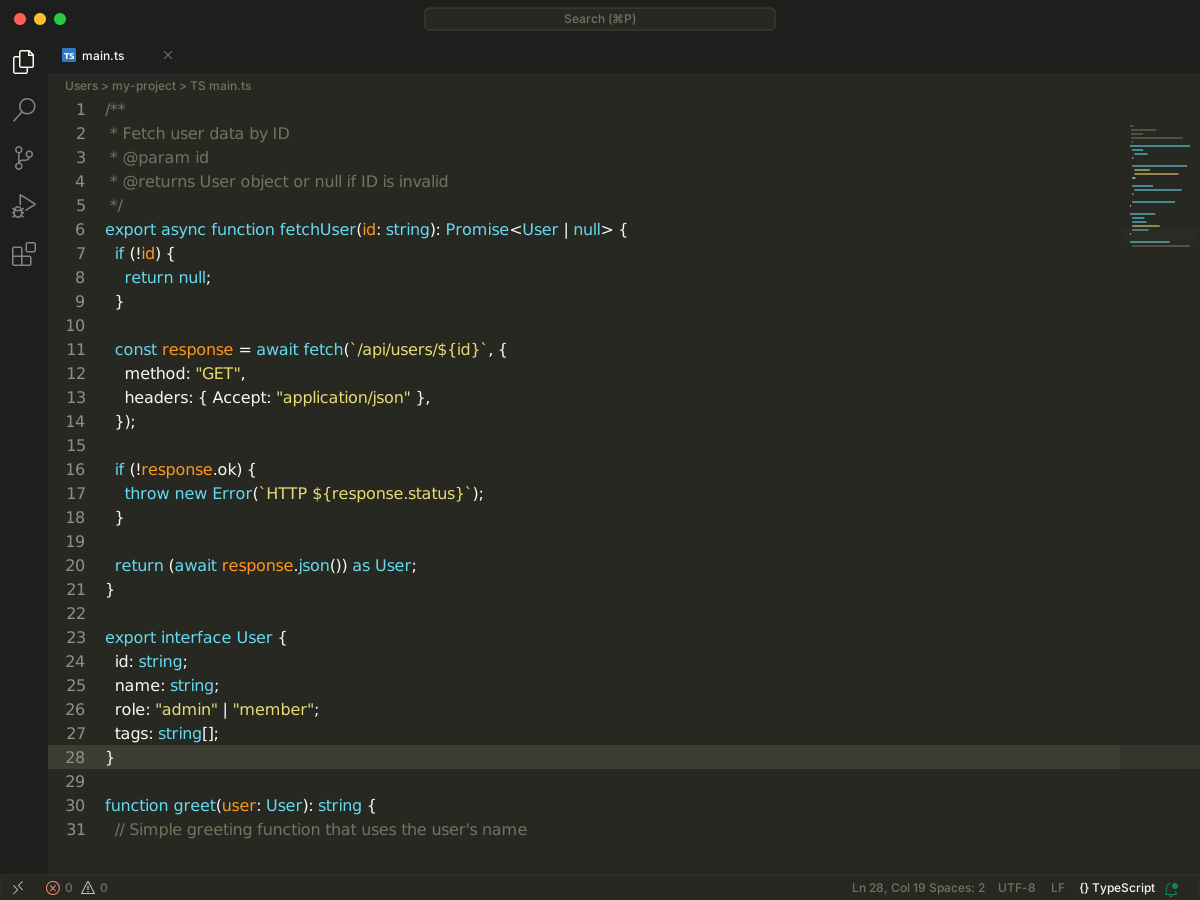
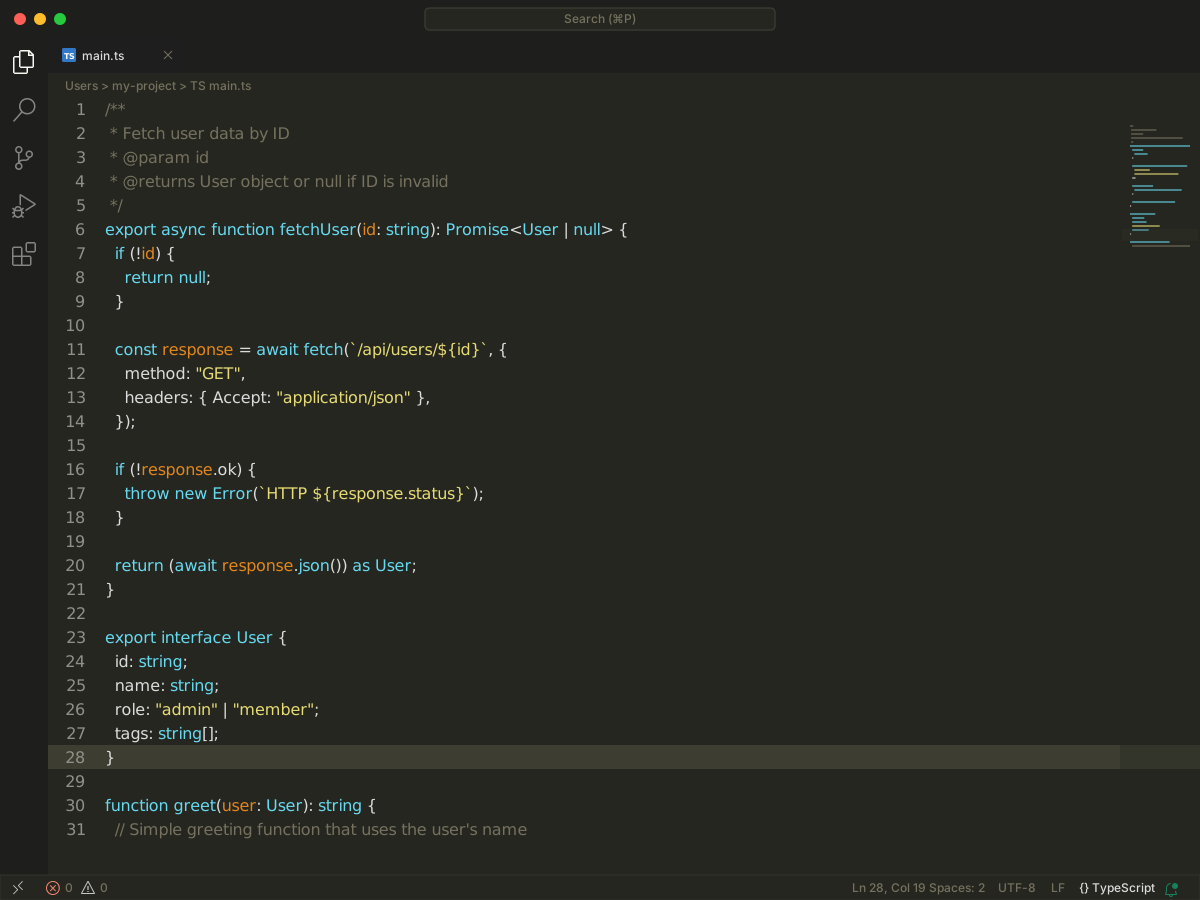
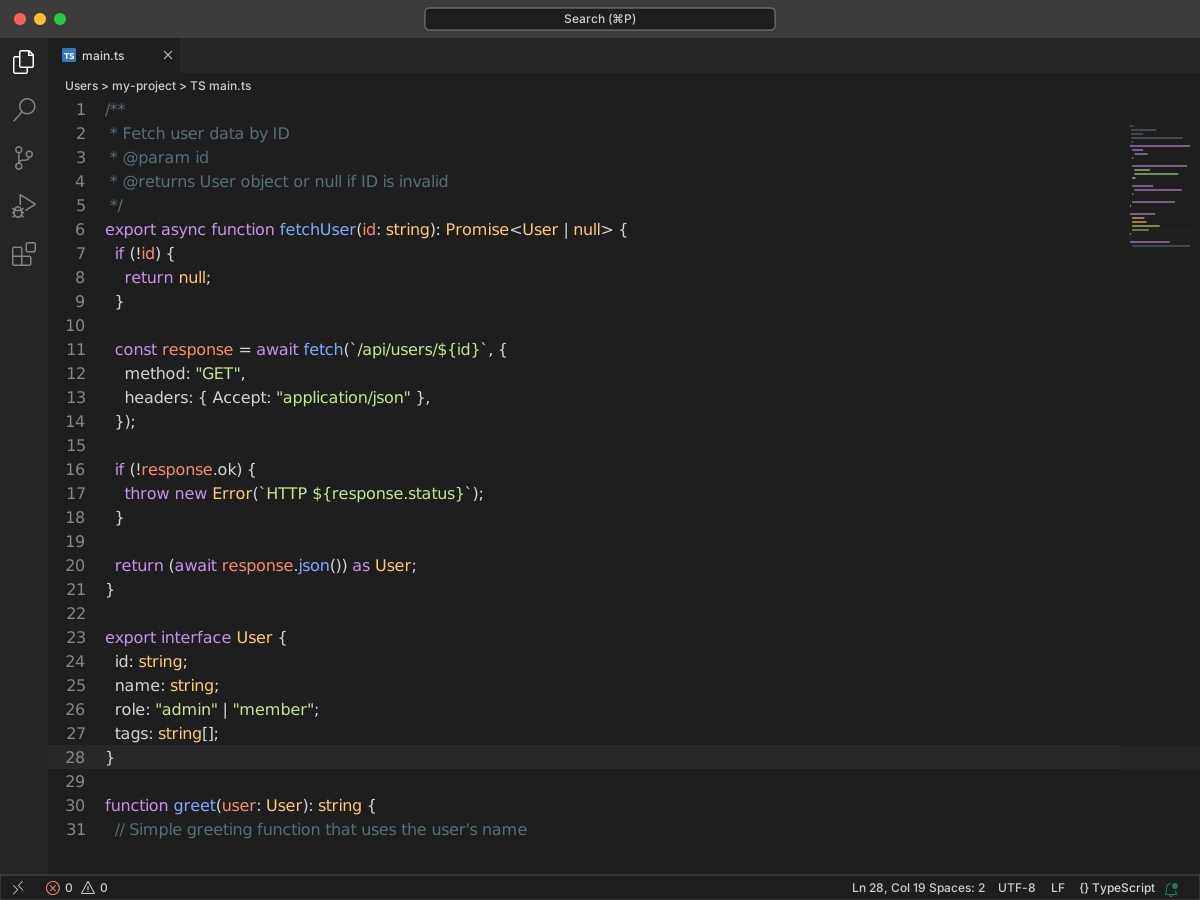
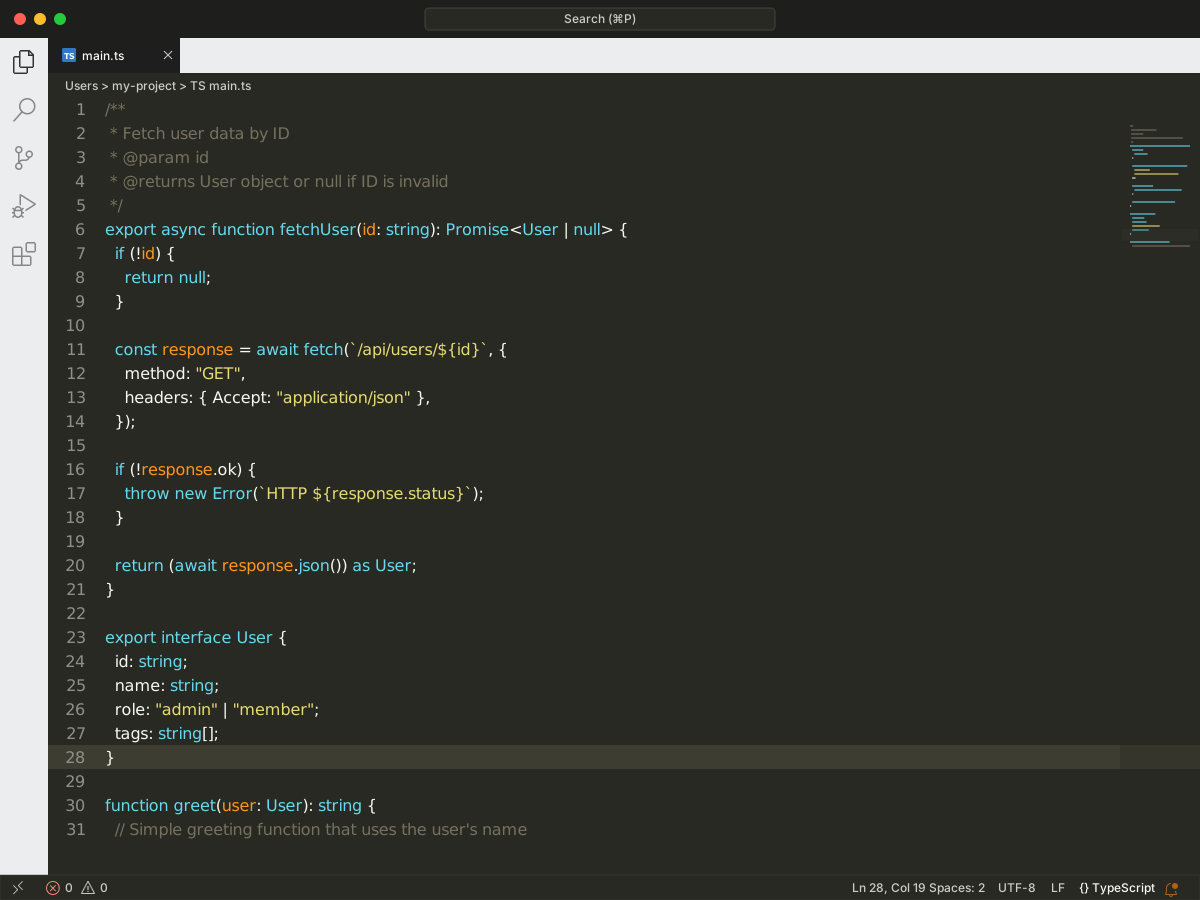
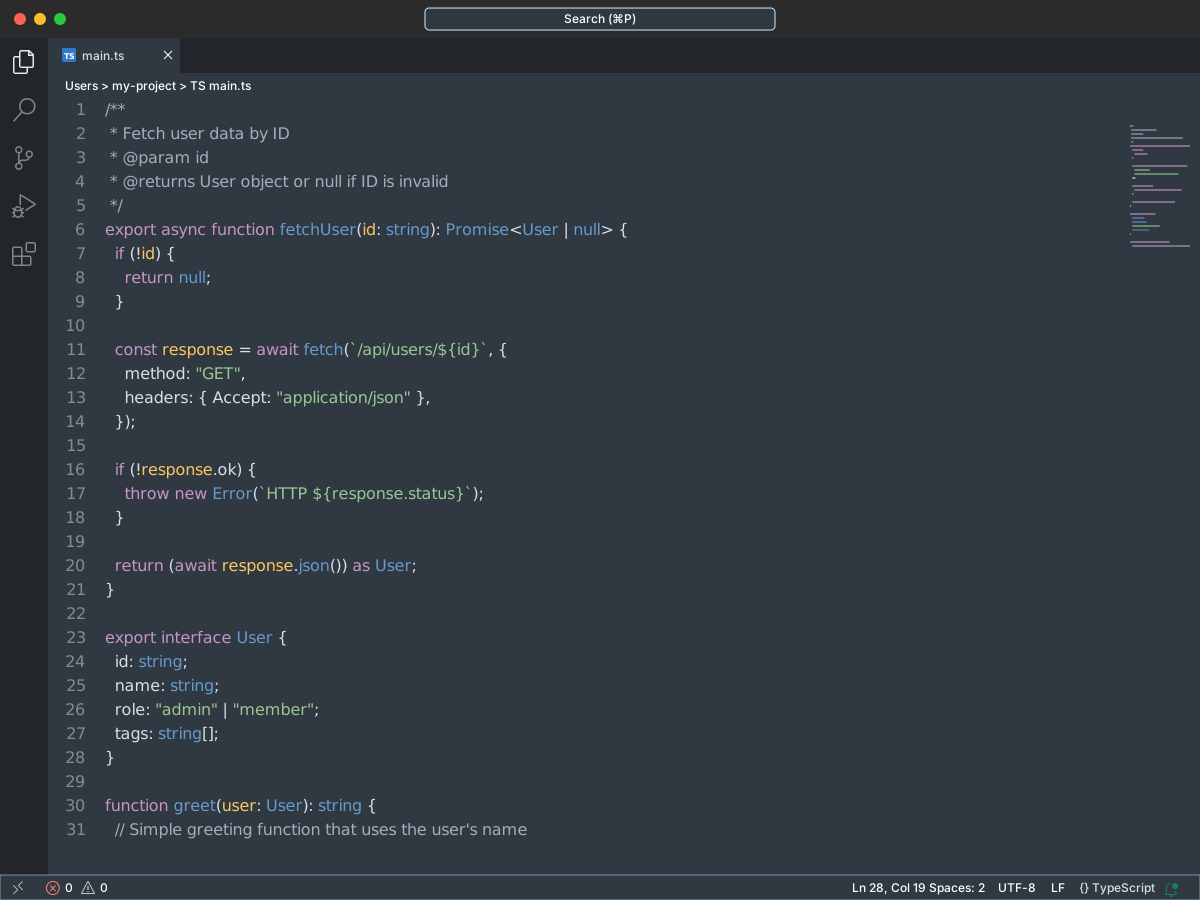
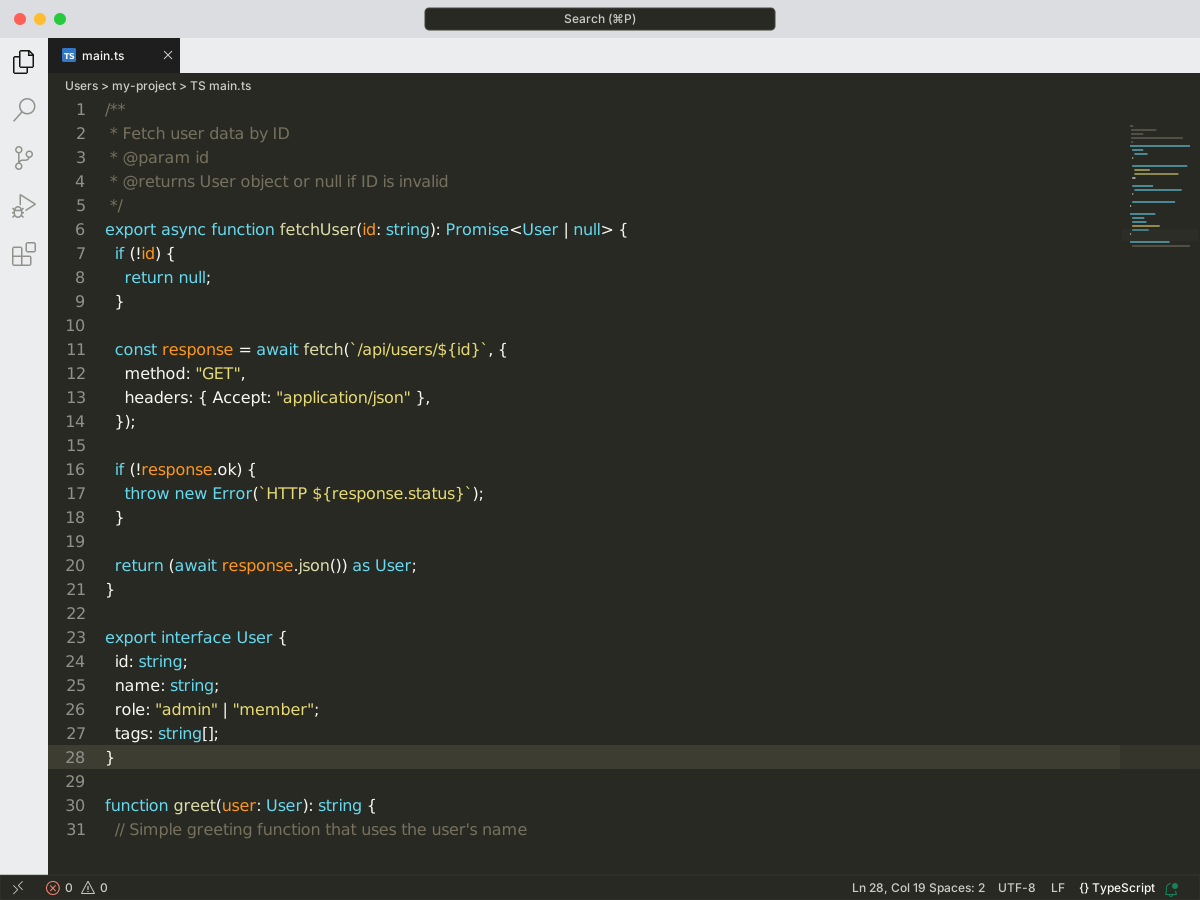
Theme to replicate the workbench and syntax highlighting from Sublime Text with MavensMate when editing Apex code. This is as close as possible with some subtle differences. This theme references the Salesforce grammar (apex.tmLanguage) in the Salesforce Extension Pack for VSCode.
Full workbench mockup using this variant's colors and tokenColors.
fetchUser.ts
index.ts
README.md
src
components
fetchUser.ts
User
tags
1
2
3
4
5
6
7
8
9
10
11
12
13
14
15
16
17
18
19
20
21
22
23
24
25
26
27
28
29
30
31
32
33
34
export interface User { id: string; name: string; role: "admin" | "member"; tags: string[];}/** * Fetch user data by ID * @param id * @returns User object or null if ID is invalid */export async function fetchUser(id: string): Promise<User | null> { if (!id) { return null; } const response = await fetch(`/api/users/${id}`, { method: "GET", headers: { Accept: "application/json" }, }); if (!response.ok) { throw new Error(`HTTP ${response.status}`); } return (await response.json()) as User;}function greet(user: User): string { // Simple greeting function that uses the user's name return `Hello, ${user.name}!`;}
Problems1
Output
Debug Console
Terminal
Ports
~/my-project $ pnpm test
✓ fetchUser passed 12blk
✗Cannot find name 'user'. error
▲warning 412 readylocalhost
http://localhost:3000
WSL
1 1
main*
Copilot
Ln 5, Col 12
Spaces: 2
UTF-8
LF
TypeScript
Sublime MavensMate Monokai
colors
Workbench UI color keys from the theme JSON colors map.
key
HEX
RGB
RGBA
activityBar.background
activityBar.dropBorder
activityBar.foreground
badge.background
badge.foreground
breadcrumb.foreground
button.background
debugToolBar.background
diffEditor.insertedTextBackground
diffEditor.removedTextBackground
dropdown.background
editor.background
editor.findMatchBackground
editor.findMatchBorder
editor.findMatchHighlightBackground
editor.findMatchHighlightBorder
editor.foreground
editor.lineHighlightBackground
editor.selectionBackground
editor.selectionHighlightBackground
editor.selectionHighlightBorder
editorCursor.foreground
editorGroup.border
editorGroup.dropBackground
editorGroupHeader.tabsBackground
editorHoverWidget.background
editorHoverWidget.border
editorIndentGuide.background
editorLineNumber.foreground
editorSuggestWidget.background
editorSuggestWidget.border
editorWhitespace.foreground
editorWidget.background
focusBorder
input.background
inputOption.activeBorder
inputValidation.errorBackground
inputValidation.errorBorder
inputValidation.infoBackground
inputValidation.infoBorder
inputValidation.warningBackground
inputValidation.warningBorder
list.activeSelectionBackground
list.dropBackground
list.focusBackground
list.highlightForeground
list.hoverBackground
list.inactiveSelectionBackground
panel.border
panelTitle.activeBorder
panelTitle.activeForeground
panelTitle.inactiveForeground
peekView.border
peekViewEditor.background
peekViewEditor.matchHighlightBackground
peekViewResult.background
peekViewResult.matchHighlightBackground
peekViewResult.selectionBackground
peekViewTitle.background
pickerGroup.foreground
progressBar.background
selection.background
sideBar.background
sideBarSectionHeader.background
statusBar.background
statusBar.debuggingBackground
statusBar.noFolderBackground
tab.activeBorder
tab.border
tab.inactiveBackground
tab.inactiveForeground
tab.unfocusedActiveBorder
terminal.ansiBlack
terminal.ansiBlue
terminal.ansiBrightBlack
terminal.ansiBrightBlue
terminal.ansiBrightCyan
terminal.ansiBrightGreen
terminal.ansiBrightMagenta
terminal.ansiBrightRed
terminal.ansiBrightWhite
terminal.ansiBrightYellow
terminal.ansiCyan
terminal.ansiGreen
terminal.ansiMagenta
terminal.ansiRed
terminal.ansiWhite
terminal.ansiYellow
titleBar.activeBackground
widget.shadow
tokenColors
Foregrounds this theme assigns to the token scope catalog. A rule with only a font style is skipped, and a longer matching scope wins. Italic and bold rules are not listed — the preview above shows them in the code.