Word
Publisher: Coaster McGeeThemes in package: 1
A dark theme based on Microsoft Word 5.5 for DOS
Install the extension with ext install coastermcgee.word-theme, then open the Command Palette and run Preferences: Color Theme to choose a variant.
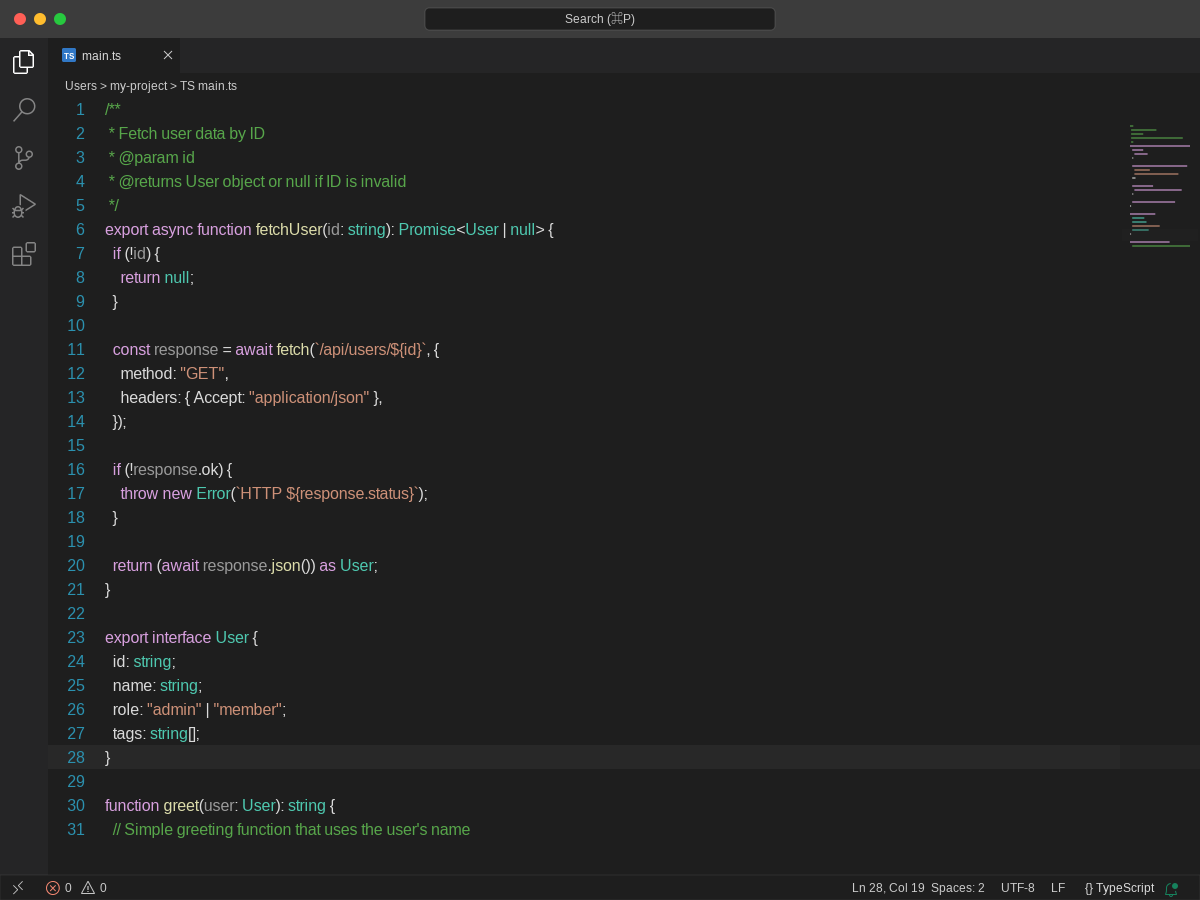
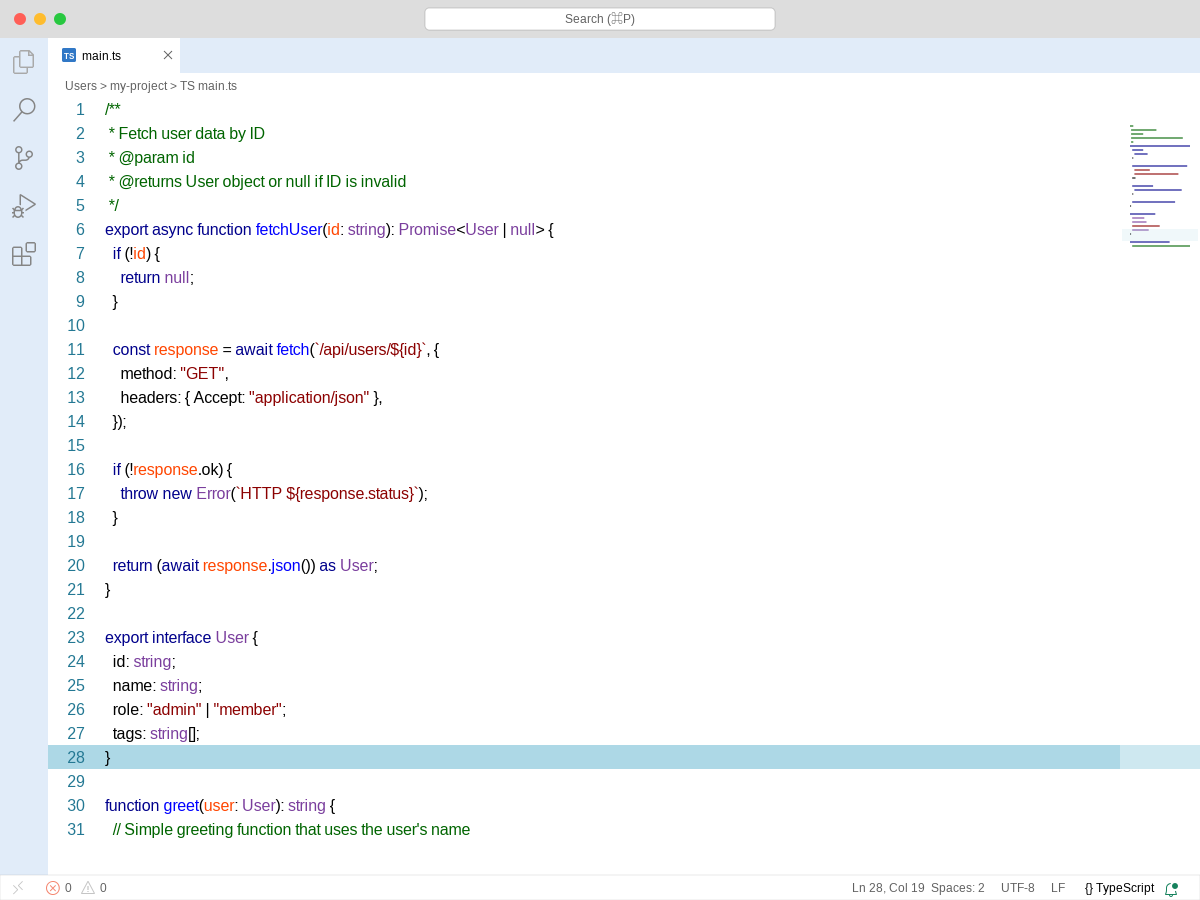
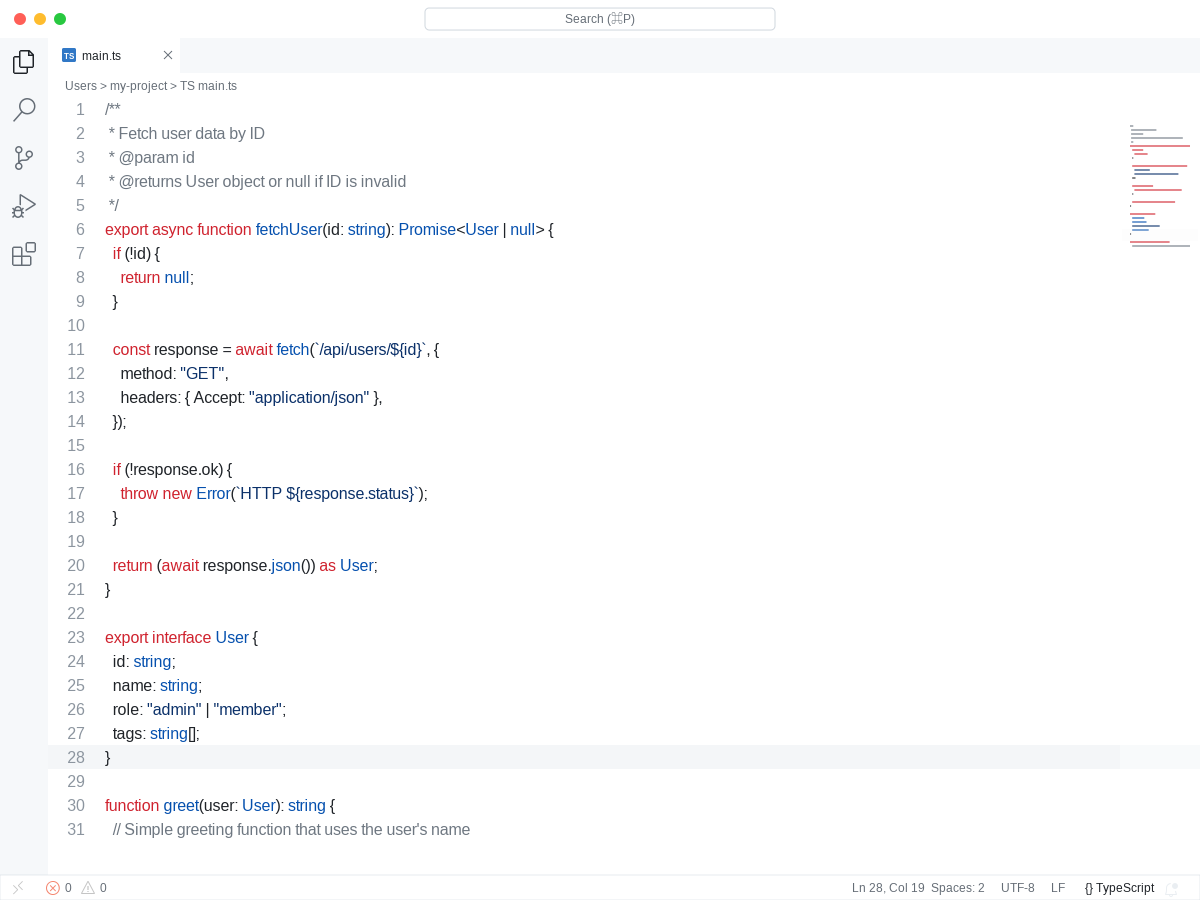
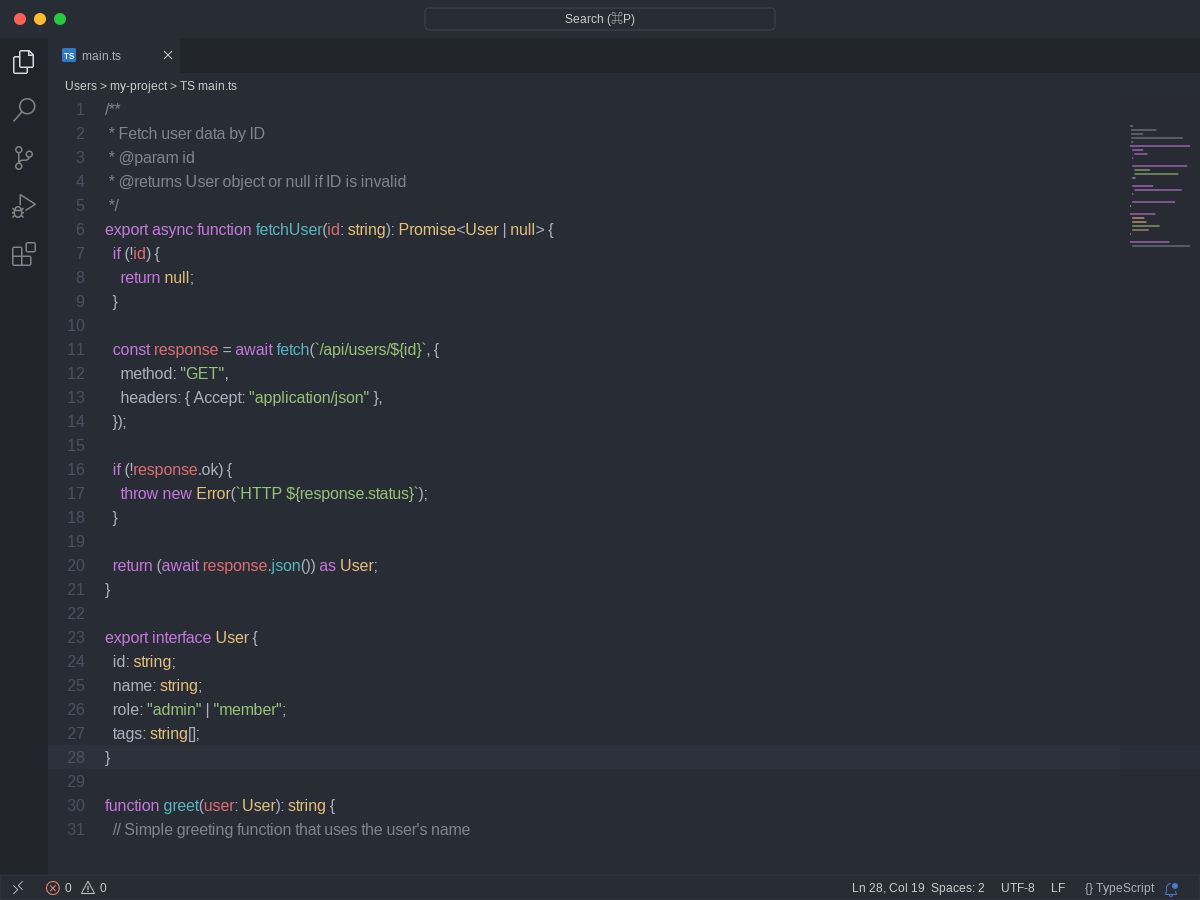
Full workbench mockup using this variant's colors and tokenColors.
export interface User {
  id: string;
  name: string;
  role: "admin" | "member";
  tags: string[];
}

/**
 * Fetch user data by ID
 * @param id
 * @returns User object or null if ID is invalid
 */
export async function fetchUser(id: string): Promise<User | null> {
  if (!id) {
    return null;
  }

  const response = await fetch(`/api/users/${id}`, {
    method: "GET",
    headers: { Accept: "application/json" },
  });

  if (!response.ok) {
    throw new Error(`HTTP ${response.status}`);
  }

  return (await response.json()) as User;
}

function greet(user: User): string {
  // Simple greeting function that uses the user's name
  return `Hello, ${user.name}!`;
}
A cool, vivid dark palette anchored on #0000AA, pairing foreground text (#FFFFFF) at 13.28:1 (AAA). 3 of 4 graded roles clear WCAG AA (4.5:1+); Comment (#828282, 3.45:1) sits below 4.5:1 for softer contrast.
Background
#0000AA
#FFFFFF
13.28:1AAA
#828282
3.45:1Fail
#FFFF55
12.45:1AAA
#FF55FF
5.05:1AA
AA is 4.5:1 for normal text, 3:1 only for large text (at least 24px, or 18.7px bold). AAA is 7:1 (4.5:1 for large text). Code and terminal text are normal text, so anything under 4.5:1 fails.
Editor text only: editor background and foreground plus the comment, string, and keyword colors this theme sets. Workbench UI colors are not graded.
Workbench UI color keys from the theme JSON colors map.
| key | HEX | RGB |
|---|---|---|
activityBar.activeBorder | ||
activityBar.background | ||
activityBar.foreground | ||
activityBarBadge.background | ||
activityBarBadge.foreground | ||
badge.background | ||
editor.background | ||
editor.foreground | ||
editor.lineHighlightBackground | ||
editorGroupHeader.tabsBackground | ||
editorLineNumber.activeForeground | ||
editorLineNumber.foreground | ||
list.activeSelectionBackground | ||
list.activeSelectionForeground | ||
list.hoverBackground | ||
list.inactiveSelectionBackground | ||
panel.background | ||
panelTitle.activeBorder | ||
panelTitle.activeForeground | ||
panelTitle.inactiveForeground | ||
sideBar.background | ||
sideBar.foreground | ||
sideBarSectionHeader.background | ||
sideBarSectionHeader.foreground |
Foregrounds this theme assigns to the token scope catalog. A rule with only a font style is skipped, and a longer matching scope wins. Italic and bold rules are not listed — the preview above shows them in the code.
| scope | HEX | RGB |
|---|---|---|
comment | ||
comment.block | ||
comment.block.documentation | ||
comment.line | ||
constant | ||
constant.character | ||
constant.character.escape | ||
constant.numeric | ||
constant.numeric.integer | ||
constant.numeric.float | ||
constant.numeric.hex | ||
constant.numeric.octal | ||
constant.other | ||
constant.other.placeholder | ||
constant.regexp | ||
constant.rgb-value | ||
entity | ||
entity.name | ||
entity.name.class | ||
entity.name.function | ||
entity.name.method | ||
entity.name.namespace | ||
entity.name.section | ||
entity.name.selector |