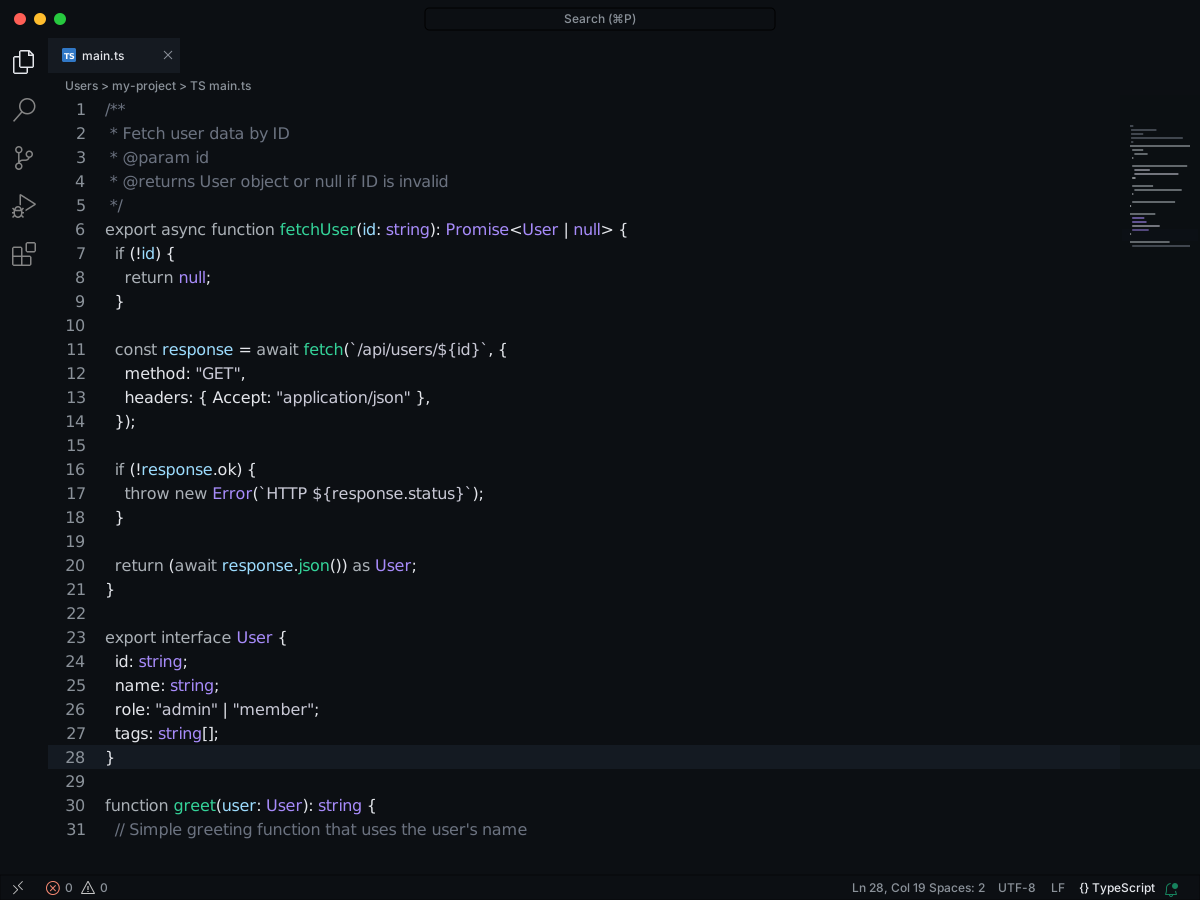
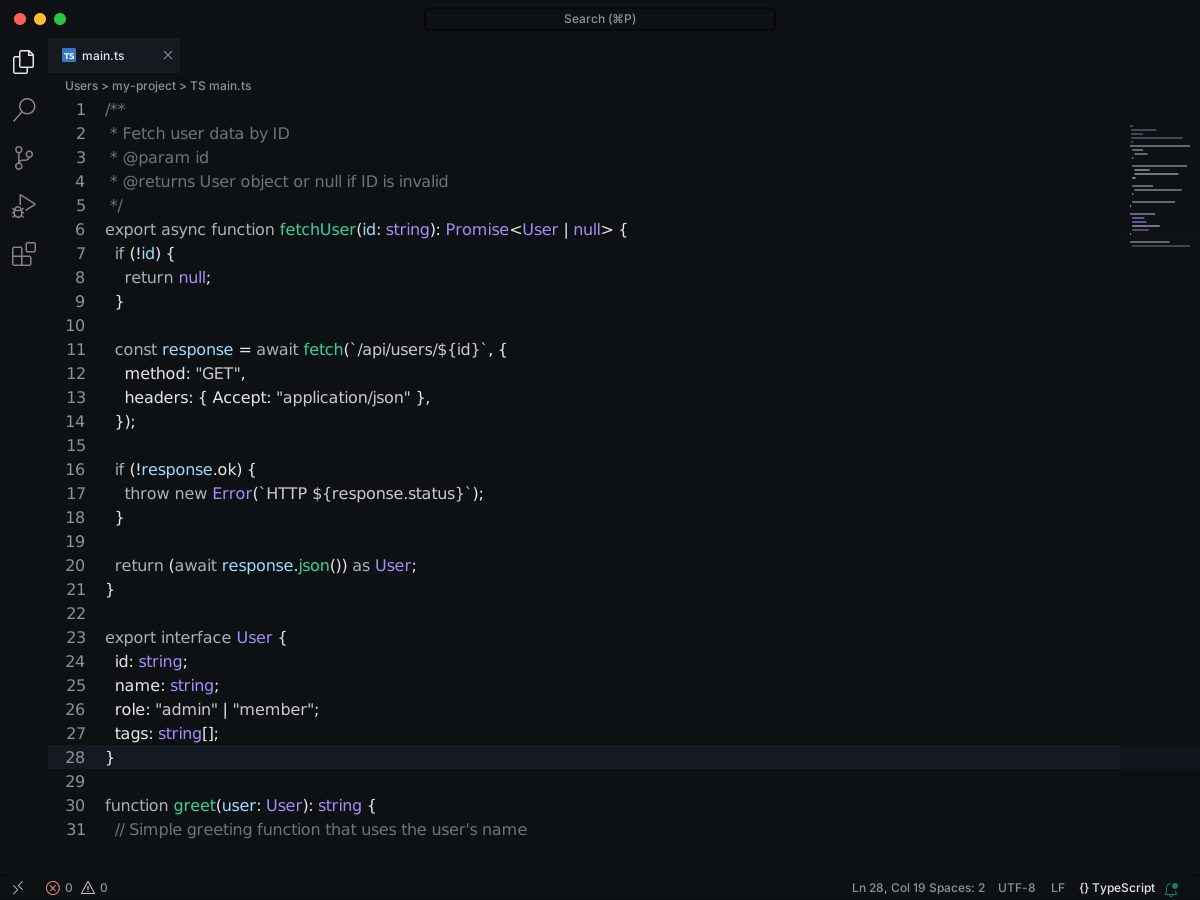
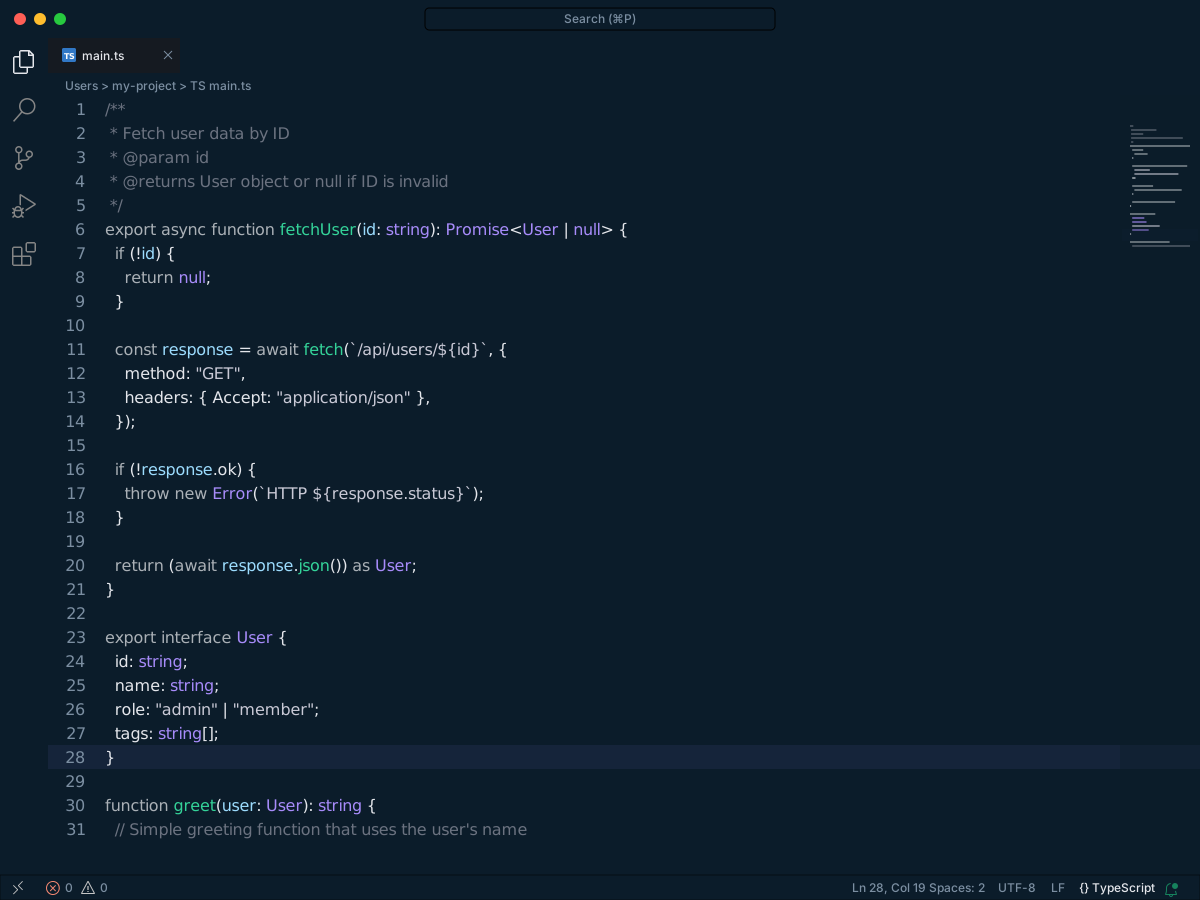
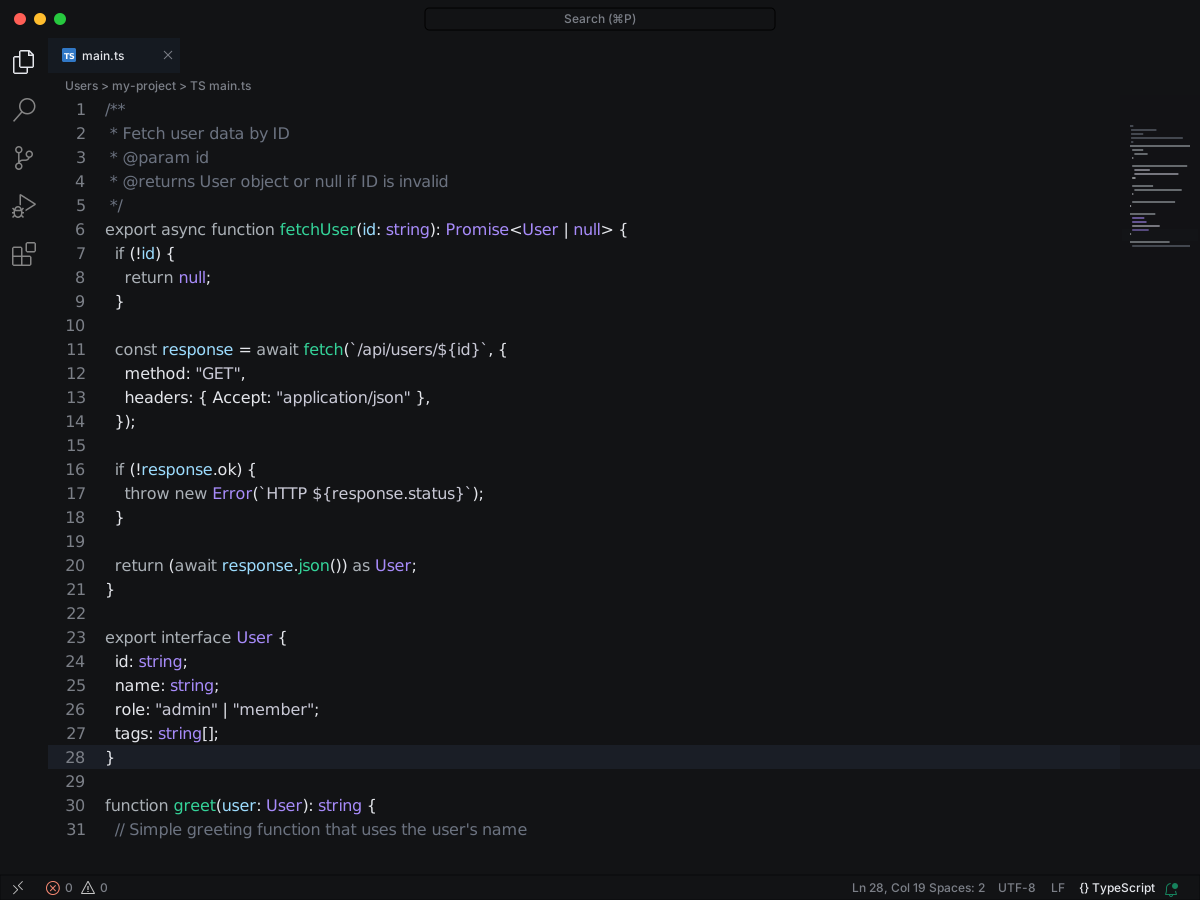
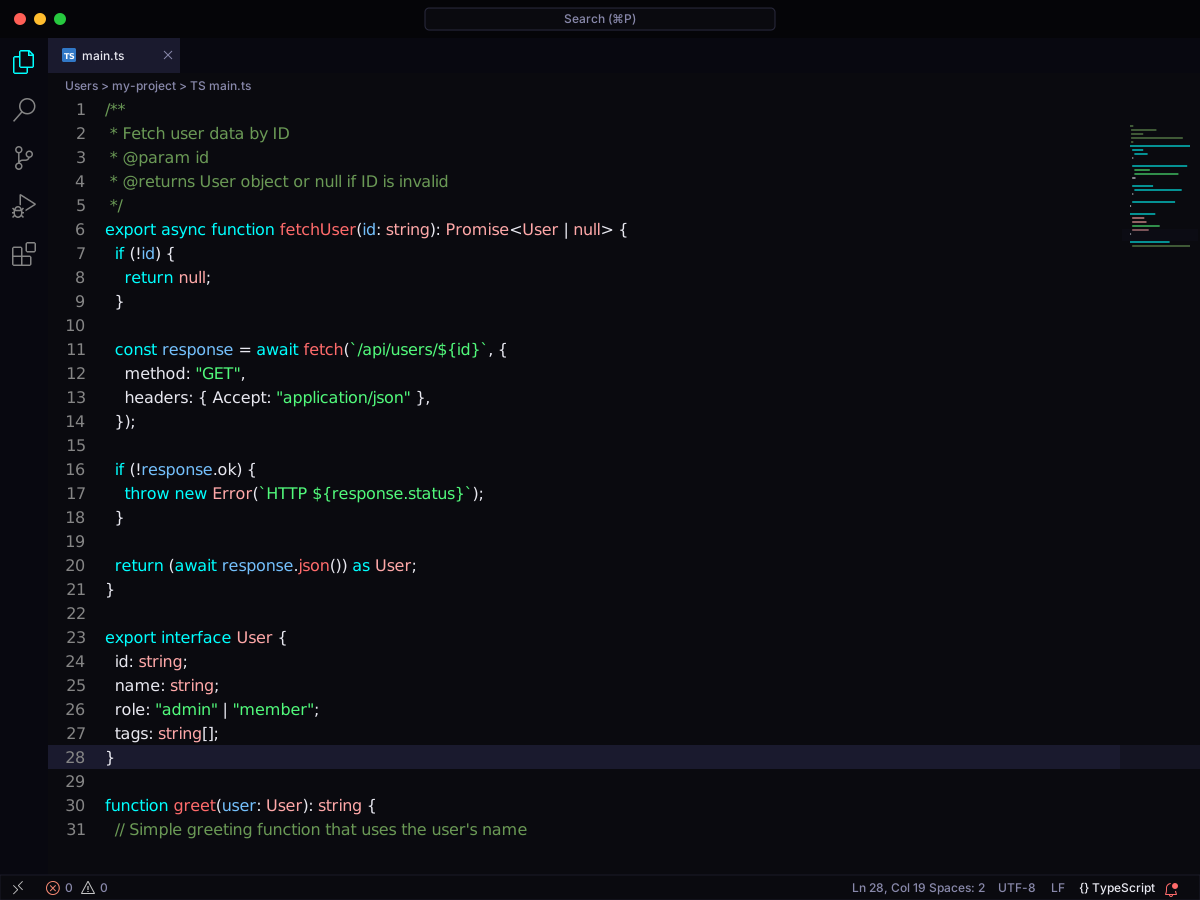
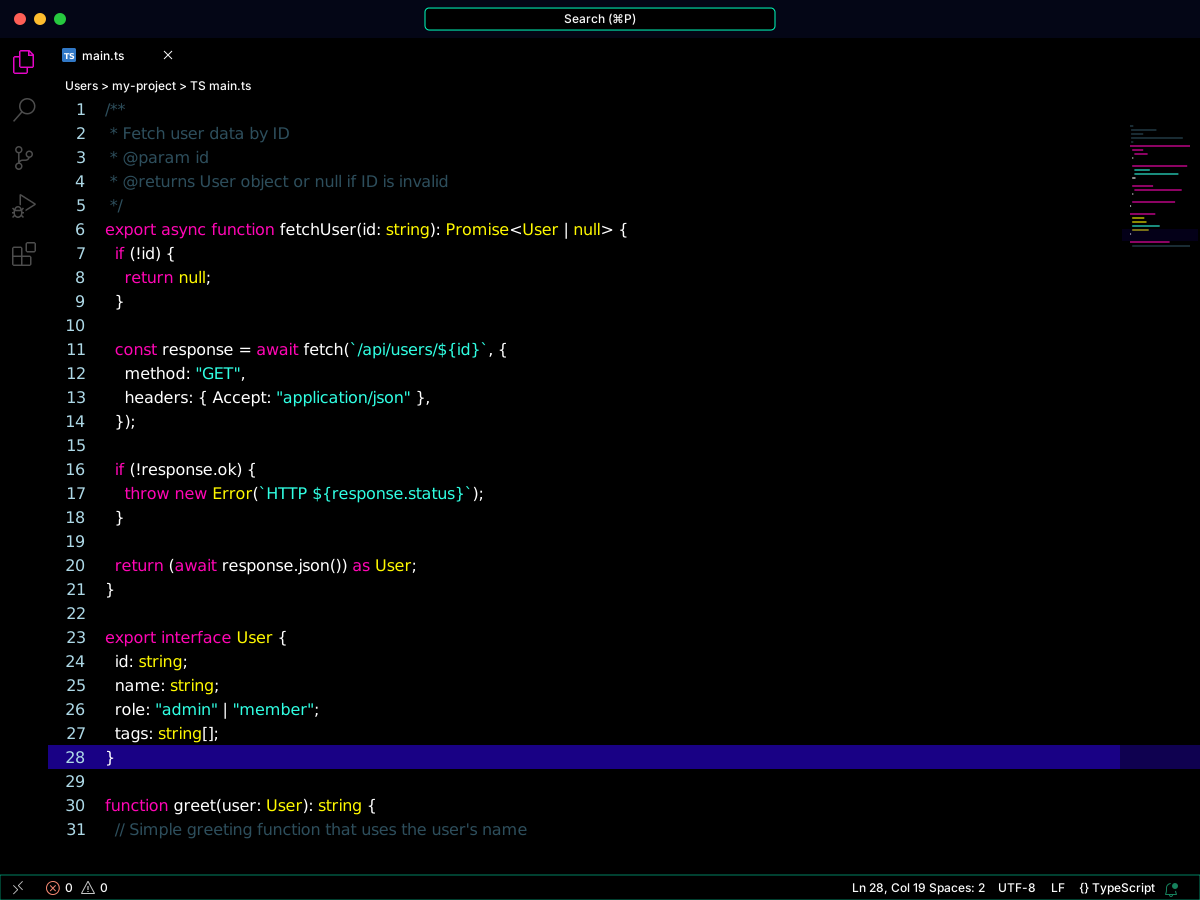
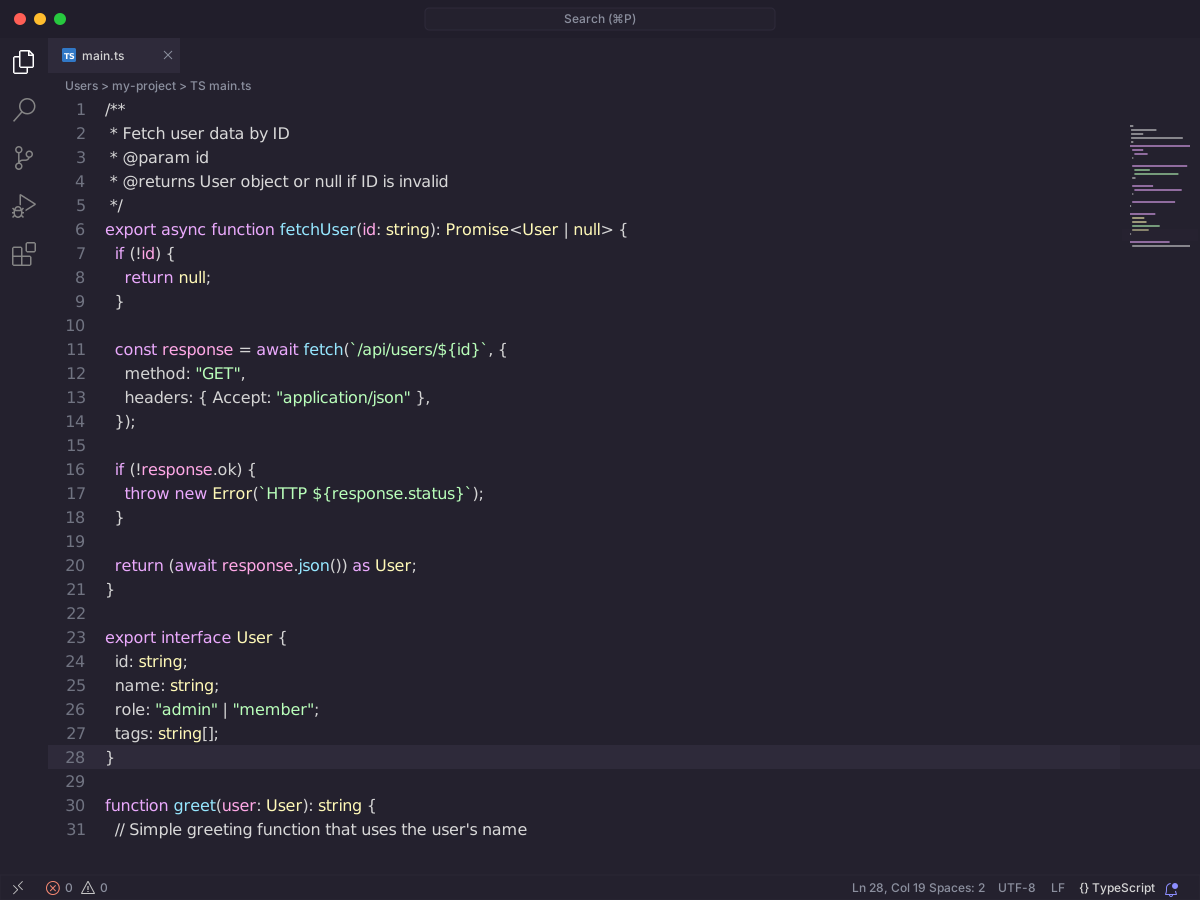
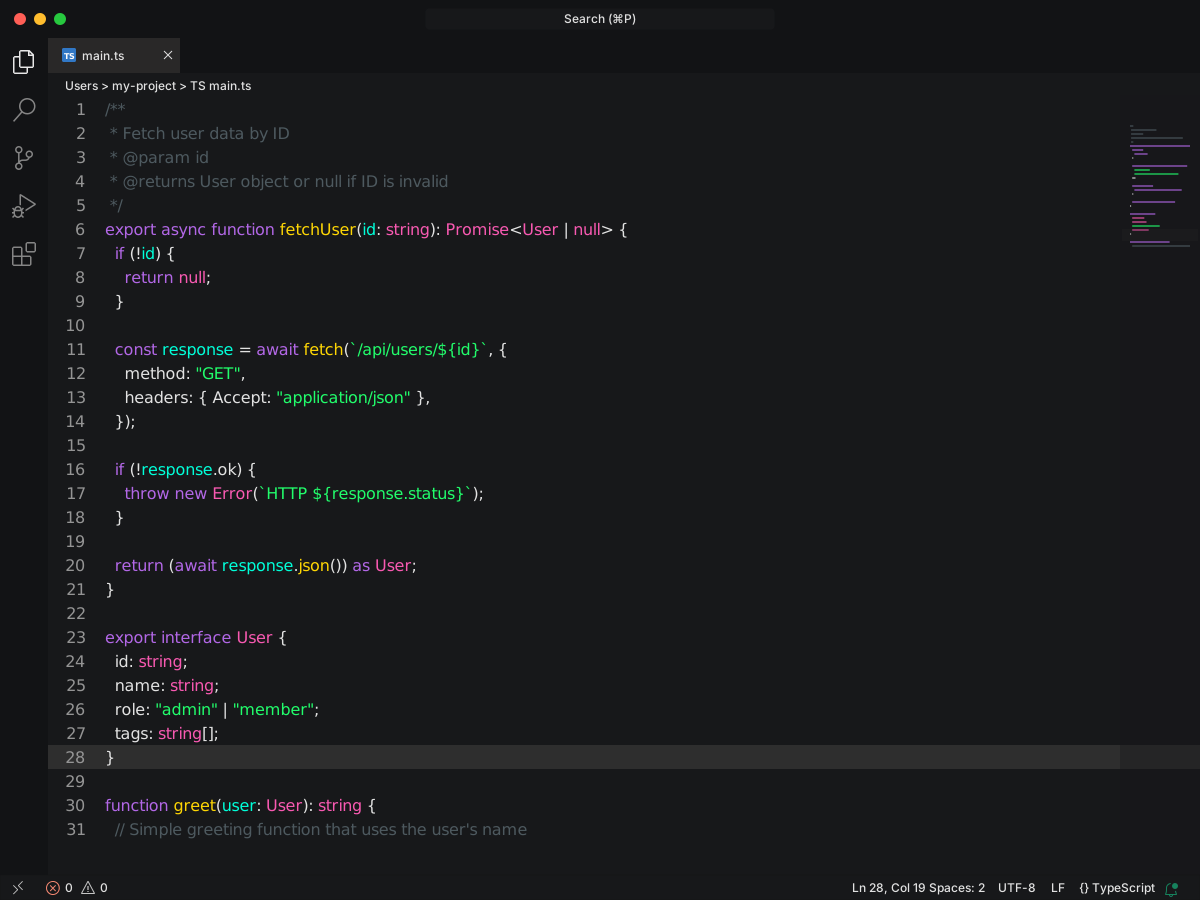
Full workbench mockup using this variant's colors and tokenColors.
Loading...
colors
Workbench UI color keys from the theme JSON colors map.
key
HEX
RGB
RGBA
activityBar.background
activityBar.border
activityBar.foreground
badge.background
badge.foreground
editor.background
editor.foreground
editor.inactiveSelectionBackground
editor.lineHighlightBackground
editor.selectionBackground
editor.selectionHighlightBackground
editorBracketHighlight.foreground1
editorBracketHighlight.foreground2
editorBracketHighlight.foreground3
editorCursor.foreground
editorError.foreground
editorIndentGuide.activeBackground1
editorIndentGuide.background1
editorInfo.foreground
editorLineNumber.activeForeground
editorLineNumber.foreground
editorWarning.foreground
foreground
panel.border
sideBar.background
sideBar.border
sideBar.foreground
statusBar.background
statusBar.border
statusBar.foreground
tab.activeBackground
tab.activeForeground
tab.border
tab.inactiveBackground
tab.inactiveForeground
terminal.background
terminal.foreground
titleBar.activeBackground
titleBar.activeForeground
tokenColors
Foregrounds this theme assigns to the token scope catalog. A rule with only a font style is skipped, and a longer matching scope wins. Italic and bold rules are not listed — the preview above shows them in the code.
export interface User { id: string; name: string; role: "admin" | "member"; tags: string[];}/** * Fetch user data by ID * @param id * @returns User object or null if ID is invalid */export async function fetchUser(id: string): Promise<User | null> { if (!id) { return null; } const response = await fetch(`/api/users/${id}`, { method: "GET", headers: { Accept: "application/json" }, }); if (!response.ok) { throw new Error(`HTTP ${response.status}`); } return (await response.json()) as User;}function greet(user: User): string { // Simple greeting function that uses the user's name return `Hello, ${user.name}!`;}